¿Puedo exportar el código de un sitio web clonado?
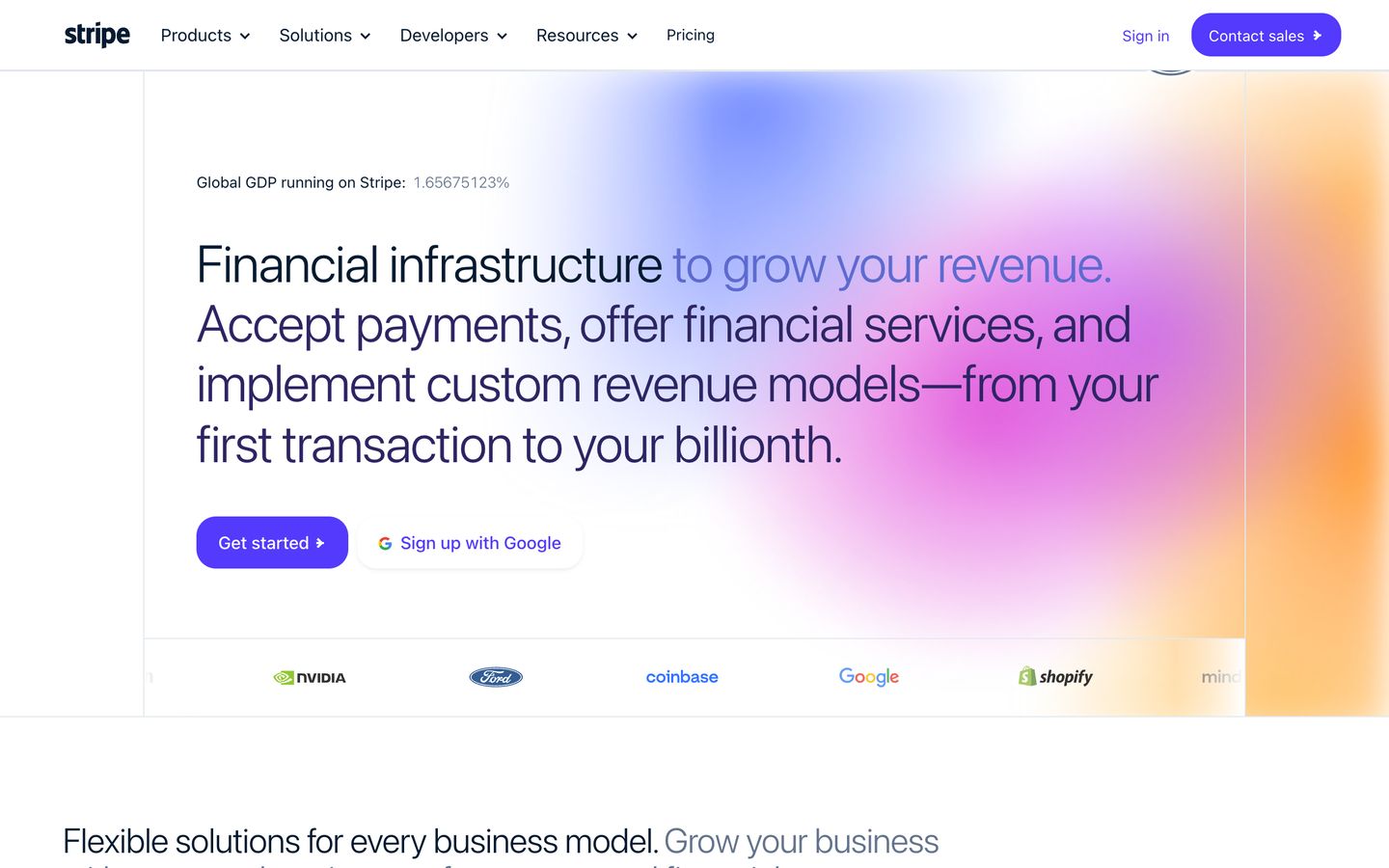
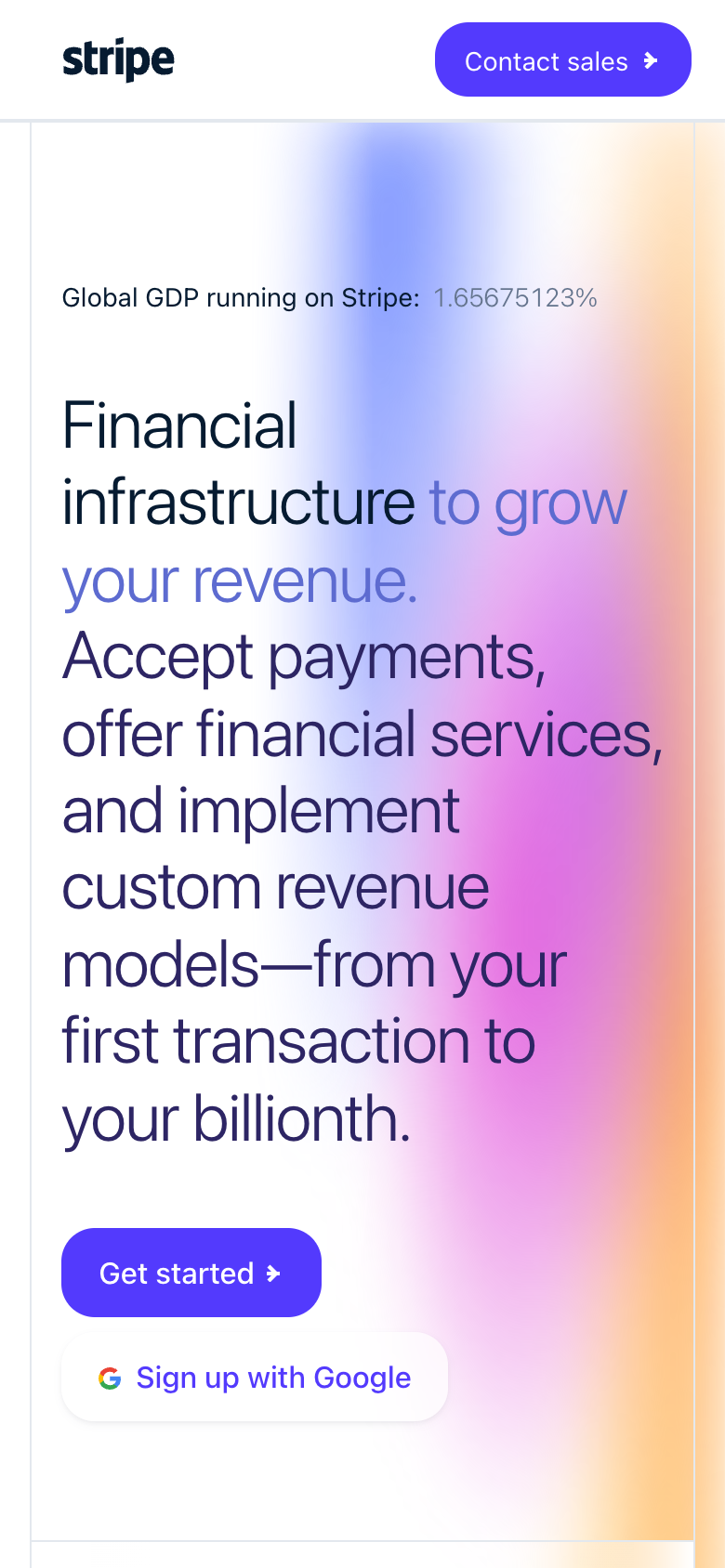
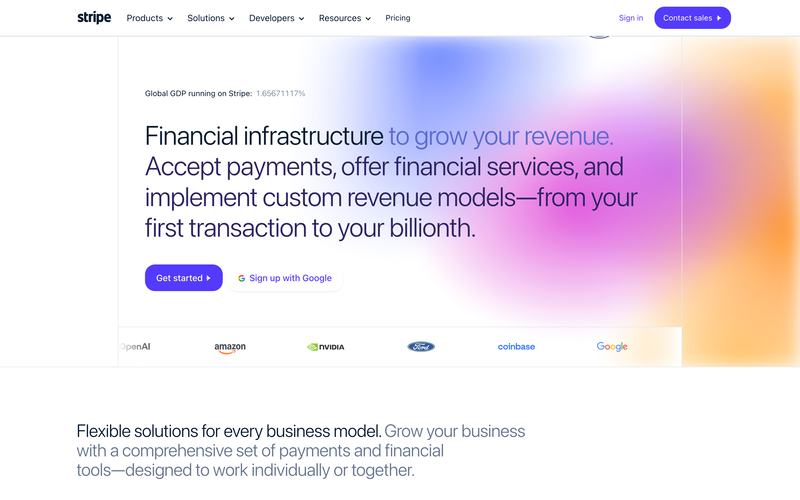
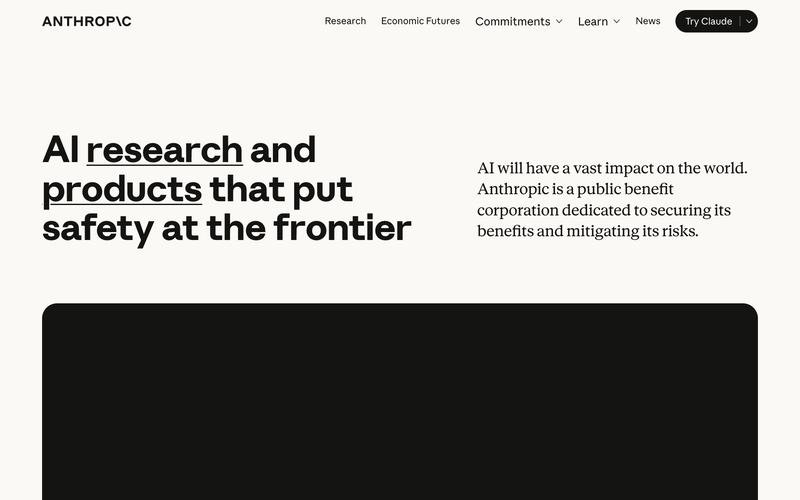
No desde una Site Copy: es una copia alojada y navegable de páginas y recursos capturados, no un proyecto editable de React o Tailwind, y la aplicación web no ofrece descarga de código. El código editable llega mediante un Editable Rebuild con alcance acordado por separado. Los desarrolladores pueden usar la Clone API, que devuelve un ZIP de código React y Tailwind por 100 créditos por clon.
¿Puedo editar un sitio clonado o ponerle mi propia marca?
No desde una Site Copy. Clonesite copia las páginas públicas que eliges en una vista previa navegable que conserva el texto, las imágenes y la marca originales, y puedes servirla en tu propio dominio con Hosting. Cambiar el contenido o aplicar tu logo y tus colores requiere un Editable Rebuild con alcance acordado por separado; escríbenos con tu URL y tus requisitos.
¿Cuánto cuesta Clonesite?
Las cuentas nuevas verificadas reciben 30 créditos gratis, sin tarjeta. Una Site Copy cuesta 3 créditos por página y el total se muestra antes de gastar nada. El Hosting en tu propio dominio es opcional y usa 300 créditos por sitio al mes. Los planes Host empiezan en $12 al mes con pago anual ($19 mensual) e incluyen 500 créditos.
¿Es legal clonar un sitio web?
Publica solo sitios que sean tuyos o que tengas permiso para usar. Clonesite copia páginas públicas con su texto, imágenes, logotipos y fuentes originales, y copiar no concede derechos sobre nada de eso, marcas incluidas. Nunca copia lógica de backend, bases de datos ni datos privados. Las leyes varían según el país, así que sustituye la marca y el contenido de terceros antes de publicar.
What is an AI website cloner?
Copy public pages from a URL and inspect the result in your browser. Choose the pages you need. We show the total credit cost before copying starts. Preview the copy before choosing Hosting for your own domain.
How do I clone a website into React code?
Site Copy provides a browsable copy, not editable React source. Ask about Editable Rebuild for a separately scoped source-code delivery.
Can an AI website cloner copy a whole multi-page site?
Copy public pages from a URL and inspect the result in your browser. Choose the pages you need. We show the total credit cost before copying starts. Preview the copy before choosing Hosting for your own domain.
Is there a free website cloner preview?
Signup credits let you try copying without a card. The total cost is shown before you start. You can inspect the result before choosing Hosting.
How is clonesite different from a screenshot-to-code tool?
Screenshot-to-code tools guess layout from an image. clonesite reads the live HTML, CSS, fonts, and responsive breakpoints directly from the URL, so spacing, typography, and mobile behavior match the real site.
Is it legal to clone a website?
clonesite copies public pages for reference, prototyping, and competitive study; rebranding them as your own is part of a separately scoped Editable Rebuild. It does not copy backend systems or private data, and it does not grant rights to another company's trademarks, logos, or copyrighted content.