Comment cloner un site web depuis une URL
Pour cloner un site, collez son URL publique dans un website cloner qui reconstruit la page en source React et Tailwind éditable, puis remplacez marque, copy et claims avant publication.
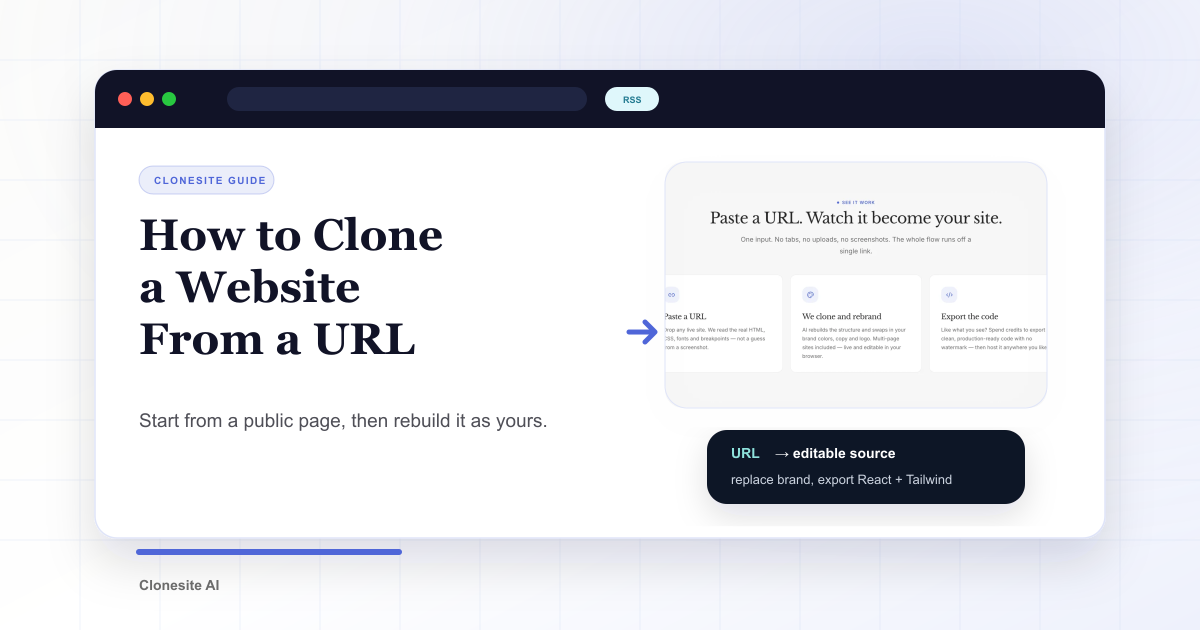
Cloner un site depuis une URL consiste à coller une page publique dans un outil qui reconstruit sa structure comme code éditable. Ensuite vous remplacez copy, images, logo, claims et CTA par vos propres éléments.
Le but est de réutiliser un layout éprouvé, pas de publier la marque de quelqu'un d'autre.
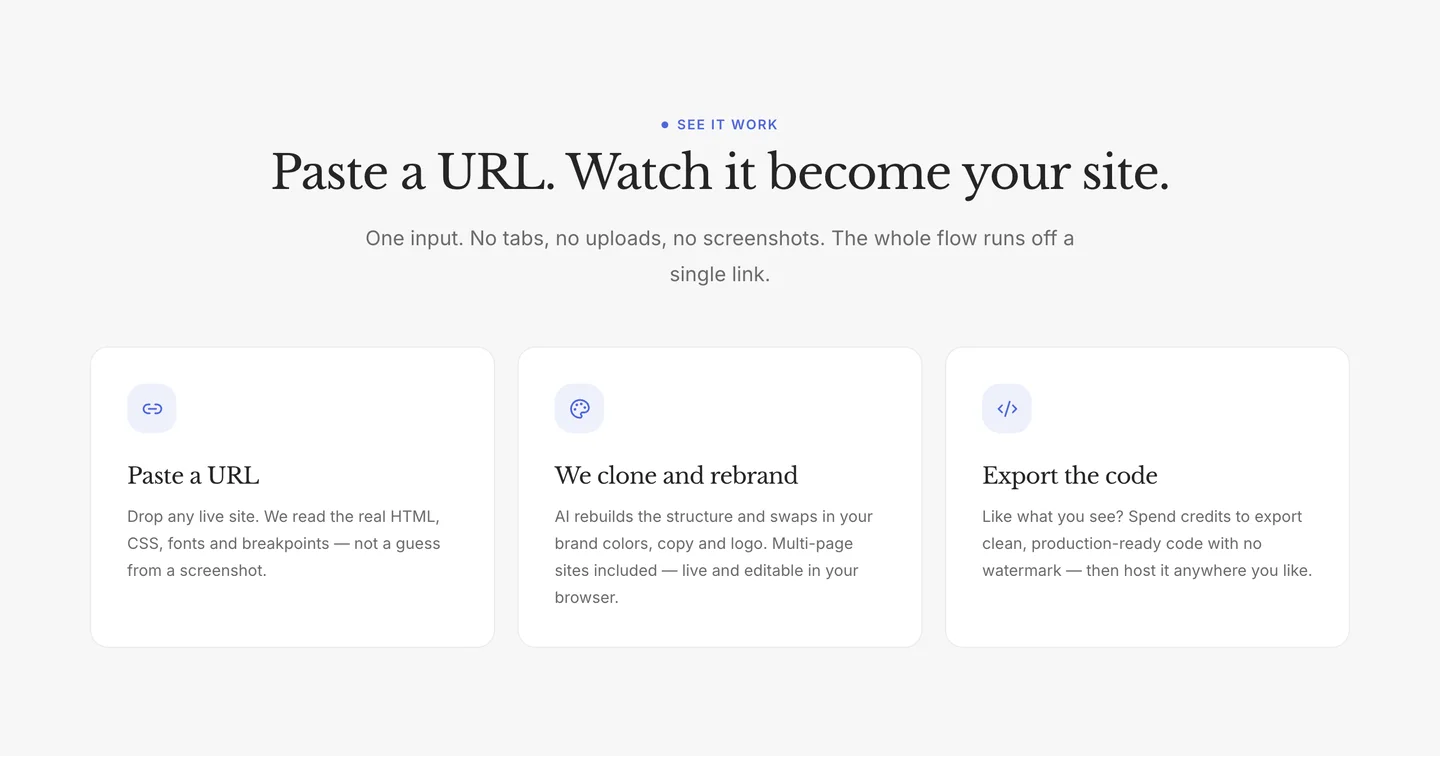
Comment cela fonctionne
Une URL donne plus qu'une capture. Le cloner lit le hero, l'ordre des sections, l'espacement, les breakpoints, les images et les composants, puis reconstruit la page en source réelle.
Le clone vous donne des pièces mobiles: layout réorganisable, composants éditables, styles remplaçables. Ce n'est pas l'image figée d'un navigateur.
Commencer par la bonne URL
Une bonne source est publique, proche du layout souhaité et pas seulement une image ou une application JavaScript sans HTML. Avec Clonesite, la preview arrive avant l'export, donc vous comparez le résultat avant de télécharger la source.
La galerie de templates contient des clones éditables de Stripe, Notion, Slack et d'autres si vous n'avez pas encore de source.
Traiter le clone comme matériau
Gardez ce qui aide: rythme du hero, ordre des sections, spacing, breakpoints, patterns de composants. Réécrivez ce qui fait la marque: titre, promesse, preuve, logos clients, screenshots et CTA.

Remplacer avant publication
Avant de publier, retirez logos, noms de produit, langage protégé, screenshots, claims et preuves client de l'entreprise source. Pour le détail, lisez le guide légal.
Coût et méthodes
Un clonage prend généralement une à trois heures. La preview est gratuite; démarrer un clone de qualité coûte $2 et le téléchargement du source utilise des crédits. La page de prix détaille les packs.
Les méthodes courantes sont: enregistrer la page, scraper ou utiliser un cloner IA. Si votre objectif est une page éditable à publier, le cloner IA est le chemin qui produit du code plutôt qu'un snapshot. Pour le faire vous-même avec un agent, consultez Claude Code.
Exporter quand la page est la vôtre
- Collez l'URL source.
- Générez une preview éditable.
- Gardez layout et composants.
- Remplacez marque, copy et preuve.
- Exportez seulement quand la page est clairement la vôtre.
Collez une URL sur Clonesite. Obtenez le source. Réécrivez jusqu'à ce que la page soit à vous.
FAQ
Comment fonctionne le clonage de site?+
Le cloner lit une page publique, extrait layout, spacing, typographie, responsive et composants, puis la reconstruit comme code éditable.
Combien de temps cela prend-il?+
Souvent une à trois heures. La preview arrive d'abord; le téléchargement source est séparé après revue.
Combien cela coûte-t-il?+
La preview est gratuite. Démarrer un clonage de qualité coûte $2, remboursé si le build échoue. Télécharger la source consomme des crédits.
Est-ce légal?+
Oui si le résultat est un scaffold et que vous remplacez marque, copy, assets et claims.
Qu'obtient-on?+
Du code React et Tailwind éditable: composants, spacing et breakpoints réels.
Peut-on cloner n'importe quel site?+
Toute page publique ouvrable dans un navigateur, avec remplacement des assets originaux avant publication.
Guides associés
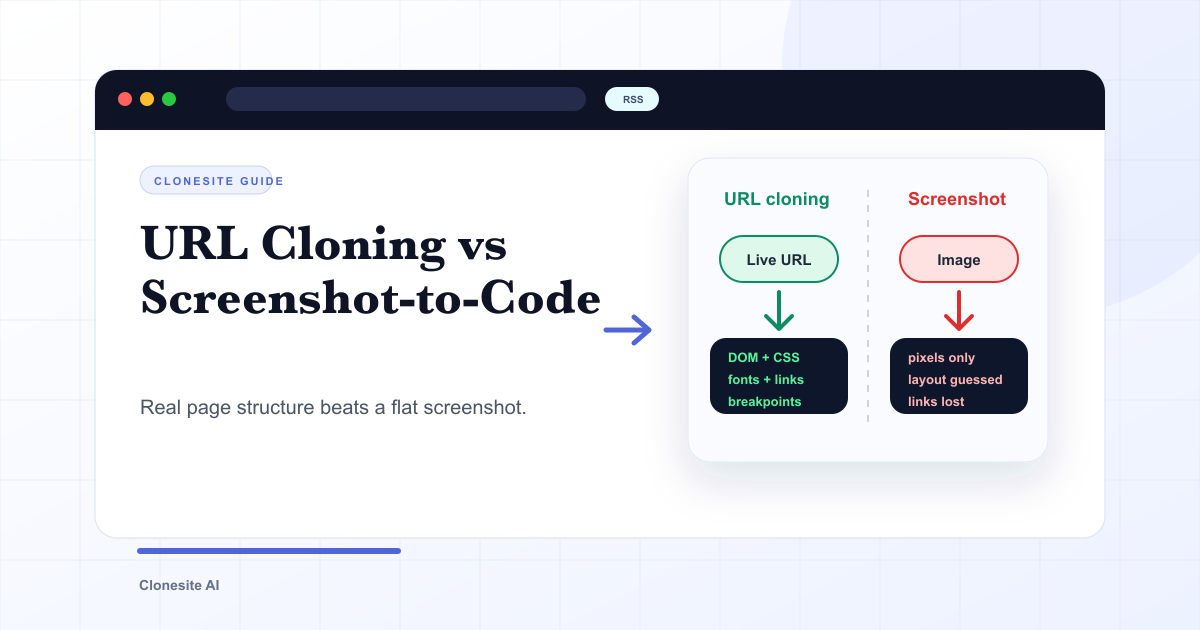 Clonage d'URL vs capture d'écran vers code : ce qui change vraiment dans le résultatLe clonage d'URL lit la vraie structure d'une page en ligne — DOM, CSS, polices, liens et points de rupture responsive — et la reconstruit en code éditable. La capture d'écran vers code ne voit que des pixels : elle déduit la mise en page et perd les polices, les liens et le responsive. La différence se voit directement dans l'utilisabilité du résultat.
 Les meilleurs cloneurs de site web IA en 2026Le meilleur cloneur de site web IA est celui dont l'entrée et la sortie correspondent à votre besoin : URL-vers-code pour réutiliser une vraie mise en page, capture-vers-code pour une maquette figée, prompt-vers-site pour partir de zéro. Comparez-les selon le type d'entrée, l'éditabilité et la qualité d'export avant de choisir.
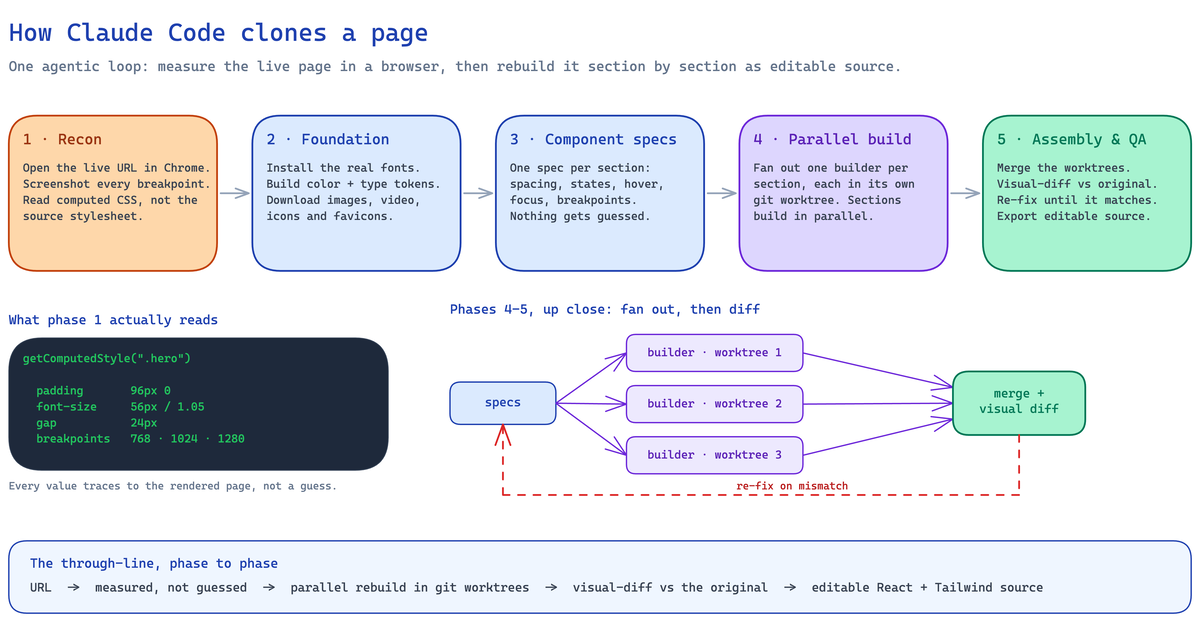 Comment cloner un site avec Claude Code (2026): le vrai pipeline et ses limitesGuide builder du clonage avec Claude Code: pipeline agentique en cinq phases, mesure d'une page réelle, reconstruction en React et Tailwind éditable, setup requis, cas qui cassent sans supervision et moment où choisir un cloner hébergé.