How to Clone a Website From a URL
To clone a website, paste its public URL into a website cloner that rebuilds the page as editable React and Tailwind source, then replace the brand assets, copy, and claims with your own before publishing.
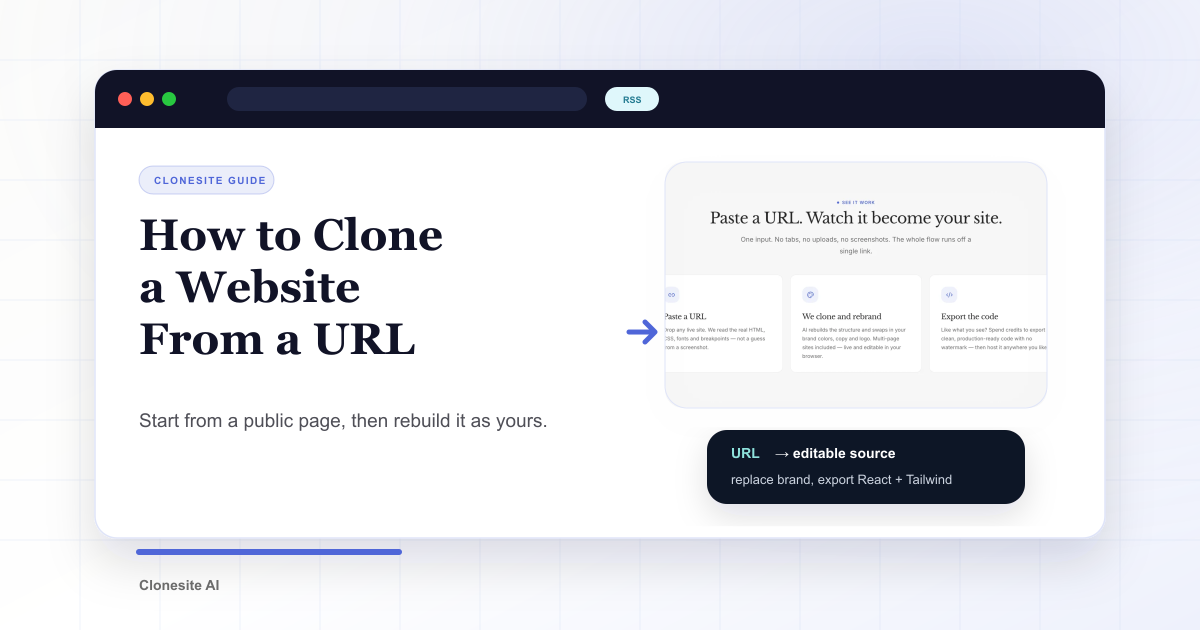
To clone a website, paste its public URL into a website cloner that rebuilds the page as editable source code, then replace the copy, images, logo, claims, and calls to action with assets that belong to you. Preview is free; a quality clone starts at $2.
The point is to reuse a proven layout, not to publish someone else's brand. Cloning is a head start on structure, not a shortcut around building your own identity.
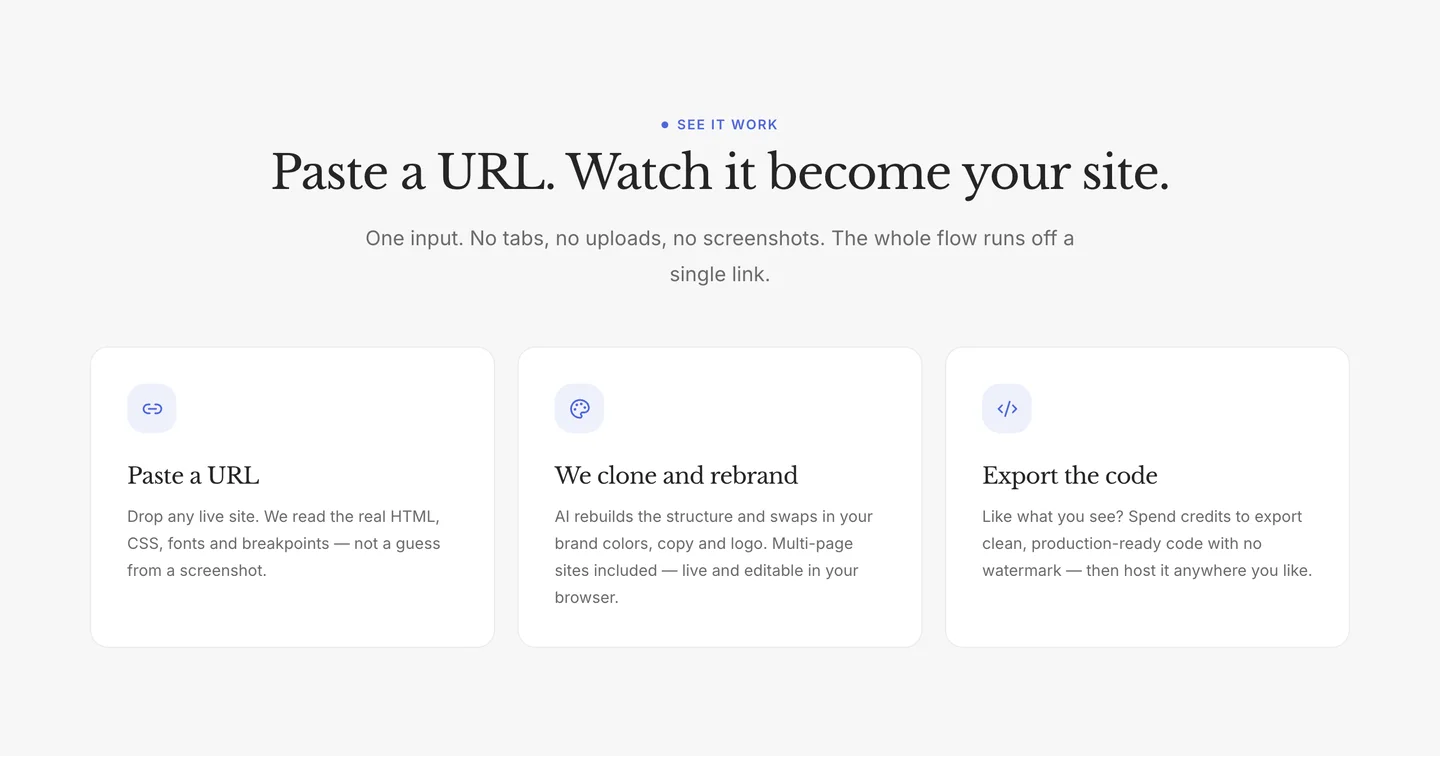
The whole flow runs off one link: paste a URL, get an editable clone, export the code.
How website cloning works
A URL gives a website cloner more than a screenshot can. When you paste a link, the cloner fetches the public page and reads its structure: the hero layout, section order, spacing, type scale, responsive breakpoints, images, and the components behind the page. It then rebuilds that structure as real, editable source code.
A clone gives you the working parts — the layout you can rearrange, the components you can edit, the styles you can swap — not the frozen picture you get from a browser's Save Page As. The result is a starting point for your own site, not a copy of someone else's.
Start with the URL
The first step is pasting the page you want to use as source. Because the cloner works from the public URL, you do not need to install anything, export a design file, or screenshot the page yourself.
A few things make a URL a good source:
- The page is public — you can open it in a browser without logging in.
- The layout is close to what you want, even if the brand is wrong.
- The page is not a single image or a heavy JavaScript app with no server-rendered HTML.
With Clonesite, you get a live preview before you export anything, so you can check the result against the original before committing.
If you do not have a source page in mind yet, the template gallery collects real, already-cloned pages — Stripe, Notion, Slack, and more — that you can start from directly.
Treat the clone as source
The cloned page is not the final website. It is source material.
Keep the useful structure: the hero rhythm, section order, spacing, breakpoints, and component patterns. Then rewrite the parts that decide whether the page actually belongs to your business:
- The headline and subheadline.
- The product promise.
- The proof points.
- The customer logos.
- The screenshots and images.
- The primary CTA.
That is the difference between copying a website and using a proven page as a scaffold. Borrowed decisions plus your own content is a brand. Borrowed assets is a copy.
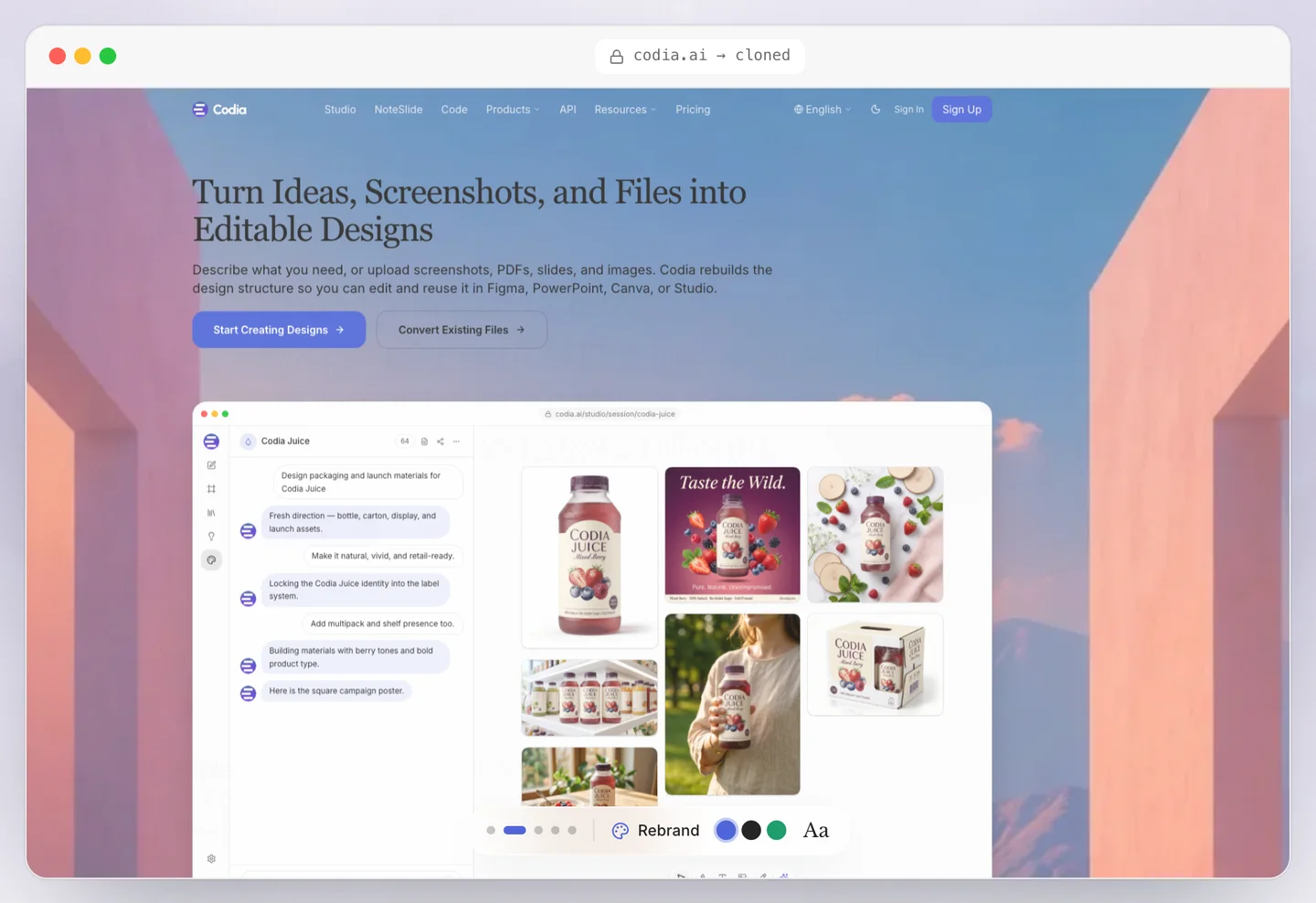
The clone opens live and editable — swap colors, type, and copy before you export.
Replace brand assets before publishing
Before you ship, remove anything that belongs to the original company. That includes logos, product names, trademarked language, screenshots, proprietary claims, and customer proof.
The goal is not to look like the source. The goal is to move faster from a strong layout to your own branded page. For a full breakdown of what you can keep and what you must replace, see our guide on whether it is legal to clone a website.
How long does it take to clone a website?
A clone usually takes about one to three hours from request to ready. The work runs asynchronously — you paste the URL, the build runs in the background, and you get a preview when it is done.
The preview is ready first. Reviewing it is free, so you can check the structure and the responsive behavior before deciding to download the source. Downloading the source is a separate step, taken after you are happy with the preview. If the build fails, you are not charged for it.
How much does it cost to clone a website?
Preview is free. Starting a quality clone is $2, fully refundable if the build fails — you do not pay for clones that do not land.
Downloading the editable source costs credits. Credits come in packs (see the pricing page for current options), and each source download spends from your balance. If you are cloning more than one site, a larger pack lowers the per-clone cost. If you prefer to drive the whole flow from code, the Clone API uses the same credit balance.
Tools and methods for cloning a website
There are three common ways to turn a URL into something you can work from:
- Browser "Save Page As" — free, but you get a frozen folder of assets and inline styles. No components, no tokens, no way to rebrand without rewriting.
- Web scraping — flexible, but you build and maintain the parser. Good for data, poor for a usable page.
- An AI website cloner — takes a URL and returns editable source. This is what Clonesite does: real React and Tailwind components, a live preview, and a rebrand step before export.
If your goal is a page you can edit and ship, an AI cloner is the only path that gives you source code instead of a snapshot. If your goal is data extraction, scraping is the better tool.
Prefer to drive the build yourself? You can run a measure-and-rebuild pipeline hands-on with an agent — see how to clone a website with Claude Code. The catch is that an unattended agent run breaks on plenty of real sites, and you own the setup and the debugging. Clonesite goes further: it clears the pages where a DIY run stalls, skips the setup entirely, and hands back a finished editable clone — not a pipeline you have to babysit.
Is it legal to clone a website?
Cloning is legal when you treat the result as a scaffold, not a finished page. Layout patterns are common across the web and are not themselves protectable. Brand assets — logos, product names, original copy, photos, trademarked phrases — are.
The practical rule is to keep the structure you need and replace the identity, claims, media, and proof that belong to someone else. We cover the details, including what is safe to reuse and what must be replaced, in our legal guide to cloning a website.
What you get: editable source, not a screenshot
The output of a clone is editable React and Tailwind source. That means:
- Real components you can edit, not a flattened image.
- Spacing and breakpoints that respond to mobile, tablet, and desktop.
- A type scale and color tokens you can swap in one place.
- Source you can export and deploy to Cloudflare, Vercel, Netlify, or your own stack.
A screenshot tells you what a page looks like. Source code lets you change what it says and how it works. Once you turn the clone into a brand, the result is a page you own.
Export when the page is yours
Once the page has your message and your assets, export the source and deploy it wherever you want.
- Paste the source URL.
- Generate an editable preview.
- Keep the layout and component structure.
- Replace the brand assets, copy, and proof.
- Export the source only when the page is clearly yours.
Paste a URL on Clonesite. Get editable source. Rewrite the page until it is yours.
FAQ
How does website cloning work?+
A website cloner fetches the public page at a URL, reads its layout, spacing, type scale, responsive behavior, and components, then rebuilds the page as editable source code. You get the structure to edit, not a screenshot to look at.
How long does it take to clone a website?+
A clone usually takes about one to three hours from request to ready. The preview is ready first; downloading the source is a separate step you take after reviewing the preview.
How much does it cost to clone a website?+
Preview is free. Starting a quality clone is $2, fully refundable if the build fails. Downloading the editable source costs credits — see the pricing page for current packs.
Is it legal to clone a website?+
Cloning is legal when you treat the result as a scaffold. Keep the layout patterns, replace the brand assets, copy, and claims, and ship only when the page is yours. See our full guide on cloning a website legally.
What do I get when I clone a website?+
You get editable React and Tailwind source code for the page — real components, spacing, and breakpoints, not a screenshot. You can rebrand it, edit it, and export it.
Can I clone any website?+
You can clone any public page you can visit in a browser. You still need to replace the original brand assets and copy before publishing, regardless of how the page was built.
Related guides
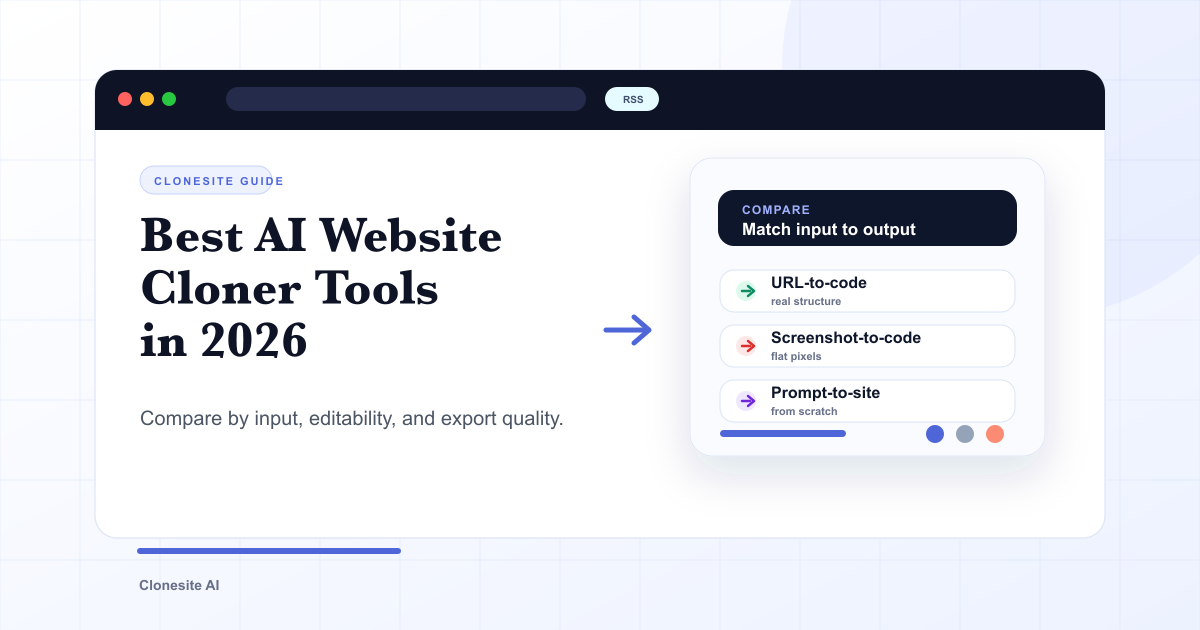 Best AI Website Cloner Tools in 2026The best AI website cloner is the one whose input and output match your job — URL-to-code for reusing a real layout, screenshot-to-code for a static mockup, and prompt-to-site for building from scratch. Compare them by input type, editability, and export quality before you pick.
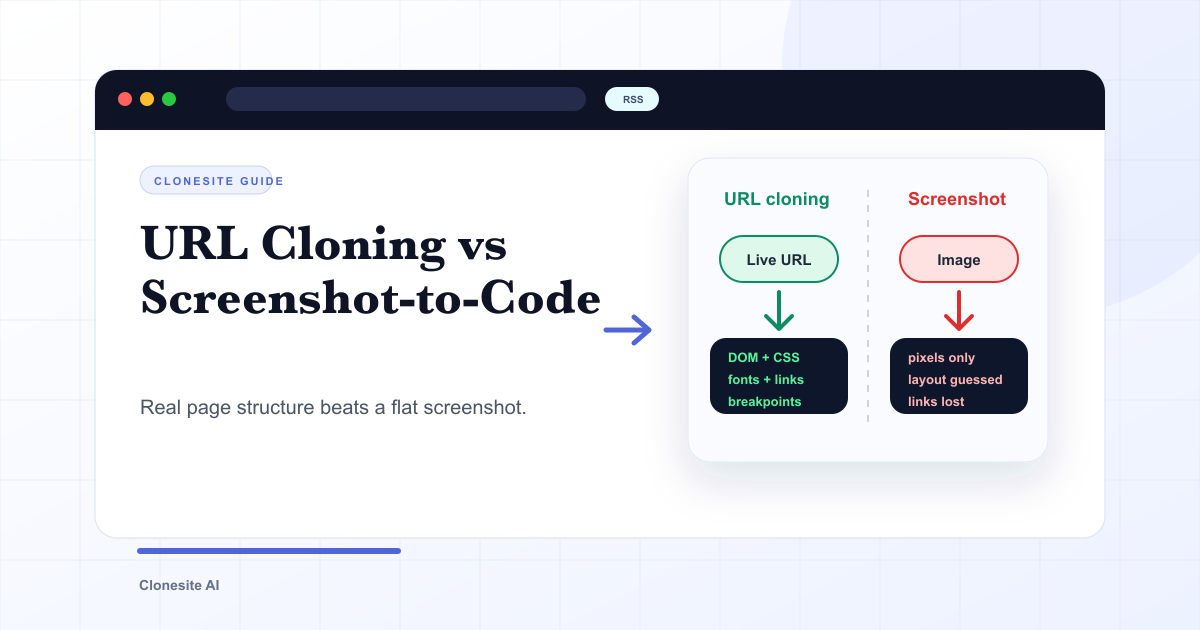 URL Cloning vs Screenshot-to-Code: What Actually Changes in the OutputURL cloning reads a live page's real structure — DOM, CSS, fonts, links, and responsive breakpoints — and rebuilds it as editable code. Screenshot-to-code only sees pixels, so it infers layout and loses fonts, links, and responsiveness. The difference shows up directly in how usable the output is.
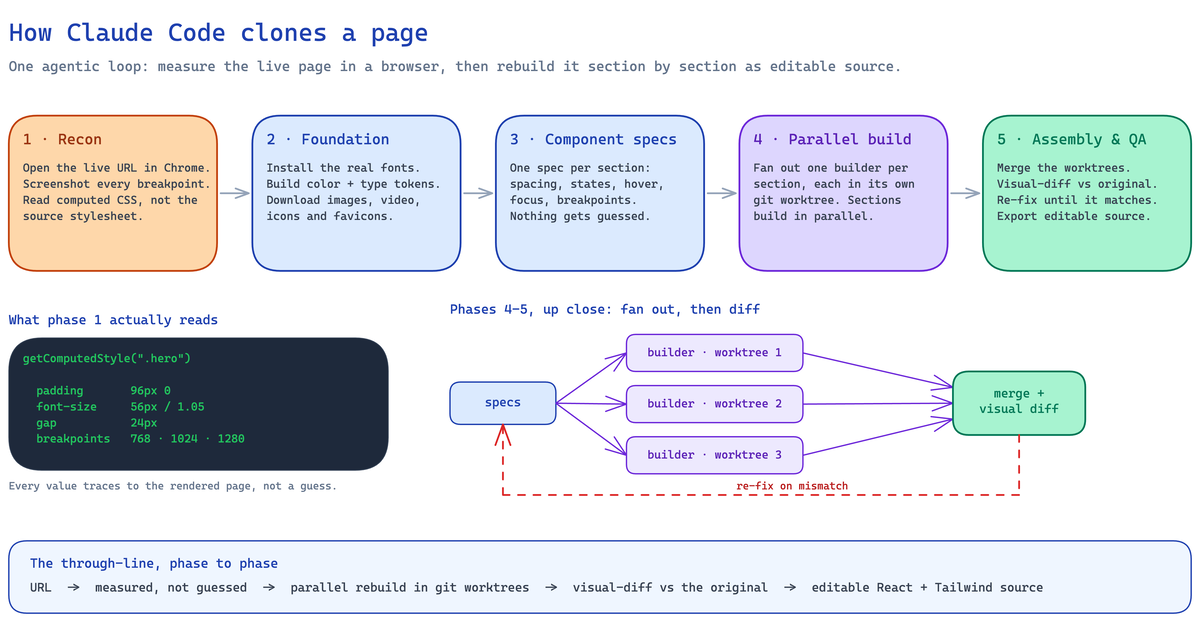 How to Clone a Website With Claude Code (2026): The Real Pipeline, and Where It BreaksA builder's guide to cloning a website with Claude Code — the five-phase agentic pipeline that measures a live page and rebuilds it as editable React and Tailwind source, the setup it needs, the sites where an unattended run breaks, and when to run it hosted instead.