
跳到主内容

AI website cloner · website cloner

The AI website cloner that copies
whole sites from a URL

clonesite reads the real HTML, CSS, and breakpoints from a URL — not a screenshot — and copies the pages you select into a browsable website copy.

30 signup credits · 3 credits / page · optional Hosting, 300 credits / site / month

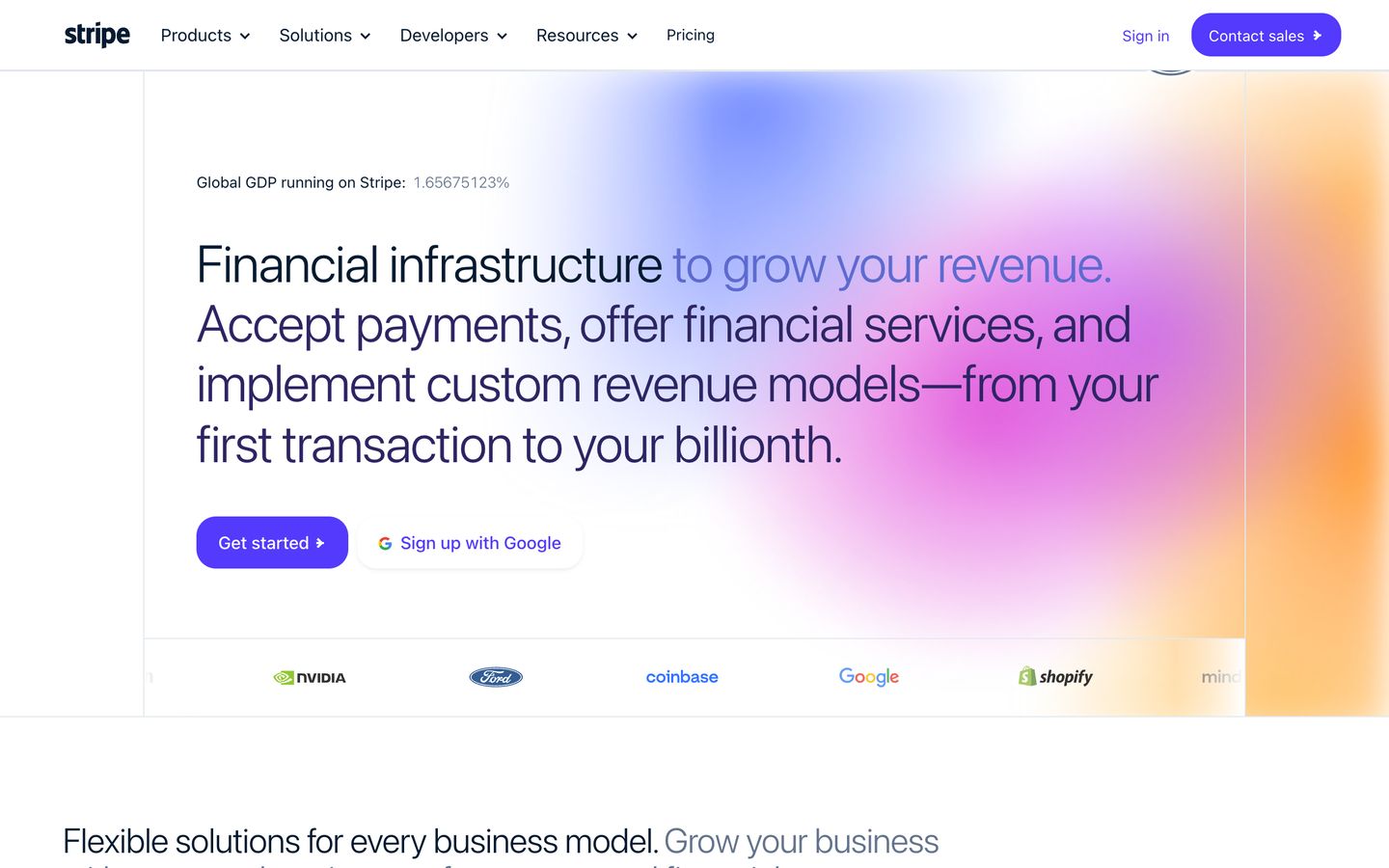
preview.clonesite.ai/sites/stripe.com
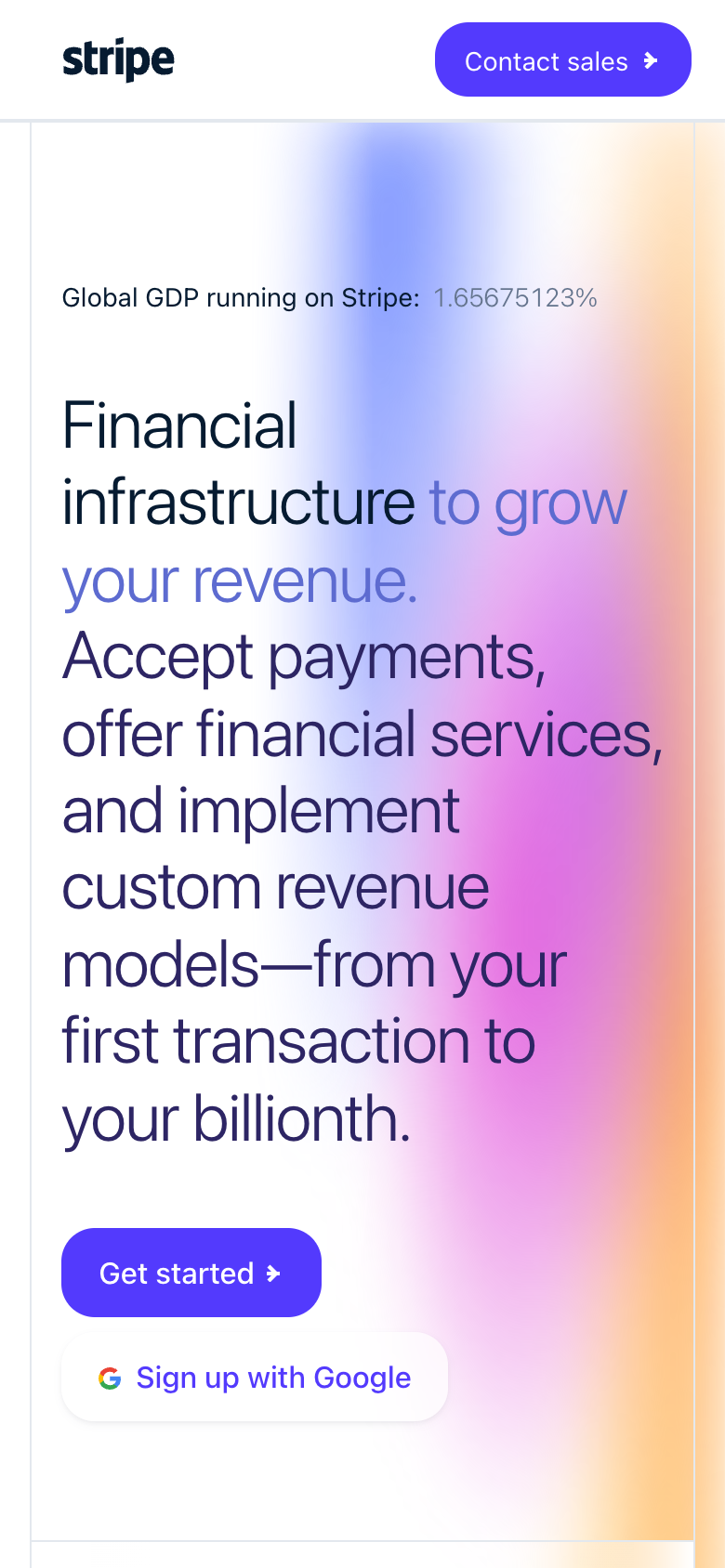
stripe.com cloned on mobile

Site Copy preview

5 public pages · ready to inspect

captured from public pages · 5-page preview

What is an AI website cloner?

An AI website cloner copies public website pages from a URL. Clonesite reads the real page structure, styles and fonts, lets you select pages and review the credit cost, then provides a live preview with optional Hosting.

Input
One live public URL
Scope
Pages you choose
Output
Website preview

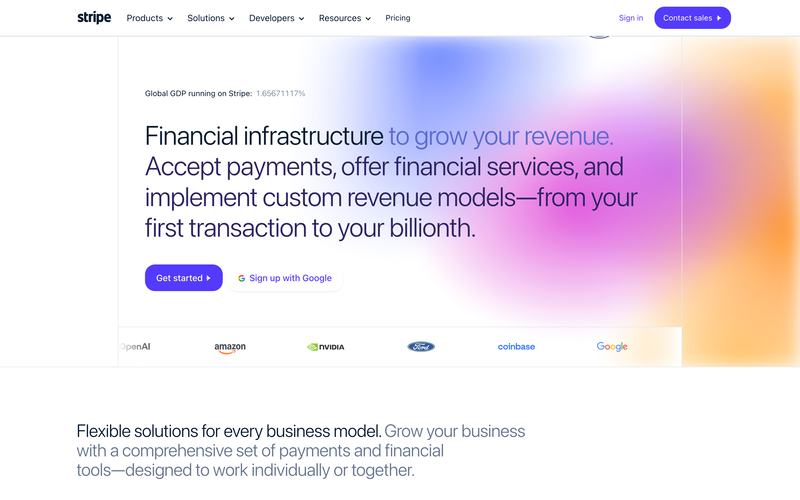
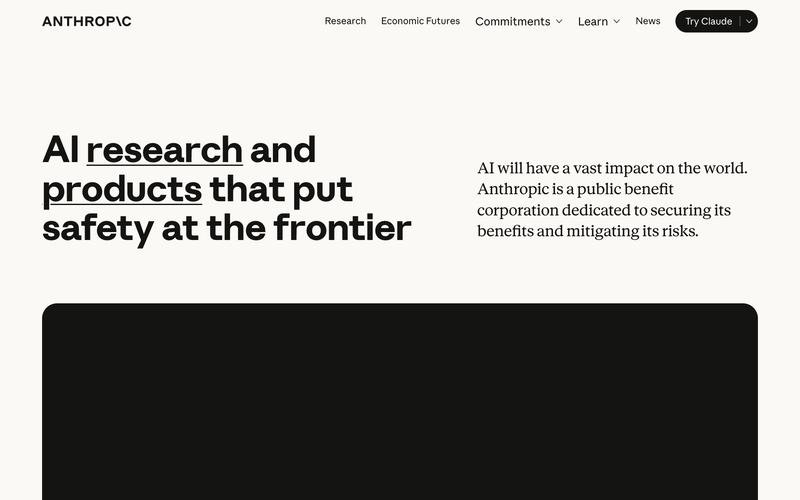
Website clone examples

Real sites, copied for a closer look

Open an example to inspect its browsable Site Copy. Hosting on your own domain is a separate step; editable source requires a separately scoped rebuild.

Browse all website clone examples →

Capabilities

What this website cloner actually does

01

Clone a website from one URL

No screenshots, no uploads. Paste the link and the cloner reads the live HTML, CSS, fonts, and responsive breakpoints straight from the site — spacing, type scale, and mobile behavior match because nothing is guessed from an image.


02

Multi-page website clone

The cloner follows the site's navigation and copies selected pages with consistent structure and shared components — a complete website clone with working navigation, not a one-page snapshot.

03

Inspect your live preview

Open the copy in your browser and inspect its pages before choosing Hosting. Make sure you have the rights to publish the content and assets.

04

Publish with Hosting

When your copy looks right, choose Hosting to publish on your own domain with HTTPS. Editable Rebuild is a separate service for source-code delivery.

How it works

如何用 AI 网站克隆工具 clone 一个网站

  1. 1

    粘贴公开网址,让 Clonesite 发现站内页面。

  2. 2

    选择要复制的页面,开始前确认所需 credits 总额。

  3. 3

    检查实时预览,再选择 Hosting,通过自有域名和 HTTPS 上线。

Compare approaches

AI website cloner vs screenshot-to-code vs rebuilding by hand

URL cloner (clonesite)Screenshot-to-codeRebuild by hand
InputA live URLA screenshot or Figma frameDesign specs and time
Fidelity sourceReal HTML, CSS, fonts, breakpointsPixels interpreted by a modelManual measurement
Multi-page sitesFollows navigation, copies selected pagesOne frame at a timePage by page, by hand
OutputBrowsable website copyGenerated markup, varies by toolWhatever you write
Cost shapeCredits per page; Hosting paid in creditsUsually a subscriptionDays of work

FAQ

AI 网站克隆工具常见问题

克隆的网站可以导出代码吗?

Site Copy 不能:它是托管的、可浏览的页面与资源副本,不是可编辑的 React 或 Tailwind 项目,网页端也没有源码下载。可编辑源码通过单独定范围的 Editable Rebuild 交付。开发者可改用 Clone API,每个 clone 花 100 credits 即可获得 React 与 Tailwind 源码 ZIP。

克隆出来的网站能编辑,或换成我自己的品牌吗?

Site Copy 本身不能。Clonesite 把你选择的公开页面复制成可浏览的预览,保留原有文字、图片和品牌,并可通过 Hosting 部署到你自己的域名。要修改内容或换上自己的 logo 和配色,需要单独定范围的 Editable Rebuild,请带上网址和需求联系我们。

Clonesite 怎么收费?

完成验证的新账户获赠 30 credits,无需绑卡。Site Copy 每页 3 credits,开始前会显示总额,确认后才扣费。托管到自己的域名是可选的,每站每月消耗 300 credits。Host 套餐年付折合每月 $12(月付 $19),含每月 500 credits。

克隆网站合法吗?

只发布你拥有或已获授权使用的网站。Clonesite 复制公开页面及其原有文字、图片、logo 和字体,复制本身不授予任何使用权,包括商标。它不会复制后端逻辑、数据库或私有数据。各国法律不同,发布前请替换第三方的品牌和内容。

什么是 AI 网站克隆工具?

从网址复制公开页面,在浏览器中检查结果。 选择需要复制的页面,开始前会显示所需 credits 总额。 先预览副本,再选择 Hosting 并连接自己的域名。

如何把一个网站 clone 成 React 代码?

Site Copy 提供可浏览的副本,不包含可编辑 React 源码。需要源码交付时,可咨询独立确定范围的 Editable Rebuild 服务。

AI 网站克隆工具能复制整个多页面站点吗?

可以。从网址复制公开页面,并选择需要复制的页面,开始前会显示所需 credits 总额。复制完成后可在浏览器中检查结果,再选择 Hosting 并连接自己的域名。

有免费的网站克隆预览吗?

注册送 credits,无需绑卡即可尝试复制。开始前会显示总费用,你可以先检查结果,再决定是否开通 使用 credits 的 Hosting。

clonesite 与截图转代码工具有何不同?

截图转代码工具靠图片猜测布局。clonesite 直接从网址读取真实的 HTML、CSS、字体和响应式断点,因此间距、排版和移动端表现都与真实站点一致。

clone 一个网站合法吗?

clonesite 复制公开页面,用于参考、原型设计和竞品研究;换成你自己的品牌属于单独定范围的 Editable Rebuild。它不会复制后端系统或私有数据,也不会授予你使用他人商标、logo 或受版权保护内容的权利。

Clone your first website from a URL

Choose your pages and review the credit cost before copying. Preview the result, then choose Hosting to publish on your own domain.