Posso exportar o código de um site clonado?
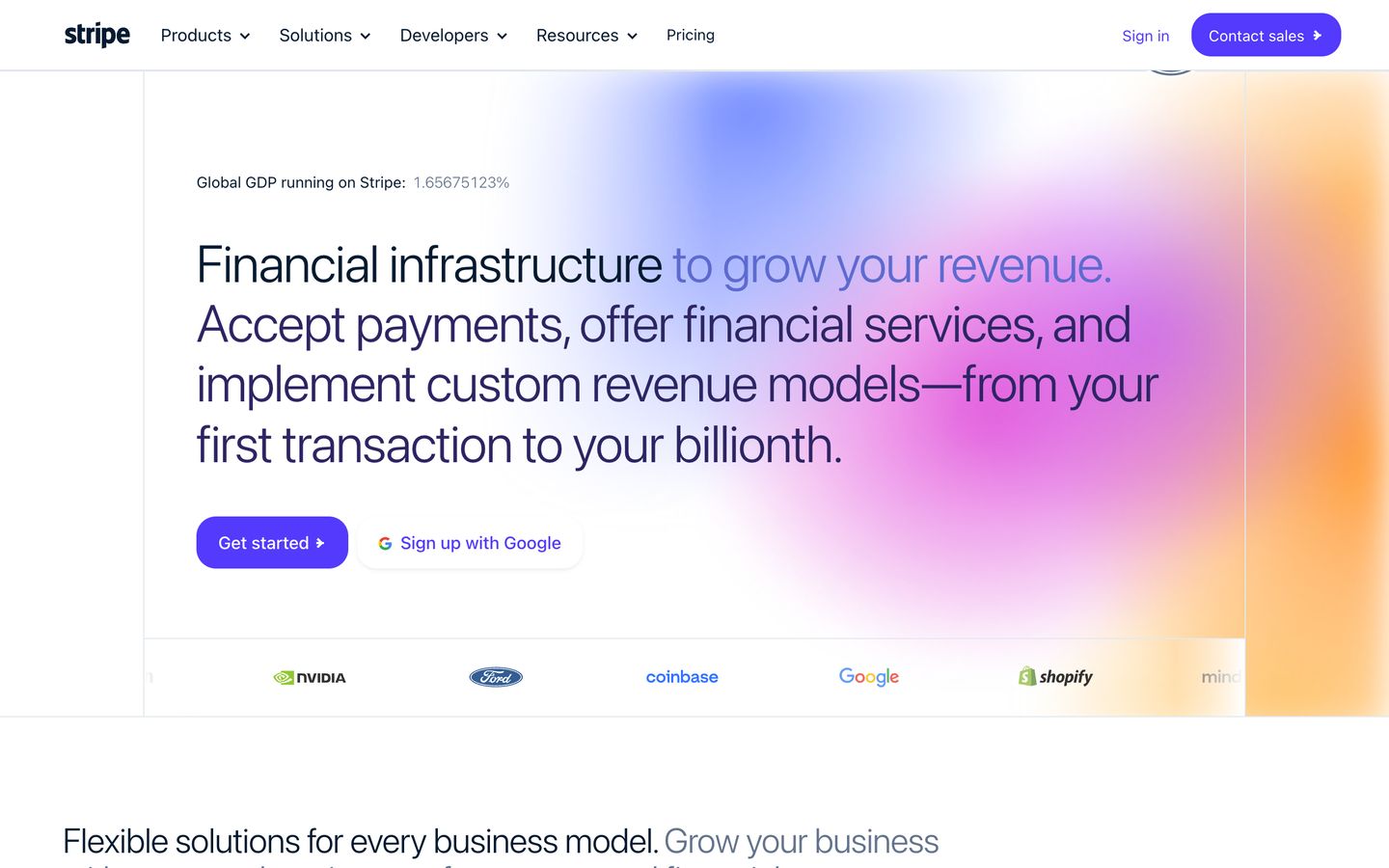
Não a partir de uma Site Copy: ela é uma cópia hospedada e navegável de páginas e recursos capturados, não um projeto React ou Tailwind editável, e o app web não oferece download de código. O código editável vem por um Editable Rebuild com escopo definido à parte. Desenvolvedores podem usar a Clone API, que devolve um ZIP de código React e Tailwind por 100 créditos por clone.
Posso editar um site clonado ou usar minha própria marca?
Não a partir de uma Site Copy. O Clonesite copia as páginas públicas que você escolhe em uma prévia navegável que mantém o texto, as imagens e a marca originais, e você pode servi-la no seu próprio domínio com Hosting. Mudar o conteúdo ou aplicar seu logo e suas cores exige um Editable Rebuild com escopo definido à parte; fale conosco com sua URL e seus requisitos.
Quanto custa o Clonesite?
Novas contas verificadas recebem 30 créditos grátis, sem cartão. Uma Site Copy custa 3 créditos por página, e o total aparece antes de qualquer gasto. A hospedagem no seu próprio domínio é opcional e usa 300 créditos por site por mês. Os planos Host começam em $12 por mês com cobrança anual ($19 no mensal) e incluem 500 créditos.
É legal clonar um site?
Publique apenas sites que sejam seus ou que você tenha permissão para usar. O Clonesite copia páginas públicas com texto, imagens, logos e fontes originais, e copiar não concede direito algum sobre isso, marcas incluídas. Ele nunca copia lógica de backend, bancos de dados nem dados privados. As leis variam por país, então substitua marca e conteúdo de terceiros antes de publicar.
What is an AI website cloner?
Copy public pages from a URL and inspect the result in your browser. Choose the pages you need. We show the total credit cost before copying starts. Preview the copy before choosing Hosting for your own domain.
How do I clone a website into React code?
Site Copy provides a browsable copy, not editable React source. Ask about Editable Rebuild for a separately scoped source-code delivery.
Can an AI website cloner copy a whole multi-page site?
Copy public pages from a URL and inspect the result in your browser. Choose the pages you need. We show the total credit cost before copying starts. Preview the copy before choosing Hosting for your own domain.
Is there a free website cloner preview?
Signup credits let you try copying without a card. The total cost is shown before you start. You can inspect the result before choosing Hosting.
How is clonesite different from a screenshot-to-code tool?
Screenshot-to-code tools guess layout from an image. clonesite reads the live HTML, CSS, fonts, and responsive breakpoints directly from the URL, so spacing, typography, and mobile behavior match the real site.
Is it legal to clone a website?
clonesite copies public pages for reference, prototyping, and competitive study; rebranding them as your own is part of a separately scoped Editable Rebuild. It does not copy backend systems or private data, and it does not grant rights to another company's trademarks, logos, or copyrighted content.