Host your site copy on your own domain
Publish a finished copy to a domain you own. Add the DNS record we show you and HTTPS is set up for you — Hosting only starts charging once your domain is ready.
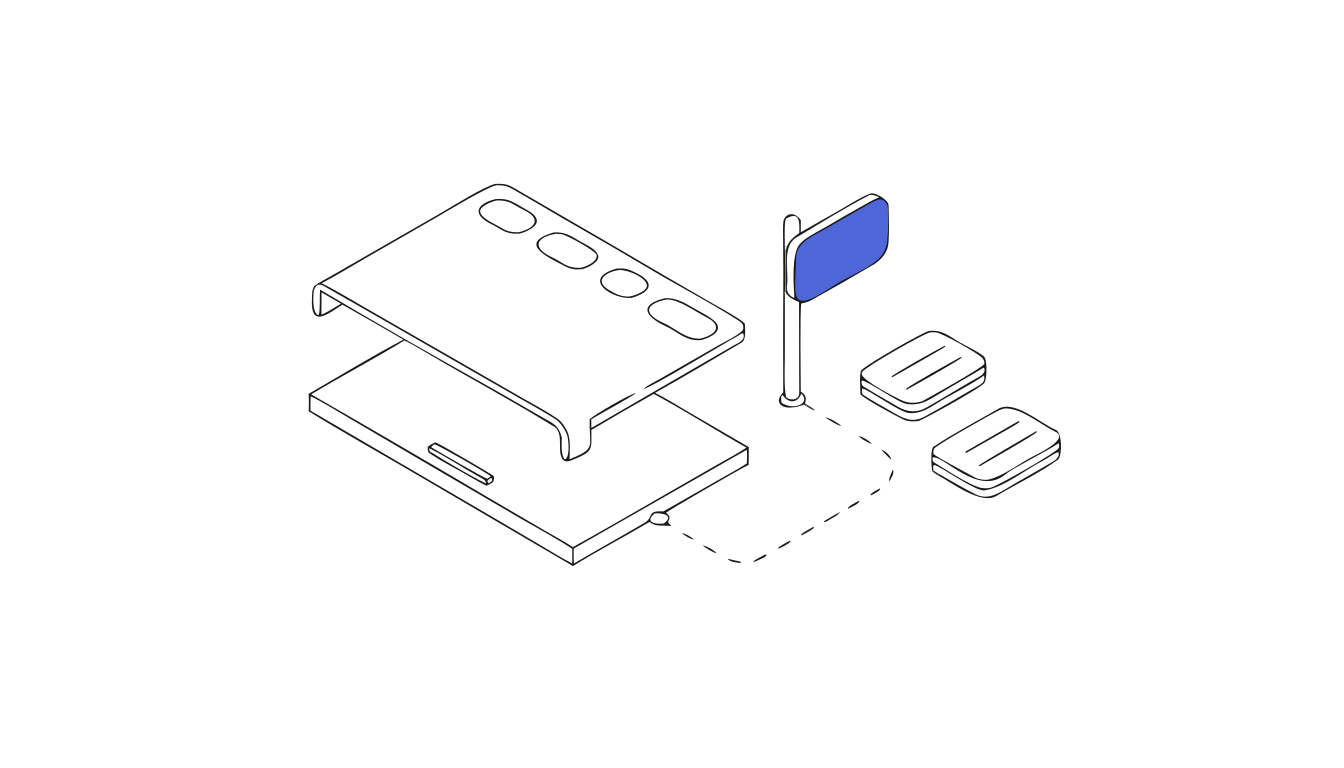
Put your site copy on a domain you own
A finished copy doesn't have to stay on a preview address. With Hosting, it goes live on your own domain — like www.yourbrand.com — with HTTPS, for as long as you keep Hosting on.
How to connect a custom domain
- Open your project and go to Hosting.
- Enter your domain, for example
www.yourbrand.com— nohttps://, no path. - Confirm you own the site or have the owner's permission to publish it.
- Add the DNS record we show you where you manage your domain. We recognise common DNS providers and tell you where to look. Only replace the record for this address; your email records stay as they are.
- Wait for the check. We keep looking for the record in the background — you can close the page. Once DNS is found, we issue the certificate, which usually takes a few minutes.
- Confirm Hosting and publish your copy.
HTTPS is included
You never upload or renew a certificate. We issue it for your domain and only mark the domain ready when HTTPS works.
You only pay once the domain works
Hosting a site costs 300 credits a month, taken from your credit balance. Nothing is charged while DNS or HTTPS is still pending — only after your domain is ready and you confirm. See pricing for plans that include enough credits.
Update your site without surprises
Making a new copy never touches what's live. You check the new copy first, then publish it from Hosting when you're ready — and you can choose which version is live.
Also in this release
- ImprovedWe recognise your DNS provider and show where to add the record
- ImprovedA new copy never replaces your live site until you publish it
- NewAsk an AI assistant to compare clonesite for you
Common questions
Do I need to set up SSL for my custom domain?
No. We issue and renew the certificate for you, and the domain is only marked ready once HTTPS works.
Which DNS record do I add?
The one shown in Hosting for your domain. Add it where you manage your domain, and only replace the record for that address — leave your email records alone.
How long does it take to connect a domain?
Usually a few minutes after your DNS provider publishes the record. We keep checking in the background, so you can leave the page.
When does Hosting start charging?
Only after your domain and HTTPS are ready and you confirm. It costs 300 credits a month per site.
Can I host more than one site?
Yes. Each live site uses 300 credits a month from the same balance, so you don't need a plan per site.
What happens if I stop Hosting?
Your site is no longer served on that domain. Your preview stays available.