Skip to content
English
Guides

Cloning a site is the start. Making it yours is the work.

Practical guides for turning real websites into editable source, replacing the brand, and shipping a page that belongs to you.

RSS
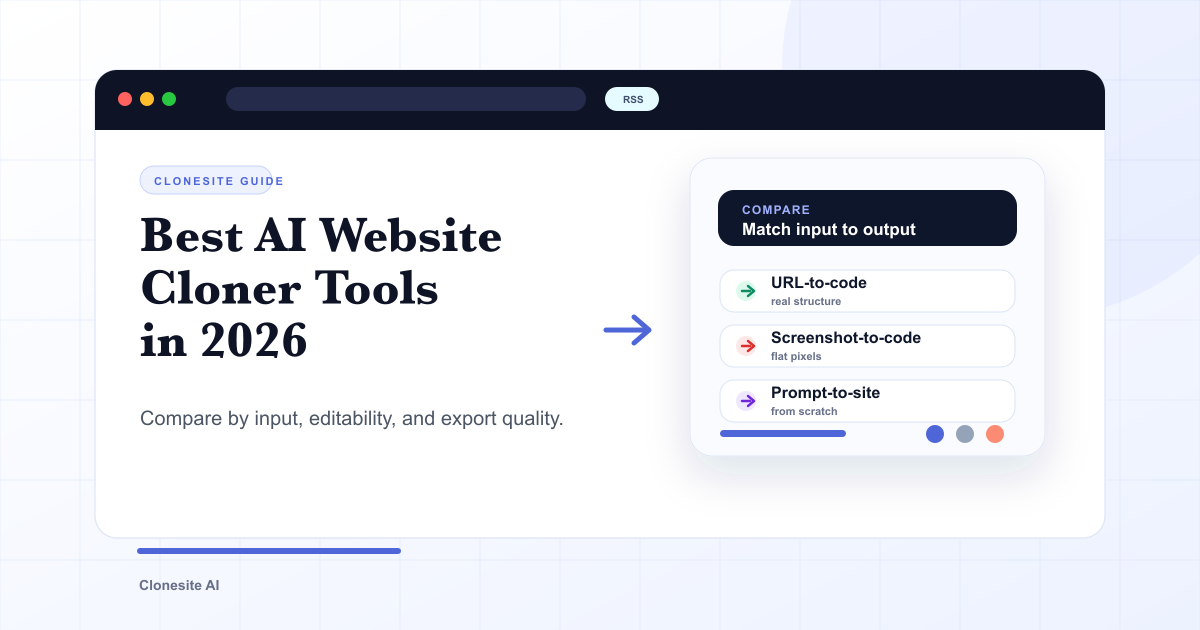
Preview card comparing AI website cloner tools by input type, editability, and export quality.
6 min read

Best AI Website Cloner Tools in 2026

The best AI website cloner is the one whose input and output match your job — URL-to-code for reusing a real layout, screenshot-to-code for a static mockup, and prompt-to-site for building from scratch. Compare them by input type, editability, and export quality before you pick.

Read guide
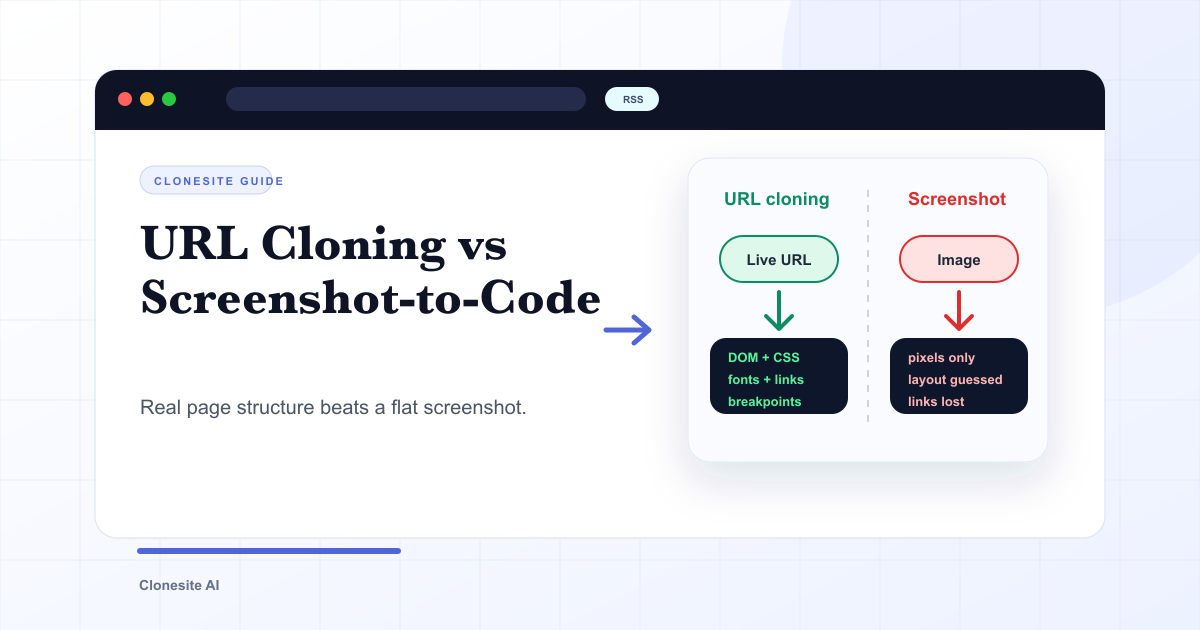
Diagram comparing URL-to-code cloning against screenshot-to-code, showing what each pipeline keeps and loses.
5 min read

URL Cloning vs Screenshot-to-Code: What Actually Changes in the Output

URL cloning reads a live page's real structure — DOM, CSS, fonts, links, and responsive breakpoints — and rebuilds it as editable code. Screenshot-to-code only sees pixels, so it infers layout and loses fonts, links, and responsiveness. The difference shows up directly in how usable the output is.

Read guide
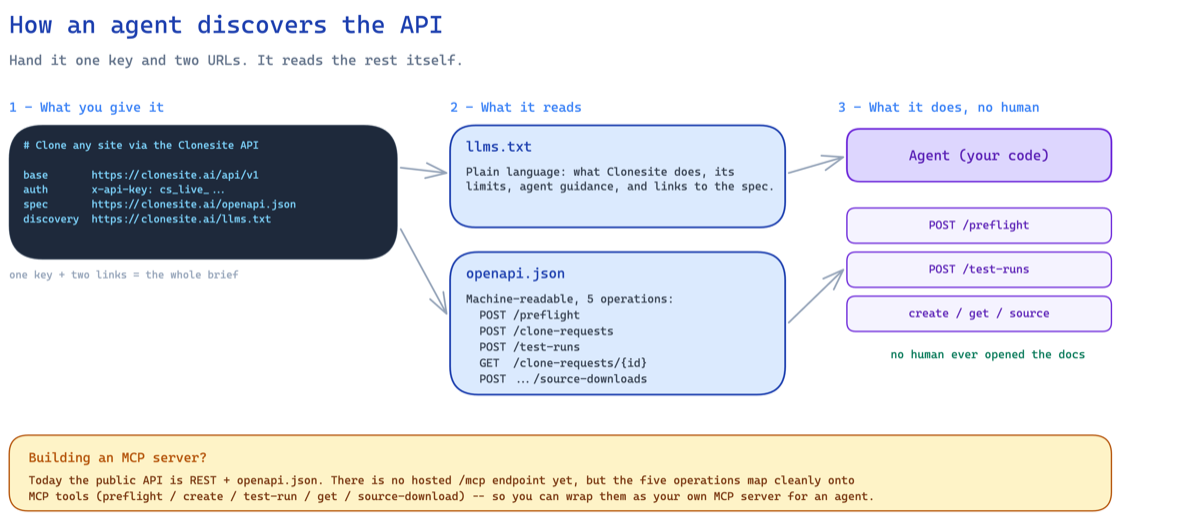
Diagram of an agent discovering the Clonesite clone API from a bearer credential, llms.txt, openapi.json, and the hosted MCP server card.
11 min read

Clone a Website With an API — Built for Agents

A developer's guide to the Clonesite Clone API over REST or hosted MCP. Create an API key or use OAuth agent login, add a webhook signing secret only if you want callbacks, then let an agent preflight, create clone requests, poll status, and download editable React and Tailwind source.

Read guide
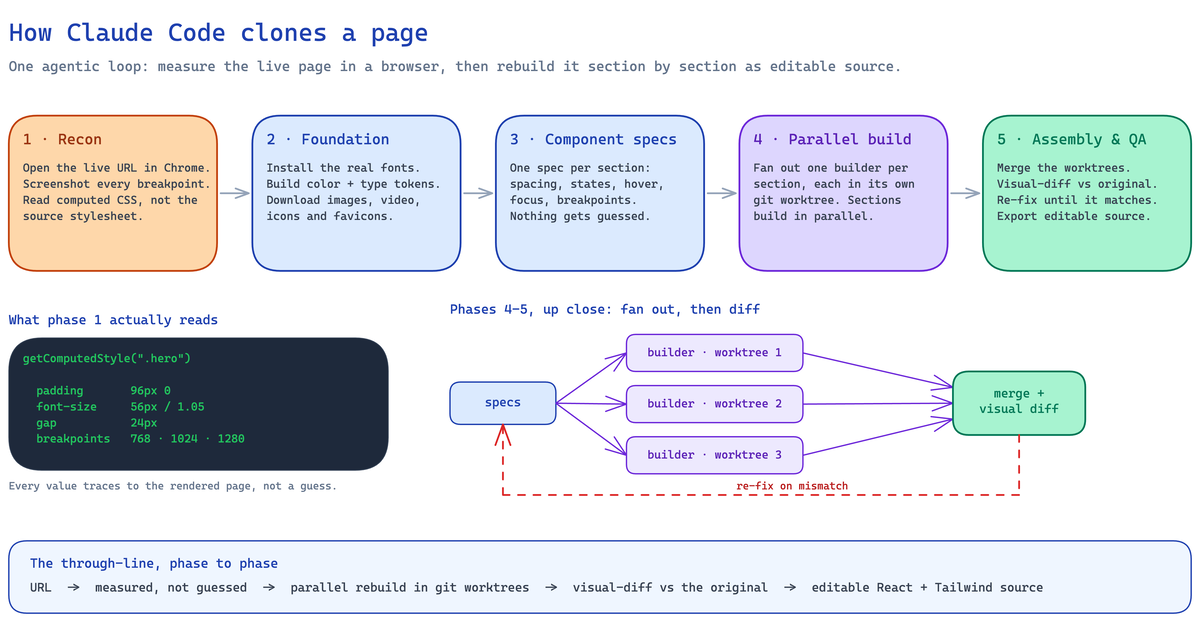
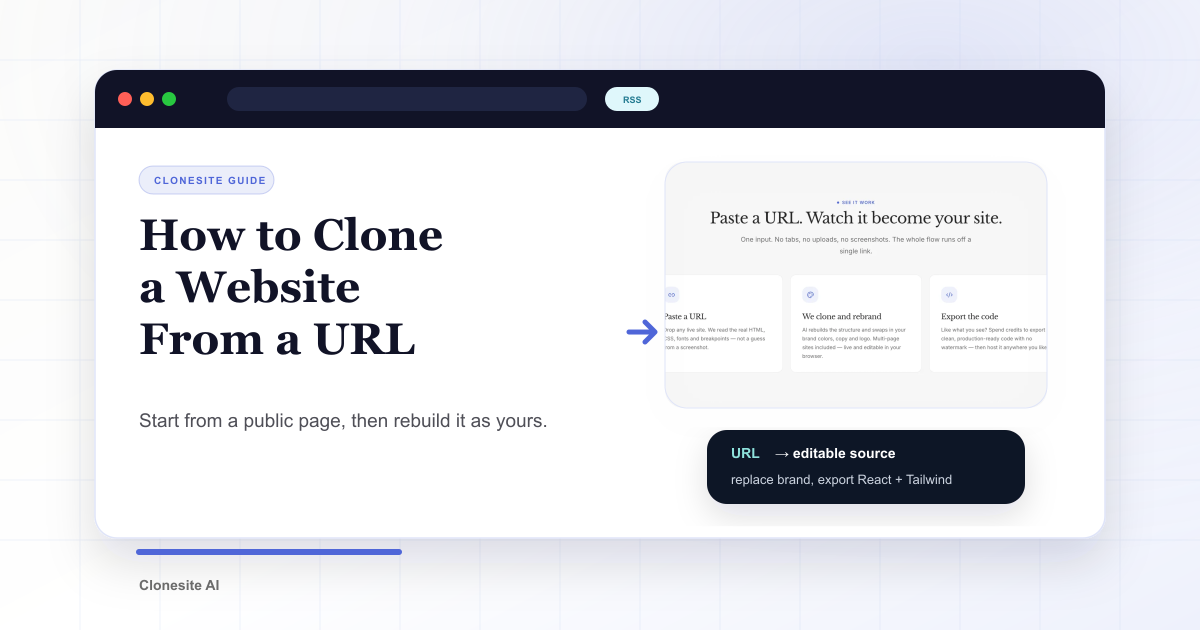
Preview card showing a website URL being turned into editable React and Tailwind source.
6 min read

How to Clone a Website From a URL

To clone a website, paste its public URL into a website cloner that rebuilds the page as editable React and Tailwind source, then replace the brand assets, copy, and claims with your own before publishing.

Read guide