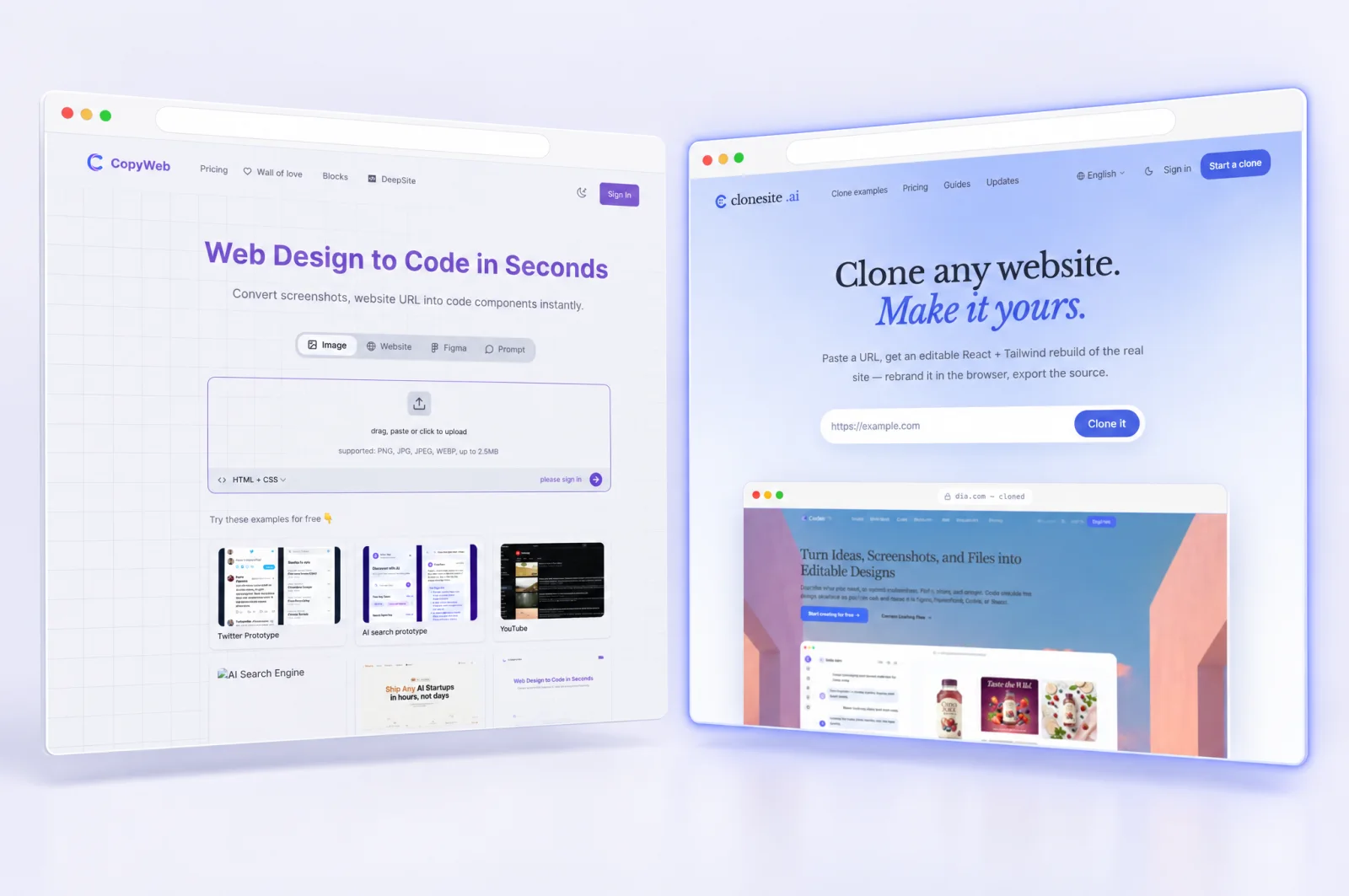
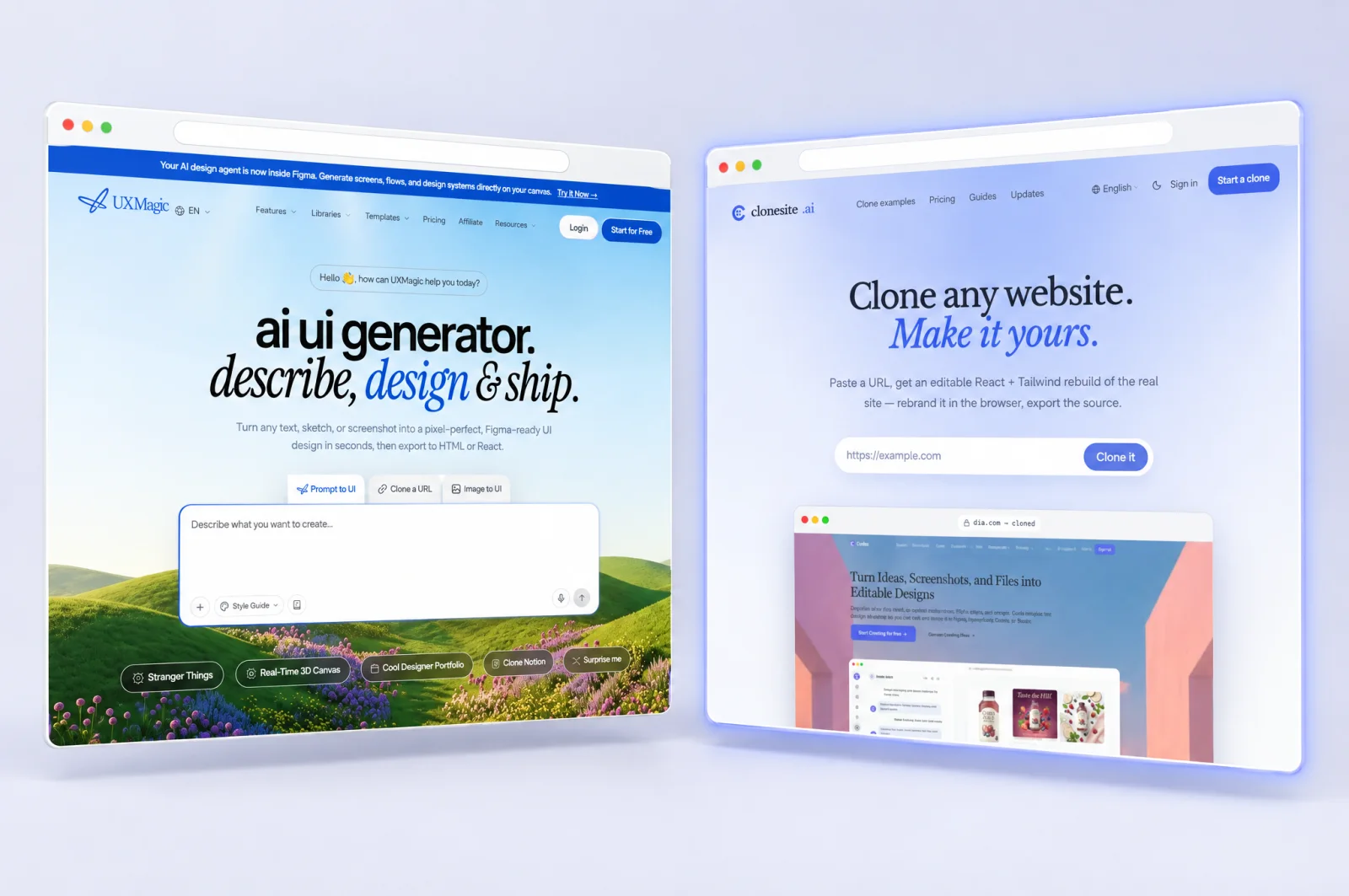
Head to head
Clonesite vs UXMagic: website cloning workflows
Start with the result you need. Clonesite turns an existing public website URL into a Site Copy you can preview, with optional Hosting as a separate step. UXMagic offers a design and code workflow. A Site Copy does not include an editable source project or an in-browser editor.
Review current pricing and scope
Last updated
At a glance
How they compare, line by line
| Dimension | UXMagic | clonesite |
|---|---|---|
| Starting point | UXMagicURL, screenshot or design inputs, depending on the tool | clonesiteExisting public website URL |
| Immediate output | UXMagicUXMagic supports URL, prompt and visual inputs, Figma and code export, and documented website publishing options. | clonesiteSite Copy preview |
| Changes and delivery | UXMagicEditing and code export are documented by the provider; check the chosen plan. | clonesiteReview the copy; optional Hosting is separate. Source delivery and changes are not included. |
| Payment model | UXMagicCredit-based plans; current limits and purchase options are on the official pricing page. | clonesiteCopy usage and optional Hosting are separate; check current pricing. |
Examples
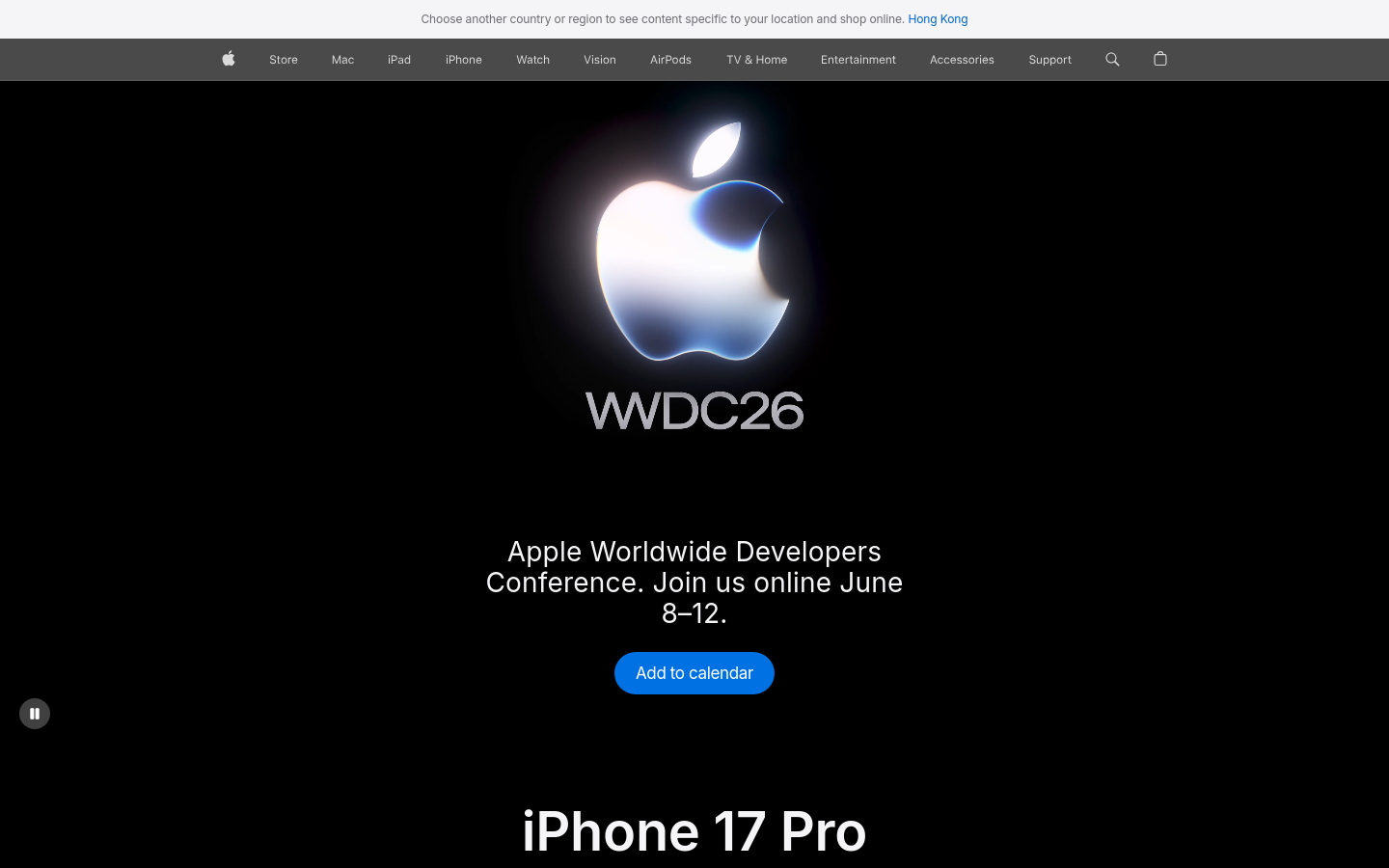
Explore website examples
Browse visual examples and inspect your own result before choosing a next step.
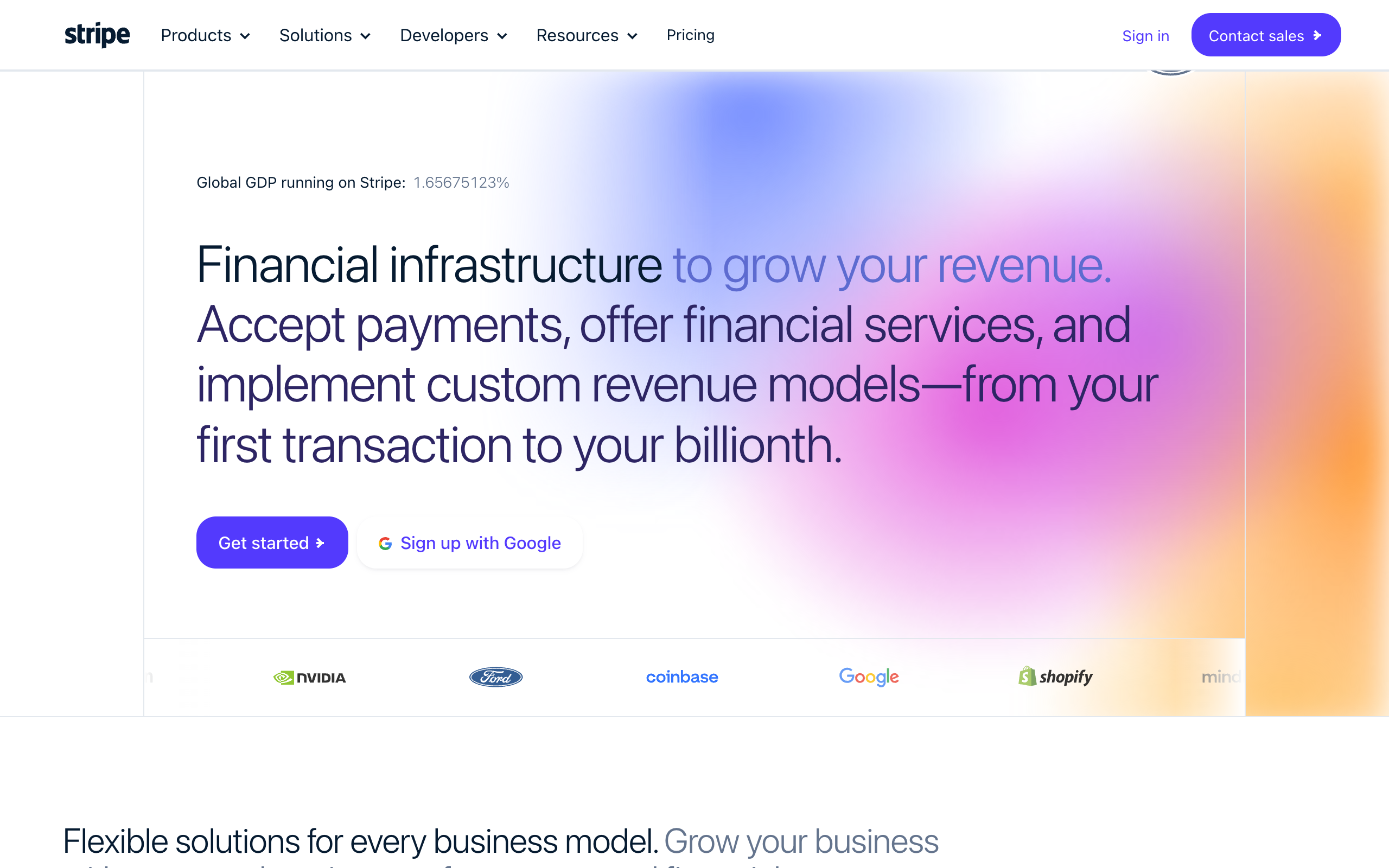
- stripe.com
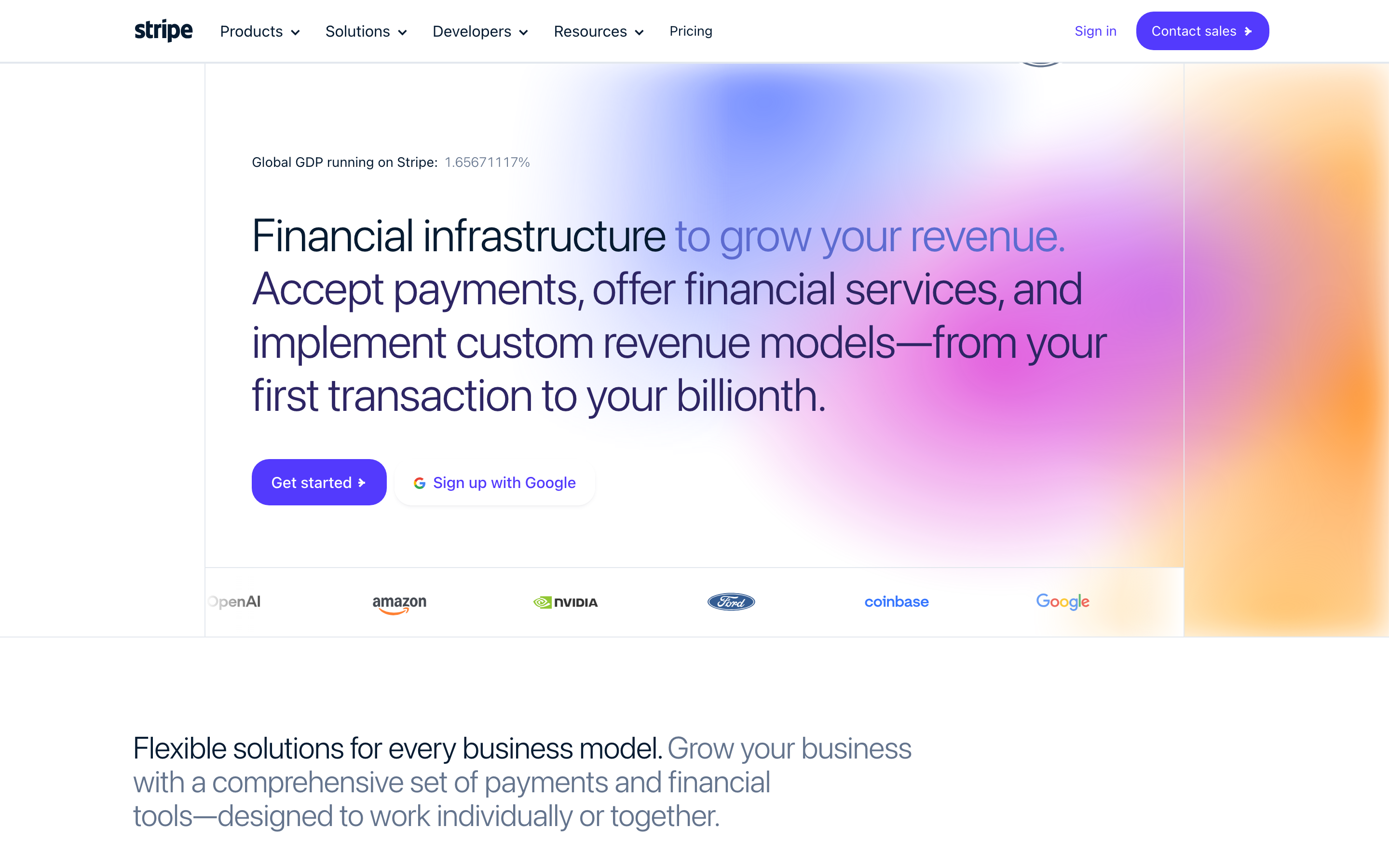
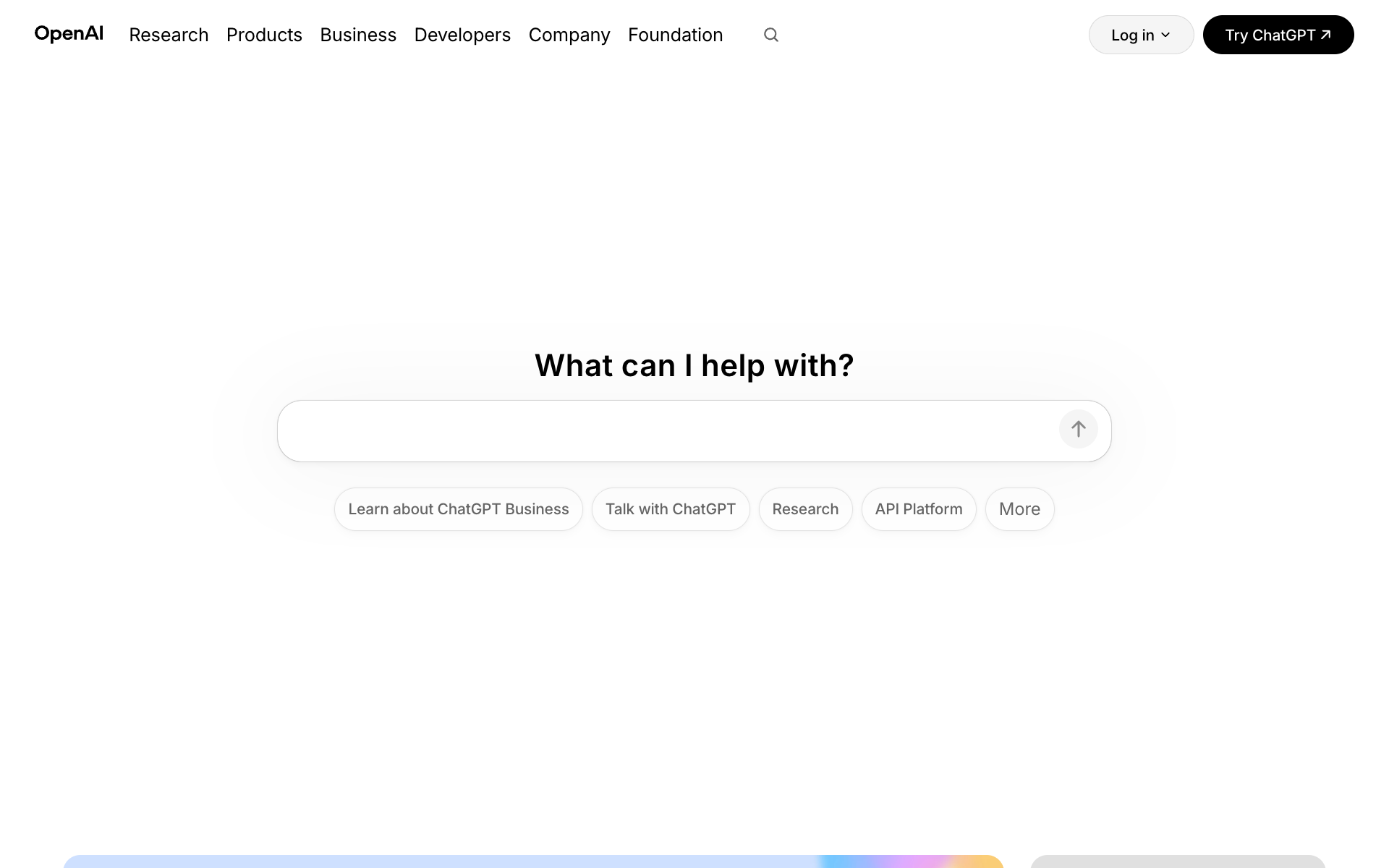
- openai.com
- anthropic.com

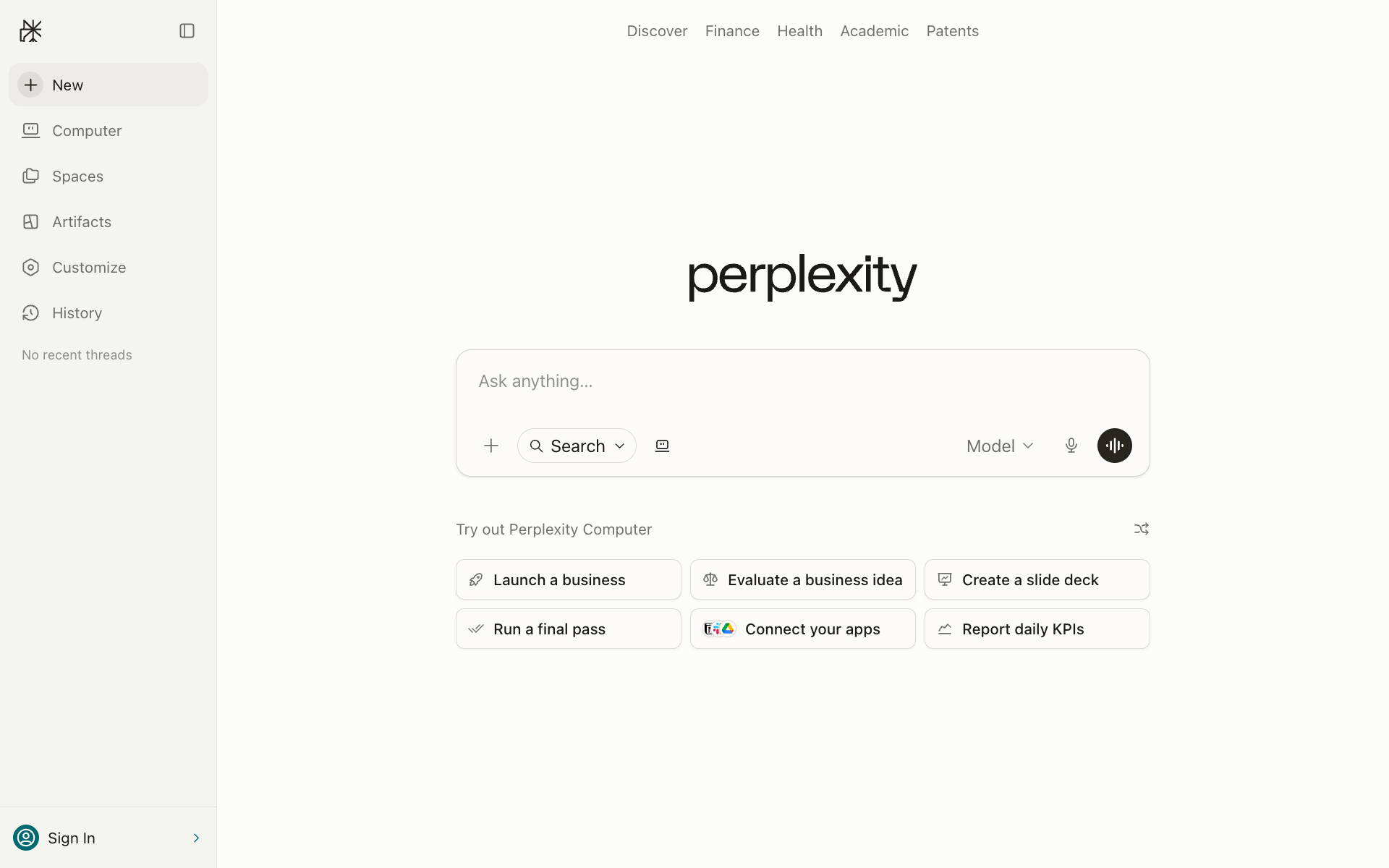
- perplexity.ai
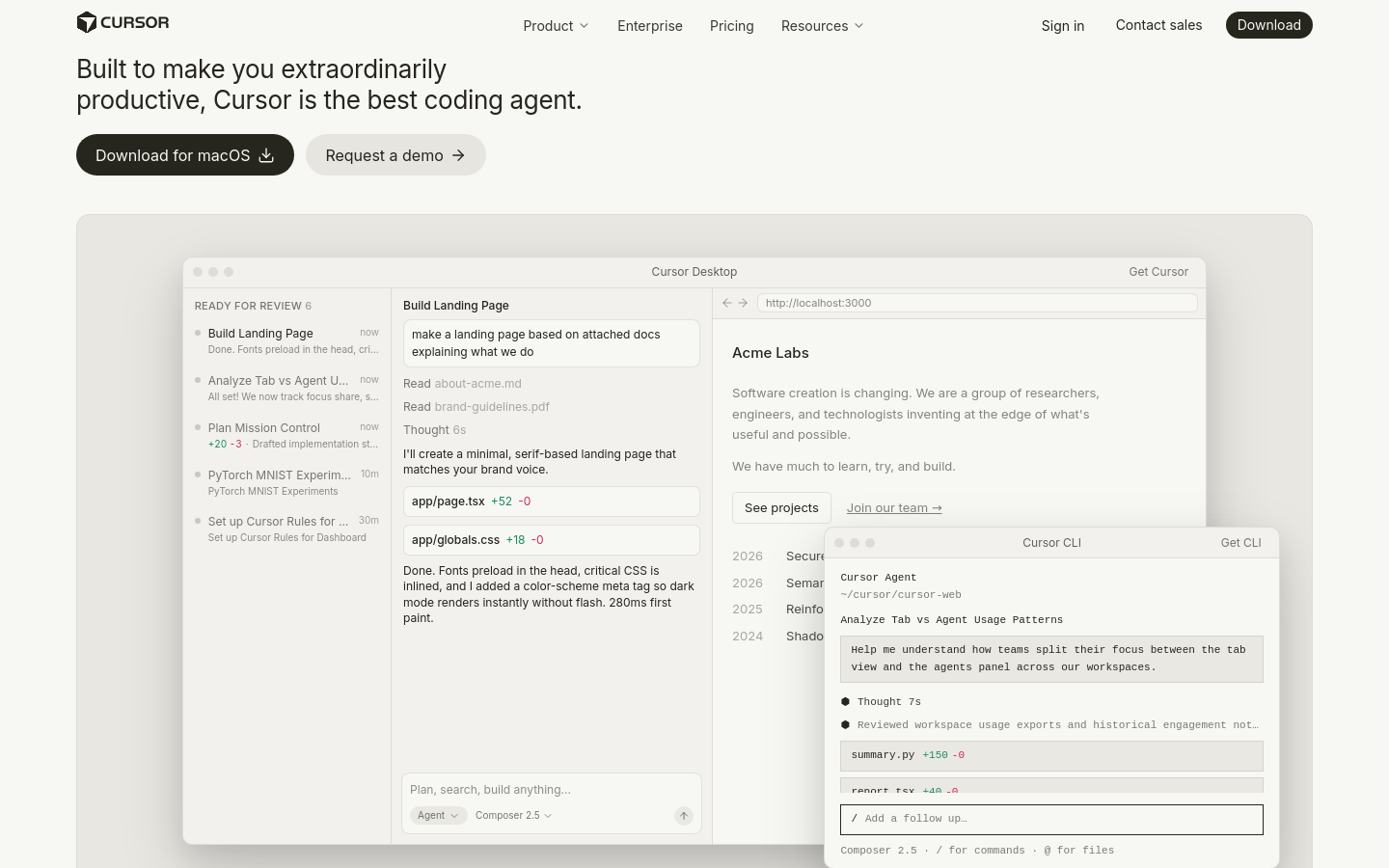
- cursor.com
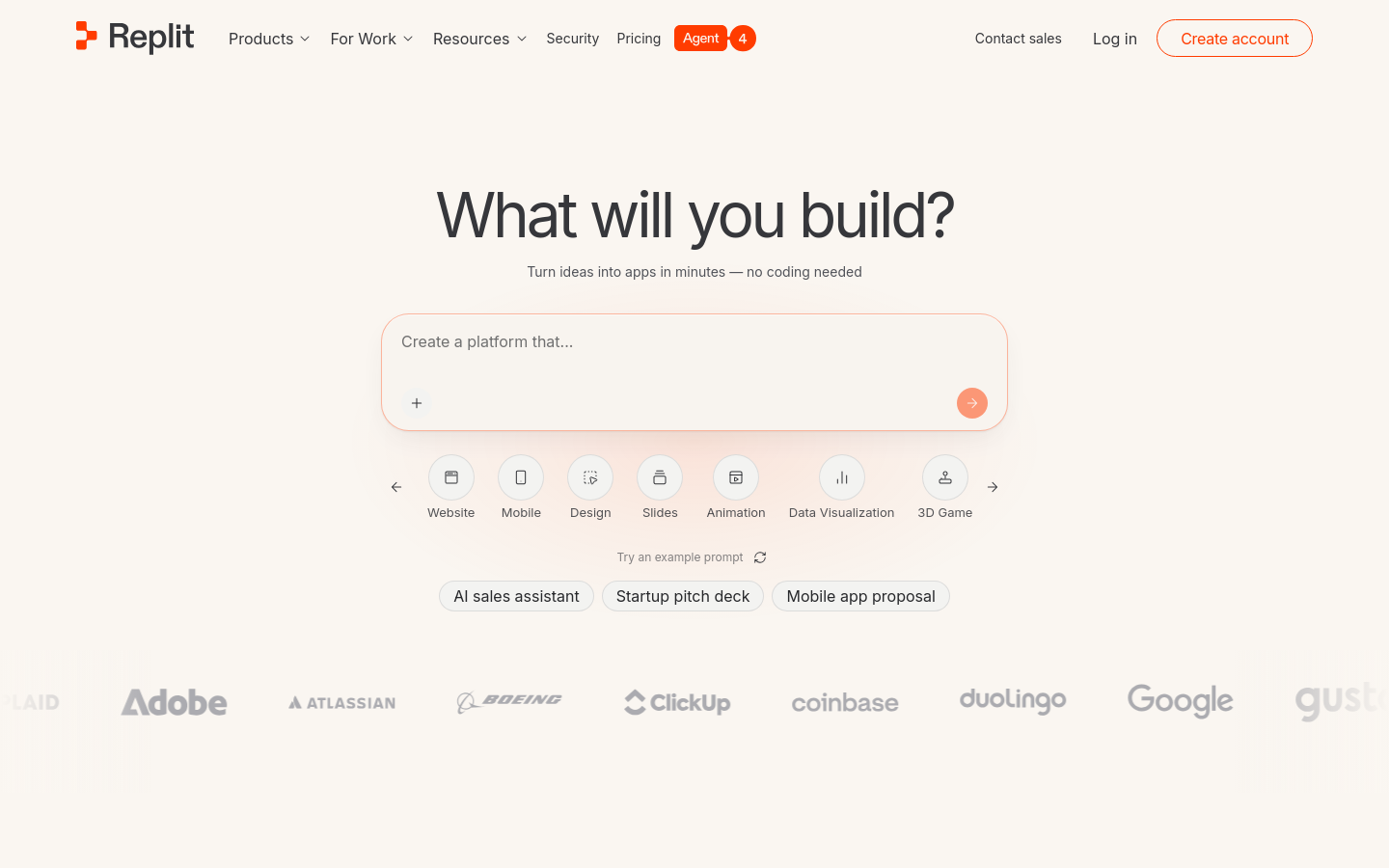
- replit.com
- gamma.app

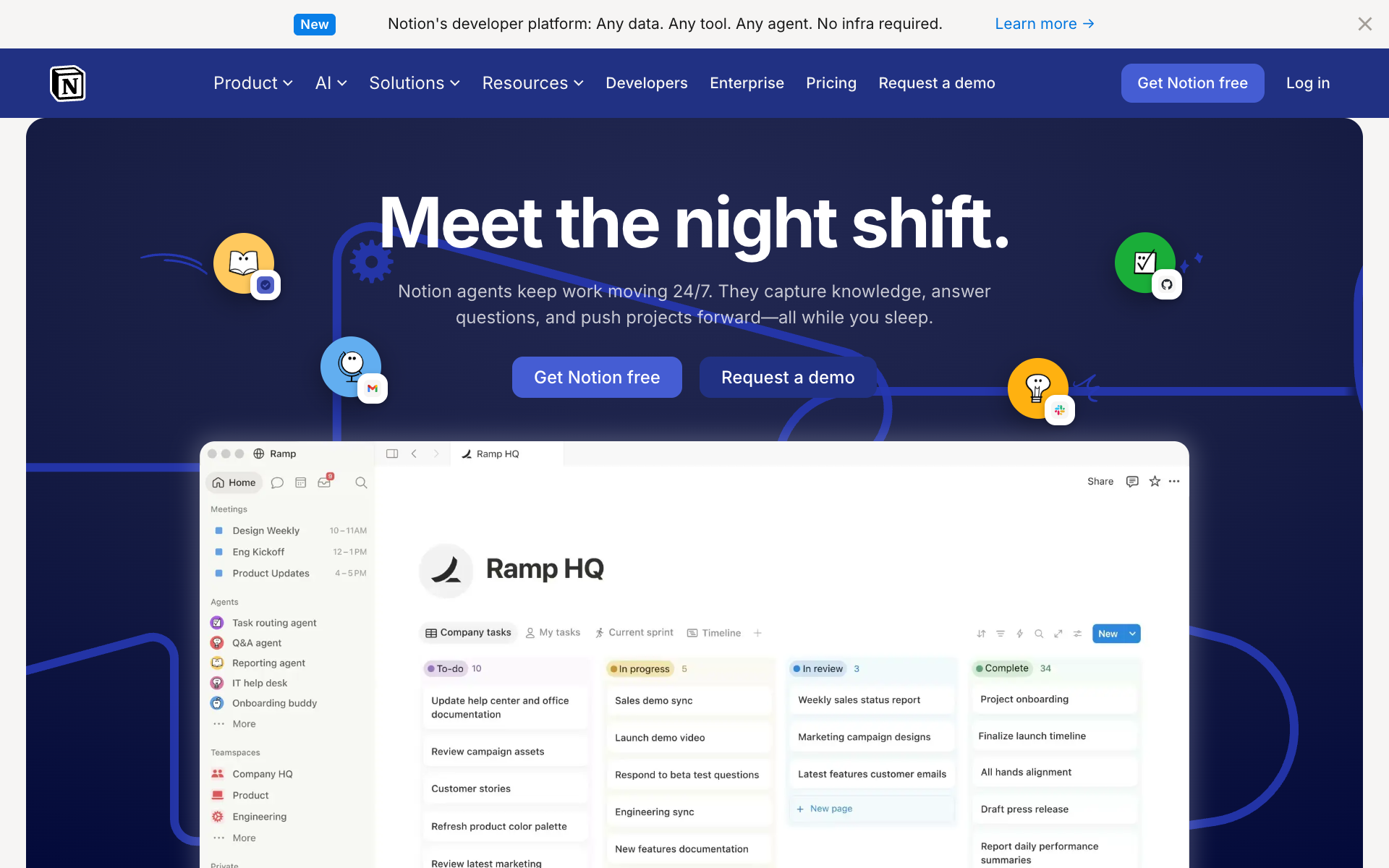
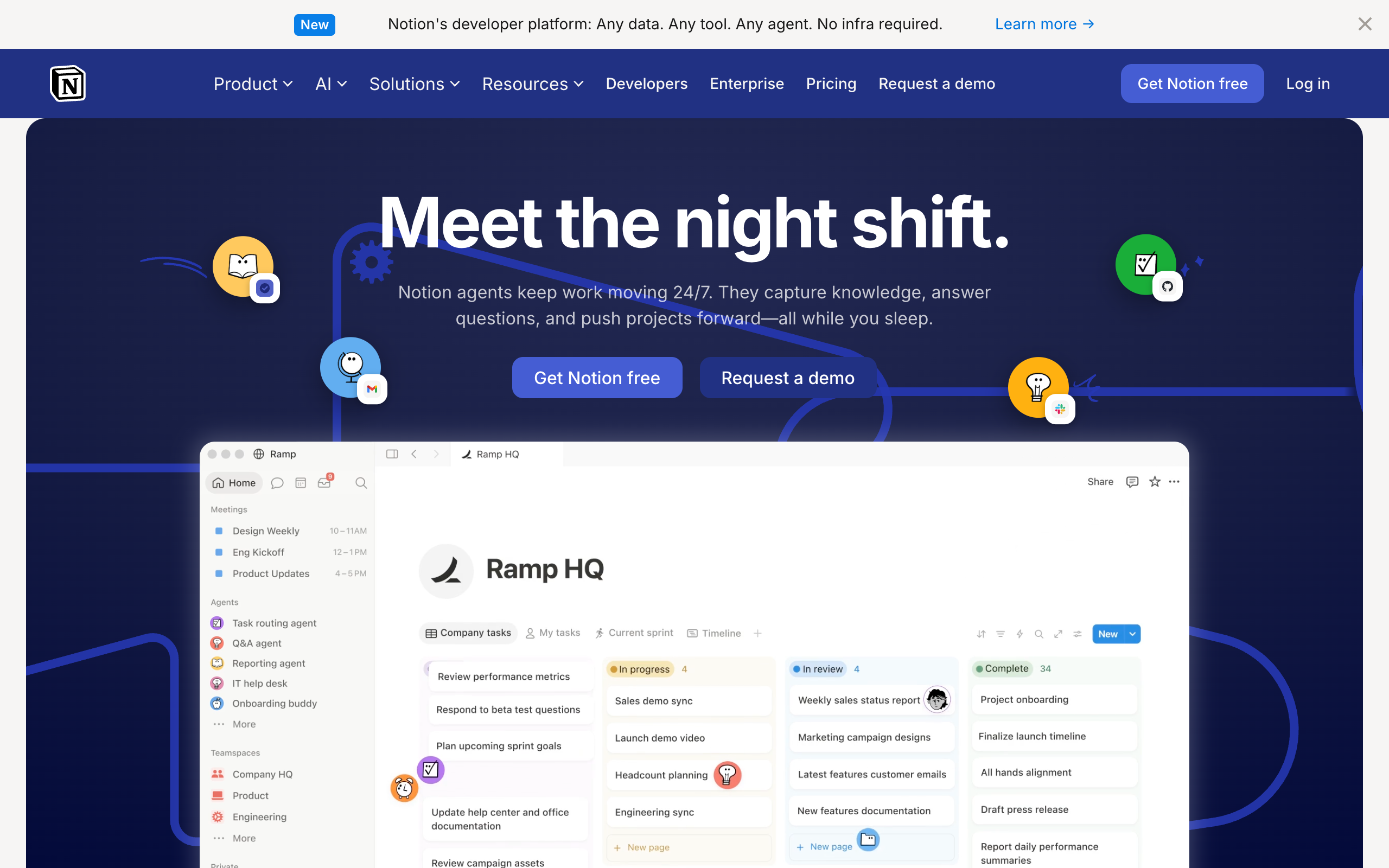
- notion.so
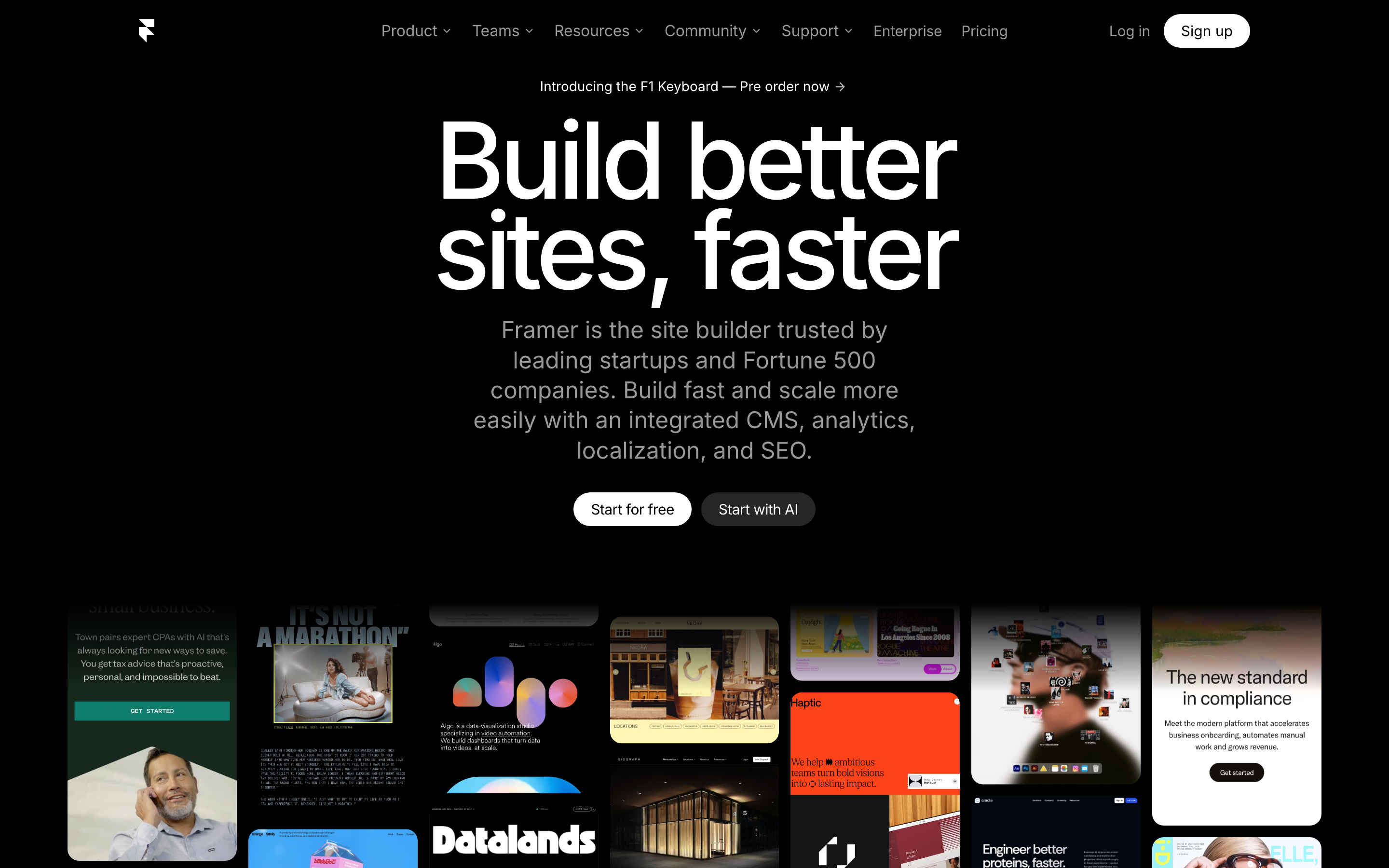
- framer.com
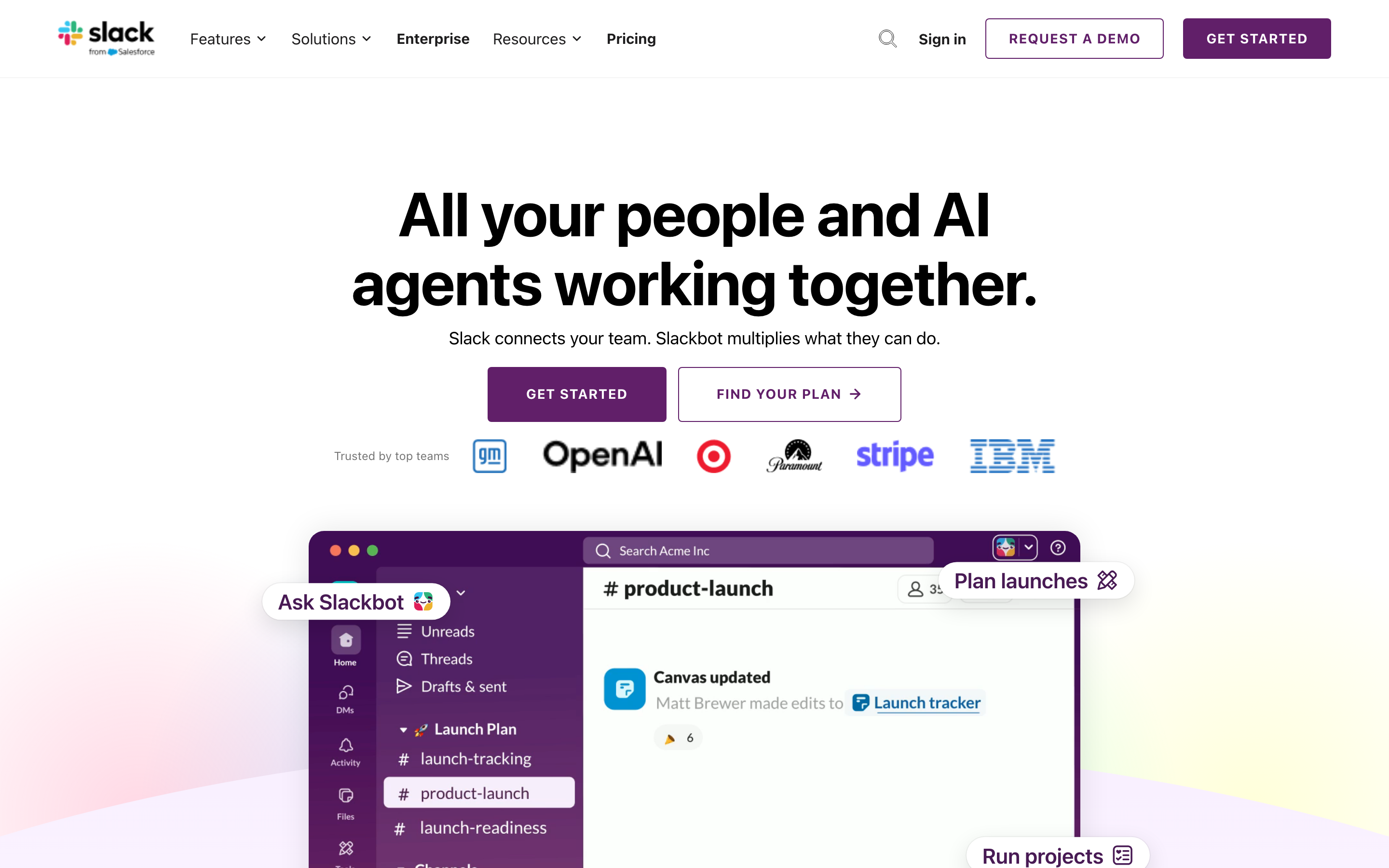
- slack.com
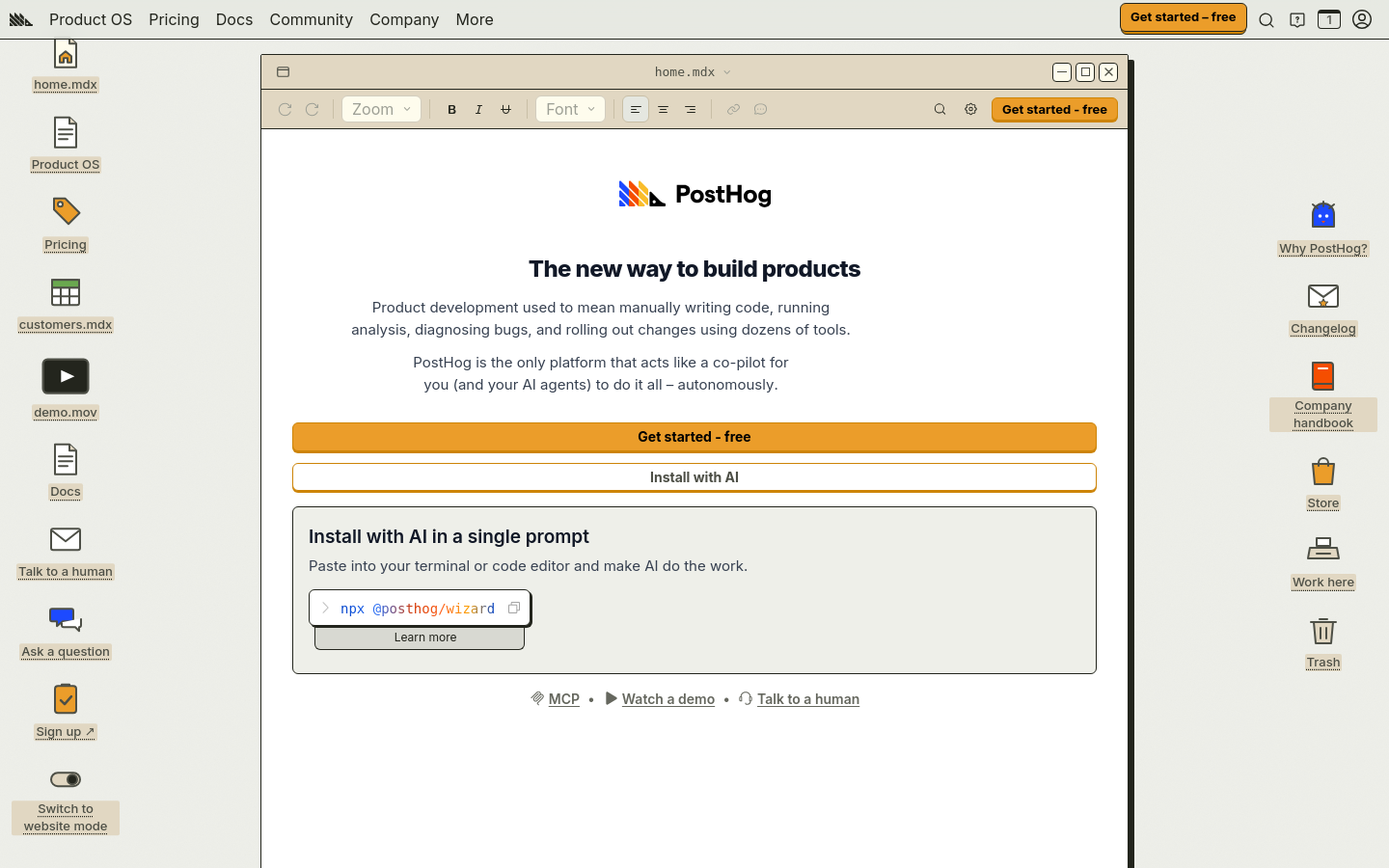
- posthog.com
- tesla.com

- duolingo.com

- apple.com
- spotify.com

swipe
The core difference
How UXMagic and clonesite differ
Choose by the next task: reviewing a Site Copy and considering Hosting, or editing and exporting a design or code project.
URL input alone does not tell you which output fits your workflow.
Pick the right tool
Choose the one that fits the job
Two tools, two jobs. Here is the honest call on when each one wins — including when to reach for the other.
When UXMagic is the better choice
- You need editable code as the immediate deliverable.
- You want to iterate on a design before handing it to development.
When clonesite is the better choice
- You want to start from an existing public website and inspect a Site Copy.
- You want to consider optional domain Hosting after reviewing the result.
Frequently asked questions
Can I edit a cloned site or make it my own brand?
Not from a Site Copy. Clonesite copies the public pages you choose into a browsable preview that keeps the original text, images and branding, and you can serve it on your own domain with Hosting. Changing content or rebranding with your own logo and colors needs a separately scoped Editable Rebuild; contact us with your URL and requirements.
Can I export the code of a cloned website?
Not from a Site Copy: it is a hosted, browsable copy of captured pages and assets, not an editable React or Tailwind project, and the web app has no source download. Editable source comes through a separately scoped Editable Rebuild. Developers can use the Clone API, which returns a React and Tailwind source ZIP for 100 credits per clone.
Does a Site Copy include source code?
No. A Site Copy is a previewable website copy, not a source-code purchase or a visual editor. Any separate service has its own scope.
Can UXMagic start from a URL?
Yes. The official product pages checked on 2026-09-20 describe URL input and code export. Compare the deliverable and plan limits, not just the input.
Does website copying recreate a backend?
Do not assume that login, payments, private data or backend services are reproduced. Review the actual result and the scope of any further work.
Can I put a Site Copy on my own domain?
Optional Hosting is a separate step after you review the copy. What it covers and what it costs are listed on the pricing page.
Which websites can clonesite copy?
clonesite starts from an existing public website URL. Pages behind a login, private data and backend behaviour are outside a Site Copy, so review the preview to see what was captured.
How is clonesite billed?
Copy usage and optional Hosting are billed separately. Check current pricing for what each one covers before you start.
Is this comparison a quality ranking?
No. It describes each product's documented workflow as checked on the date shown on this page. It does not measure accuracy, speed or output quality, so try both with your own site.