
Skip to content

AI website cloner · website cloner

The AI website cloner that copies
whole sites from a URL

clonesite reads the real HTML, CSS, and breakpoints from a URL — not a screenshot — and copies the pages you select into a browsable website copy.

30 signup credits · 3 credits / page · optional Hosting, 300 credits / site / month

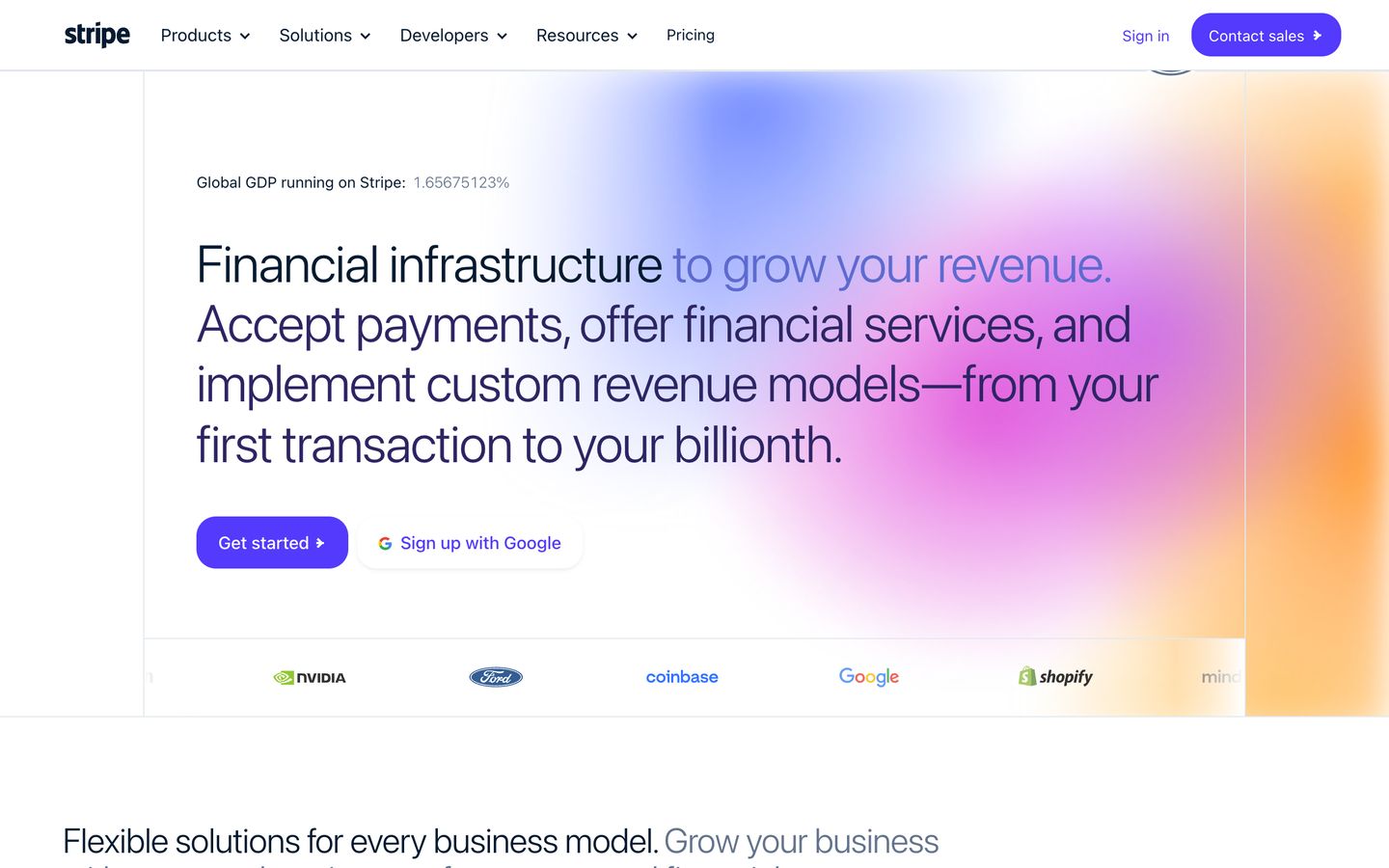
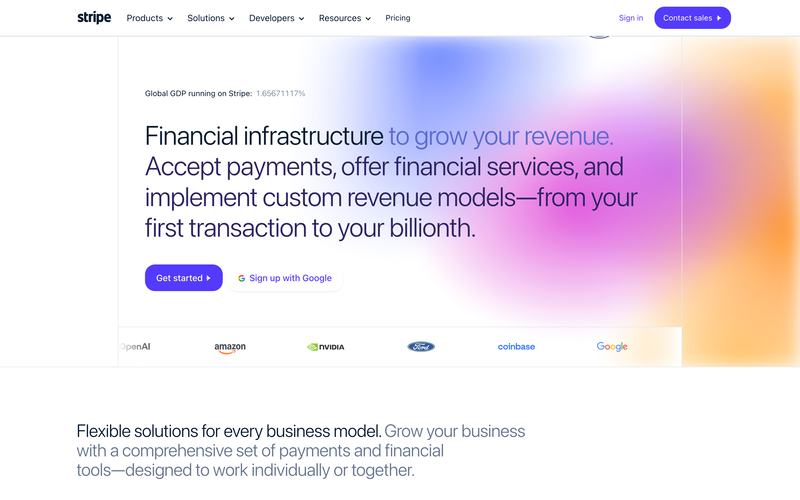
preview.clonesite.ai/sites/stripe.com
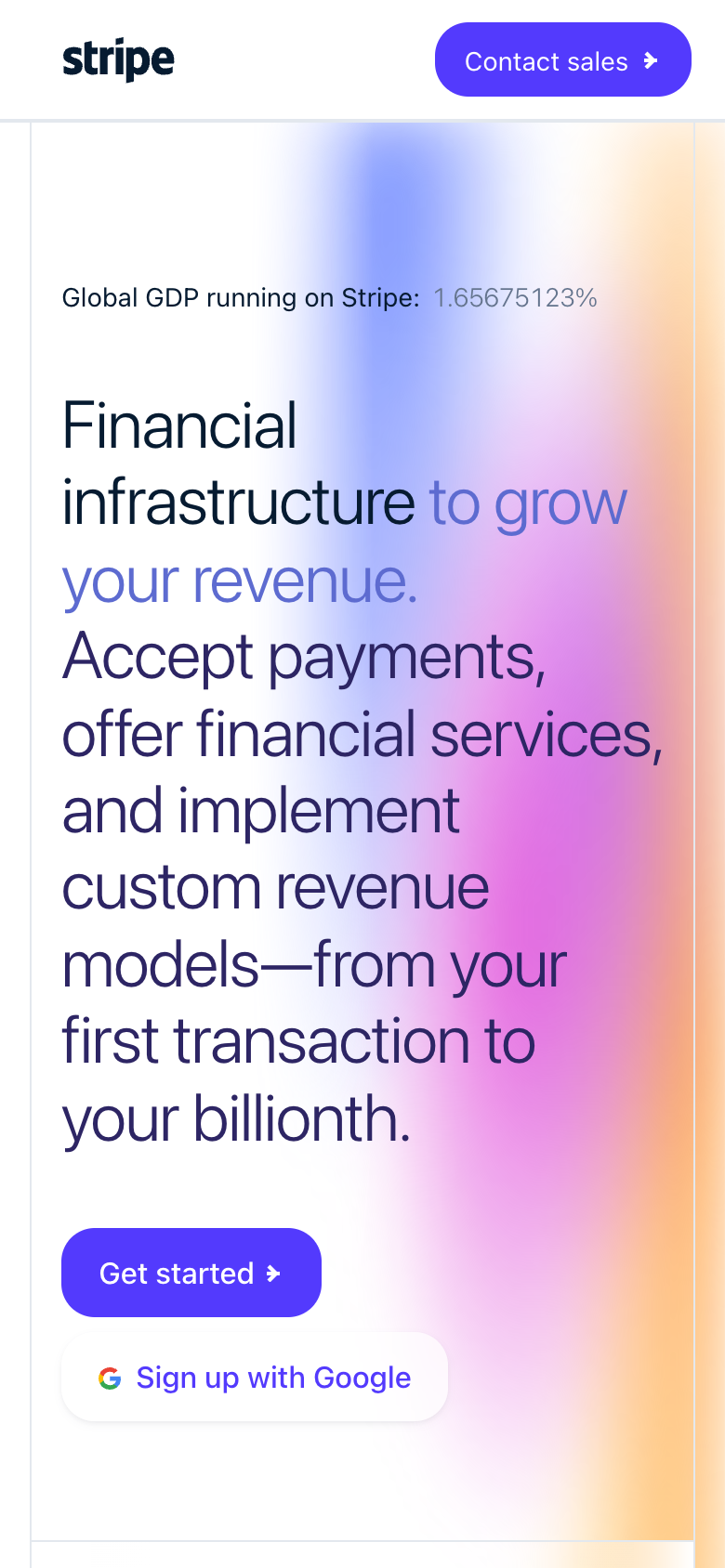
stripe.com cloned on mobile

Site Copy preview

5 public pages · ready to inspect

captured from public pages · 5-page preview

What is an AI website cloner?

An AI website cloner copies public website pages from a URL. Clonesite reads the real page structure, styles and fonts, lets you select pages and review the credit cost, then provides a live preview with optional Hosting.

Input
One live public URL
Scope
Pages you choose
Output
Website preview

Website clone examples

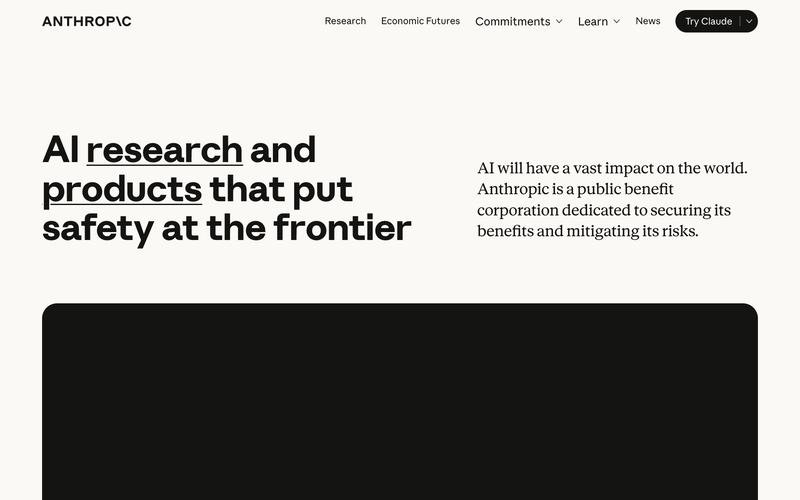
Real sites, copied for a closer look

Open an example to inspect its browsable Site Copy. Hosting on your own domain is a separate step; editable source requires a separately scoped rebuild.

Browse all website clone examples →

Capabilities

What this website cloner actually does

01

Clone a website from one URL

No screenshots, no uploads. Paste the link and the cloner reads the live HTML, CSS, fonts, and responsive breakpoints straight from the site — spacing, type scale, and mobile behavior match because nothing is guessed from an image.


02

Multi-page website clone

The cloner follows the site's navigation and copies selected pages with consistent structure and shared components — a complete website clone with working navigation, not a one-page snapshot.

03

Inspect your live preview

Open the copy in your browser and inspect its pages before choosing Hosting. Make sure you have the rights to publish the content and assets.

04

Publish with Hosting

When your copy looks right, choose Hosting to publish on your own domain with HTTPS. Editable Rebuild is a separate service for source-code delivery.

How it works

How to clone a website with an AI website cloner

  1. 1

    Paste a public URL so Clonesite can discover its pages.

  2. 2

    Choose your pages and confirm the total credit cost before copying starts.

  3. 3

    Inspect the live preview, then choose Hosting to publish on your own domain with HTTPS.

Compare approaches

AI website cloner vs screenshot-to-code vs rebuilding by hand

URL cloner (clonesite)Screenshot-to-codeRebuild by hand
InputA live URLA screenshot or Figma frameDesign specs and time
Fidelity sourceReal HTML, CSS, fonts, breakpointsPixels interpreted by a modelManual measurement
Multi-page sitesFollows navigation, copies selected pagesOne frame at a timePage by page, by hand
OutputBrowsable website copyGenerated markup, varies by toolWhatever you write
Cost shapeCredits per page; Hosting paid in creditsUsually a subscriptionDays of work

FAQ

AI website cloner FAQ

Can I export the code of a cloned website?

Not from a Site Copy: it is a hosted, browsable copy of captured pages and assets, not an editable React or Tailwind project, and the web app has no source download. Editable source comes through a separately scoped Editable Rebuild. Developers can use the Clone API, which returns a React and Tailwind source ZIP for 100 credits per clone.

Can I edit a cloned site or make it my own brand?

Not from a Site Copy. Clonesite copies the public pages you choose into a browsable preview that keeps the original text, images and branding, and you can serve it on your own domain with Hosting. Changing content or rebranding with your own logo and colors needs a separately scoped Editable Rebuild; contact us with your URL and requirements.

How much does Clonesite cost?

New verified accounts get 30 free credits, no card needed. A Site Copy costs 3 credits per page, and the total is shown before anything is spent. Hosting on your own domain is optional and uses 300 credits per site each month. Host plans start at $12 a month billed yearly ($19 monthly) and include 500 credits.

Is it legal to clone a website?

Only publish a site you own or have permission to use. Clonesite copies public pages with their original text, images, logos and fonts, and copying grants no rights to any of it, including trademarks. It never copies backend logic, databases or private data. Laws vary by country, so replace third-party branding and content before you publish.

What is an AI website cloner?

Copy public pages from a URL and inspect the result in your browser. Choose the pages you need. We show the total credit cost before copying starts. Preview the copy before choosing Hosting for your own domain.

How do I clone a website into React code?

Site Copy provides a browsable copy, not editable React source. Ask about Editable Rebuild for a separately scoped source-code delivery.

Can an AI website cloner copy a whole multi-page site?

Copy public pages from a URL and inspect the result in your browser. Choose the pages you need. We show the total credit cost before copying starts. Preview the copy before choosing Hosting for your own domain.

Is there a free website cloner preview?

Signup credits let you try copying without a card. The total cost is shown before you start. You can inspect the result before choosing Hosting.

How is clonesite different from a screenshot-to-code tool?

Screenshot-to-code tools guess layout from an image. clonesite reads the live HTML, CSS, fonts, and responsive breakpoints directly from the URL, so spacing, typography, and mobile behavior match the real site.

Clone your first website from a URL

Choose your pages and review the credit cost before copying. Preview the result, then choose Hosting to publish on your own domain.