Clone One Web Page or the Full Website? Scope, Cost, and Launch Checklist
Clone one page when the value is concentrated in a landing page or prototype. Rebuild the full website when navigation, repeated page types, SEO URLs, forms, and a coordinated launch are part of the outcome.
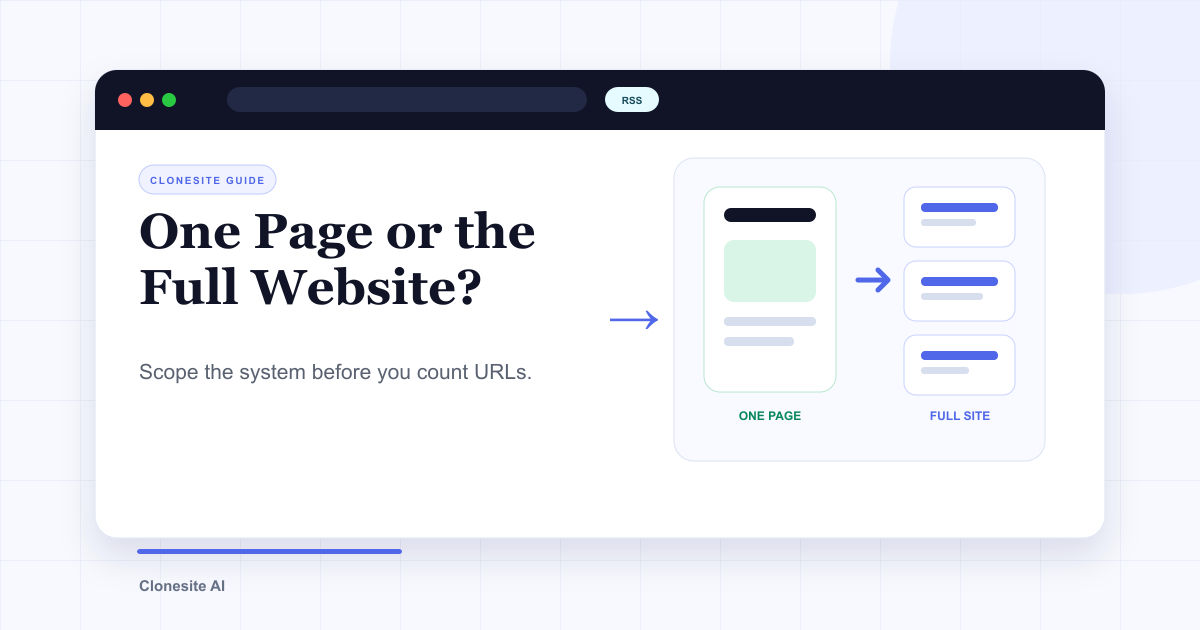
Clone one page when that page is the deliverable: a campaign landing page, a prototype, a pricing-page starting point, or a page you plan to edit yourself. Rebuild the full website when the outcome depends on shared navigation, repeated page types, existing URLs, forms, analytics, and a coordinated launch.
The common mistake is counting URLs before defining the system. A 200-URL site may use five page templates. A five-page marketing site may contain five completely different layouts and three integrations. Scope the work by page types and launch requirements, not by URL count alone.
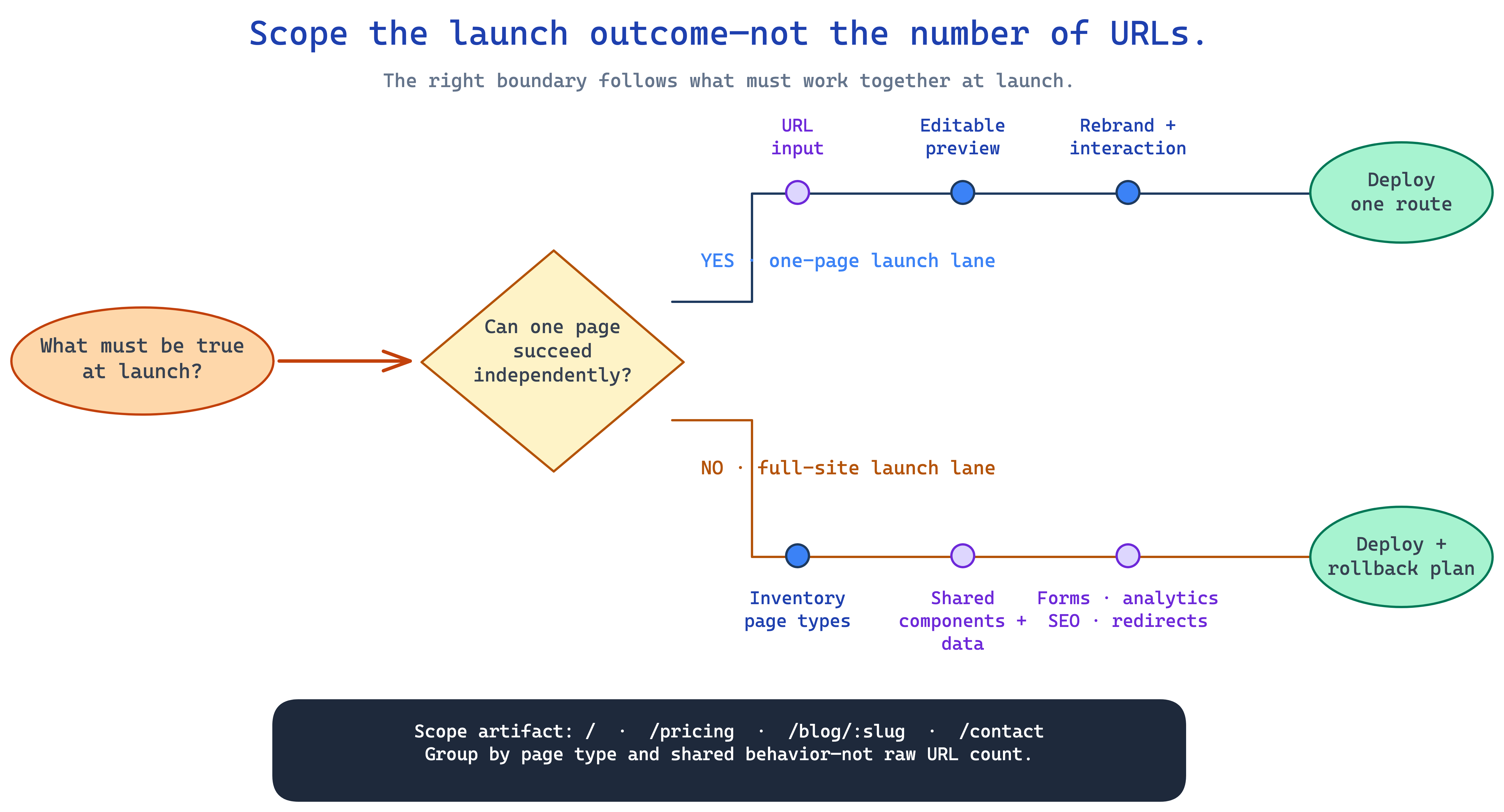
Use launch dependencies to choose the scope, then inventory page types and shared behavior.
Start with the outcome
| Requirement | One-page clone | Full-site rebuild |
|---|---|---|
| Landing page or campaign | Strong fit | Usually unnecessary |
| Prototype from a proven layout | Strong fit | Usually unnecessary |
| Shared header and footer | Can be copied into one page | Must become shared components |
| Multiple content or product templates | Outside the page scope | Core migration work |
| Existing search URLs | One URL to verify | Inventory, preservation, and redirects |
| Forms and integrations | Reconnect one page | Audit and reconnect across page types |
| CMS content | Usually not involved | Requires a separate content plan |
| Deployment | One route or small app | Coordinated site launch and rollback plan |
If the page can succeed independently, keep the scope small. If its value depends on the rest of the site, plan the system.
When one page is enough
A single-page clone is the fastest way to answer a focused design or delivery question. It works well when you want to:
- Test a landing-page structure with your own message.
- Rebuild an important page while the old site stays online.
- Create a prototype for internal review.
- Start from an existing pricing, product, or campaign layout.
- Produce editable React and Tailwind for a developer or coding agent to finish.
The workflow is contained: choose a public URL, generate the page, review responsive behavior, replace the original identity, reconnect the interactions you need, and deploy it. You can follow the complete steps in how to clone a website from a URL.
One page is also the right pilot for a larger migration. It reveals how much cleanup, asset work, and responsive correction the source site requires before you commit to every URL.
When the whole site is the product
A full-site rebuild is justified when users move between pages to complete the job. The visible pages need to become one maintainable system rather than a collection of disconnected copies.
The scope usually includes:
- URL inventory — every indexable, linked, or business-critical route.
- Page-type grouping — homepage, landing pages, blog articles, product pages, legal pages, and other repeated templates.
- Shared components — navigation, footer, forms, banners, and design tokens.
- Content decisions — what moves unchanged, what is rewritten, and what is retired.
- Integration mapping — forms, analytics, CMS, search, scheduling, checkout, or authentication.
- SEO migration — URL preservation, redirects, metadata, canonicals, structured data, and sitemap generation.
- Launch control — preview, acceptance checks, DNS or hosting switch, monitoring, and rollback.
Cloning helps with the public frontend reconstruction. It does not remove the need to decide what the new site should say, which behavior must work, or how traffic moves safely to the new build.
Count page types before URLs
Build a simple inventory with four columns:
| URL | Page type | Keep, change, or retire | Special behavior |
|---|---|---|---|
/ | Homepage | Change | Primary CTA and analytics |
/pricing | Pricing | Keep URL, rewrite | Checkout or contact path |
/blog/example | Blog article template | Keep | Structured data and RSS |
/contact | Contact | Keep | Form delivery and spam protection |
Then group URLs that share one template. This shows the real engineering and content workload. It also prevents two opposite mistakes: paying to rebuild hundreds of nearly identical pages one by one, or assuming that five visually different pages are one easy template.
Budget for the work after generation
Page generation is only one line in a migration budget. Include:
- Brand and copy replacement.
- Image and font licensing.
- Responsive review at representative widths.
- Shared-component consolidation.
- Form, analytics, and integration work.
- Content import or CMS replacement.
- Redirect and metadata verification.
- Deployment and post-launch fixes.
Self-serve cloning makes sense when you can own those steps. Clonesite's current page-source pricing is listed on the pricing page. When you need the whole sequence handled, compare the website cloning service and AI cloner paths and scope the complete outcome instead of only the first generated page.
Do not lose SEO in the move
A visually accurate rebuild can still lose organic traffic if the migration changes its public contract. Before launch:
- Keep valuable URLs unchanged where practical.
- Map every retired or changed path to a relevant redirect.
- Verify title, description, canonical, heading, and image-alt content.
- Restore structured data and language alternates where they exist.
- Generate a complete sitemap from the new source of truth.
- Keep analytics running across the cutover.
After launch, monitor crawl errors, index coverage, query-page ownership, and real landing sessions. Do not call the migration successful only because the pages render.
Use one page to reduce full-site risk
When the choice is unclear, start with one representative page rather than the easiest page. Pick a route that includes the real typography, responsive behavior, navigation, imagery, and at least one important interaction. Review the output, estimate the cleanup, and use that evidence to scope the remaining page types.
If the pilot is all you need, stop there. If it proves the pipeline for a wider migration, create the page inventory before scaling. You can try a public URL in the AI website cloner or contact Clonesite when the desired outcome is a complete, rebranded, deployed website.
FAQ
Should I clone one page or the whole website?+
Clone one page when the outcome is a landing page, prototype, or isolated campaign. Rebuild the full site when users need shared navigation, several page types, preserved URLs, forms, analytics, and a coordinated migration.
Can I clone an entire website automatically?+
Public pages can be captured one URL at a time, but a reliable full-site rebuild also needs page inventory, template grouping, shared components, asset replacement, integration work, redirects, quality checks, and deployment. Crawling URLs is only the first step.
What counts as a unique page in a website migration?+
Count unique templates and business-critical URLs, not every URL equally. A homepage, pricing page, blog article template, contact page, and product-detail template are distinct page types even if hundreds of URLs share one template.
How much does it cost to clone a full website?+
Cost depends on unique page types, total URLs, rebranding, CMS content, forms, integrations, redirects, and launch support. Self-serve page source is priced through Clonesite credits; full-site migrations are quoted after the scope is inventoried.
Does cloning a full website preserve SEO?+
Not by itself. Preserve important URLs where possible, map redirects for changed paths, carry over or improve titles and descriptions, verify canonicals and structured data, regenerate the sitemap, and monitor the new site after launch.
Can Clonesite rebuild a multi-page website?+
Yes. Individual pages can be cloned self-serve, while a full multi-page rebuild can be scoped as a done-for-you service that covers the agreed pages, rebranding, deployment, and migration checks.
Related guides
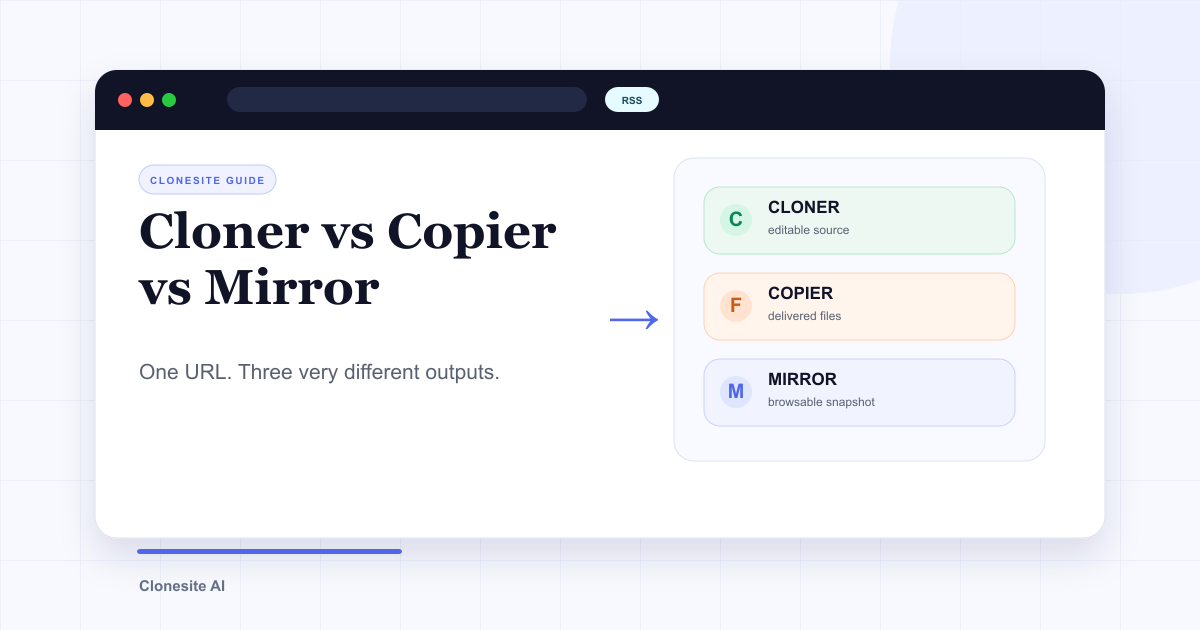 Website Cloner vs Website Copier vs Website Mirror: What Each One Actually SavesA website cloner rebuilds a public page as editable source, a copier downloads files the server sends, and a mirror preserves a browsable snapshot. Choose by what you need to edit, preserve, or publish afterward.
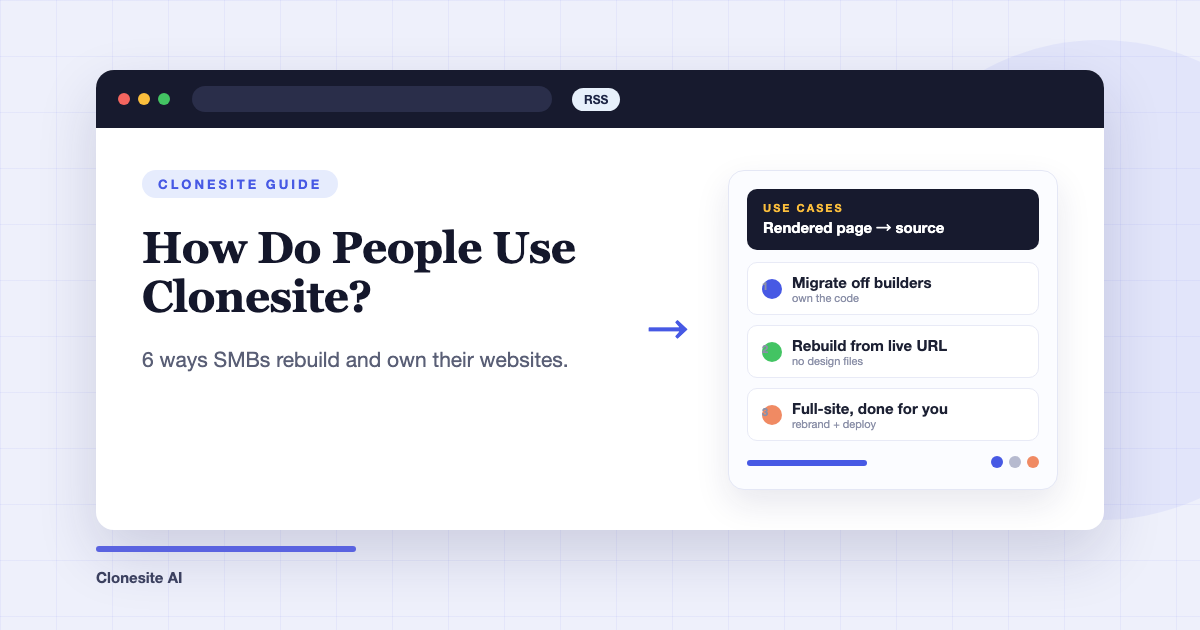 How Do People Use Clonesite? 6 Ways SMBs Rebuild and Own Their WebsitesPeople use Clonesite to turn any live web page into editable React and Tailwind source. The most common uses are migrating off site builders like Webflow and Framer, rebuilding an outdated site from its live URL, launching from a proven layout, and full-site done-for-you rebuilds.
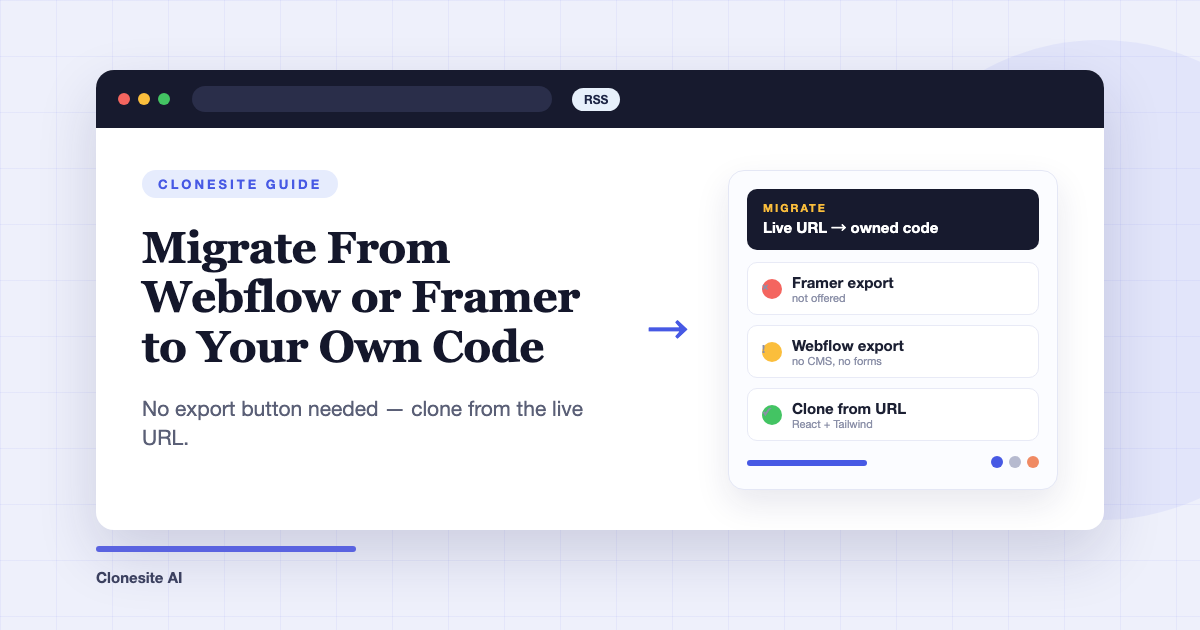 How to Migrate From Webflow or Framer to Your Own CodeTo migrate a site off Webflow or Framer, clone each page from its live URL into editable React and Tailwind source, rehost it on a static host, and keep your URL structure so rankings carry over. You don't need the platform's export feature — Framer doesn't offer one, and Webflow's omits CMS content and working forms.