Website Cloner vs Website Copier vs Website Mirror: What Each One Actually Saves
A website cloner rebuilds a public page as editable source, a copier downloads files the server sends, and a mirror preserves a browsable snapshot. Choose by what you need to edit, preserve, or publish afterward.
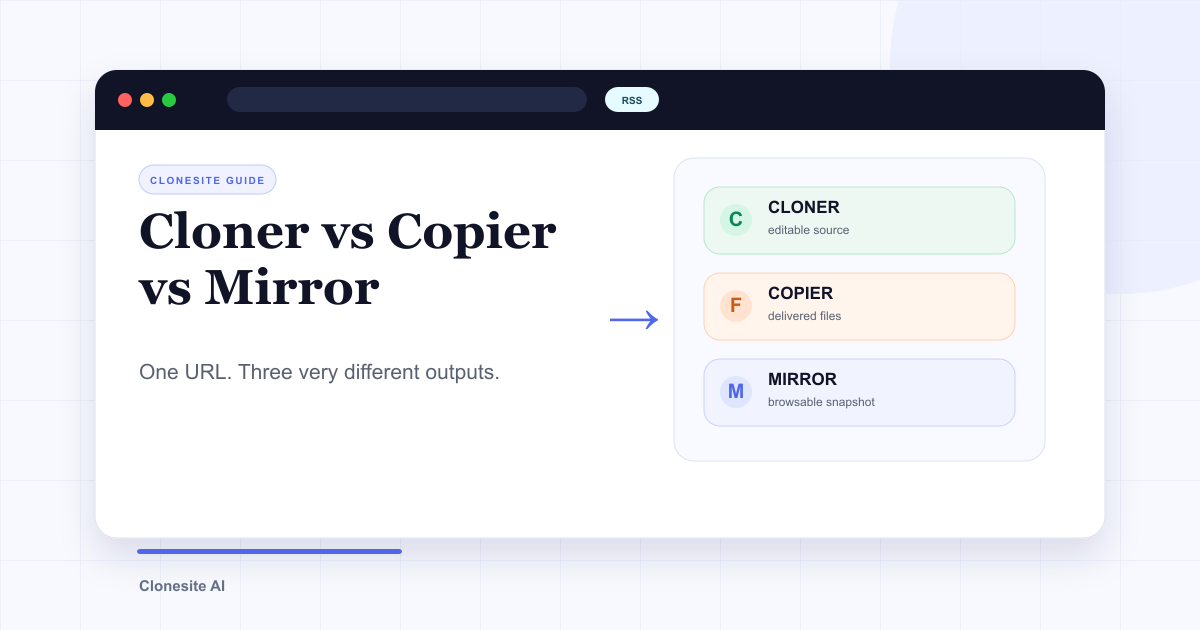
A website cloner rebuilds a public page as source you can edit. A website copier downloads the files the server sends. A website mirror preserves a linked snapshot for browsing later.
The words are often used interchangeably, but the outputs are not. Pick the wrong category and you may end up with a folder that looks complete but cannot be maintained, or a clean page scaffold when what you actually needed was an archive.
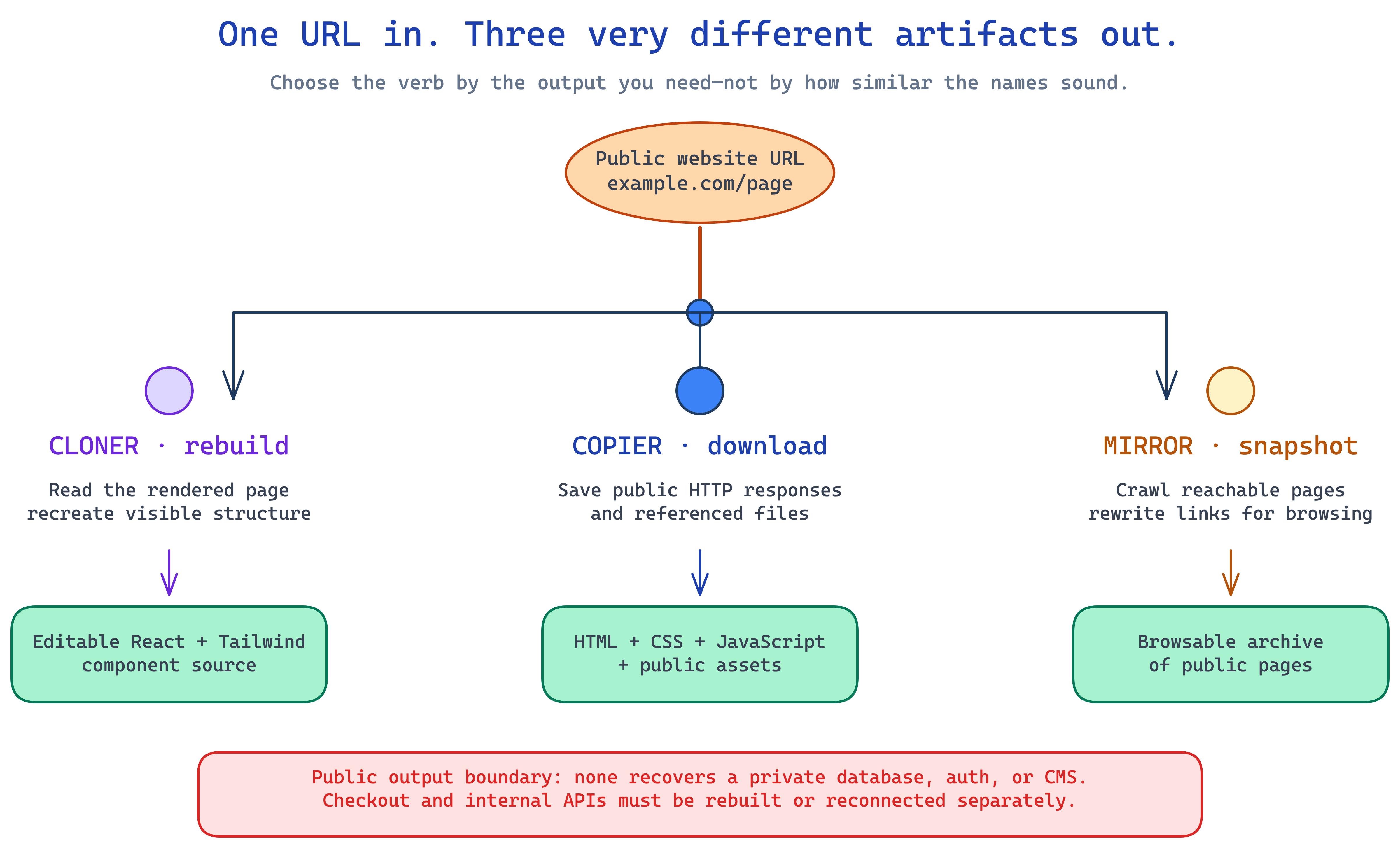
The input can be identical. The useful distinction is the artifact you expect to use next.
The practical difference
| Tool | Main goal | Typical output | Best use | Main limitation |
|---|---|---|---|---|
| Website cloner | Rebuild a page for editing | Structured HTML or framework source | Rebranding, prototyping, migration | Does not recover private backend logic |
| Website copier | Download delivered files | HTML, CSS, JS bundles, images | Inspection, debugging, local reference | Output reflects deployed bundles, not clean source |
| Website mirror | Preserve connected pages | Local snapshot with rewritten links | Archiving and offline browsing | Snapshot is not a maintainable new product |
None of the three automatically gives you the legal right to republish someone else's brand or content. They solve technical problems; permission and rebranding remain your responsibility.
What a website cloner does
A cloner starts from the rendered page at a public URL and produces a new implementation of its visible structure. A useful cloner captures the section order, spacing, typography, responsive behavior, and component patterns, then returns source you can change.
That makes a cloner the right choice when the next steps are:
- Rewrite the copy for your product.
- Replace the original logo, images, screenshots, and customer proof.
- Adjust colors, type, spacing, and components.
- Export the result into a codebase you control.
- Deploy the rebranded page on your own infrastructure.
Clonesite follows this model: paste a public URL and receive editable React and Tailwind source to review and rebrand. It does not promise the original site's private data, authentication, checkout, or application APIs, because a browser cannot expose those systems through the rendered page.
For the complete workflow, see how to clone a website from a URL.
What a website copier downloads
A copier requests a page and saves what it receives: HTML, stylesheets, scripts, fonts, images, and other public assets. Browser "Save Page As," command-line downloaders, and scraping tools can all fit this category.
That output is useful when you need to inspect a page offline or understand which files were delivered. It is less useful as the source for a new website because modern production pages often contain:
- Minified and code-split JavaScript bundles.
- Asset URLs tied to the original host or CDN.
- Runtime requests for data that was never in the downloaded files.
- Framework hydration code without the original components.
- Third-party scripts, analytics, and licensed fonts you should not carry forward.
You can edit the downloaded files, but "editable" is not the same as "maintainable." If the goal is to launch a rebranded page, rebuilding the visible structure as clean source is usually a better starting point than reverse-engineering a deployed bundle.
What a website mirror preserves
A mirror focuses on continuity. It saves multiple public pages and their assets, then rewrites links so the copy can be browsed from another location or without a network connection.
Mirrors are useful for:
- Preserving your own site before a migration.
- Keeping authorized documentation available offline.
- Recording a public reference for research or compliance.
- Capturing content before an infrastructure change.
A mirror is not the same thing as source ownership. It preserves a rendered state, including many of its deployment artifacts and external dependencies. It also becomes stale the moment the source site changes. Use it as a record, not as a maintainable application codebase.
Where "ripping a website" fits
"Ripping" usually means downloading as much public content as possible. It describes intent less clearly than copier or mirror: one person may mean an offline archive, another may mean extracting media, and another may mean republishing a copied site.
If you are choosing a tool, replace the slang with a concrete requirement:
- "I need an authorized offline snapshot" → use a mirror.
- "I need to inspect the files my server delivers" → use a copier or browser tools.
- "I need an editable, rebranded page from this public URL" → use a cloner.
- "I need data from many pages" → use a scraper built for structured extraction.
That one sentence prevents most category mistakes.
What none of these tools can recover
The public page is only the frontend evidence a browser receives. It does not reveal:
- Database schemas and private records.
- Authentication and authorization rules.
- CMS editing workflows.
- Payment, entitlement, and fulfillment logic.
- Private APIs, keys, or server-side jobs.
A downloaded checkout page is not a working payment system, and a mirrored account screen is not an authentication service. Treat backend behavior as a separate build or migration scope.
Choose by the output you need next
Use a copier or mirror if preservation is the goal. Use a cloner if transformation is the goal.
For a new site, the final test is simple: can you replace the original identity, edit the result as normal source, reconnect the behavior you actually need, and deploy it without depending on the source site? If yes, you have a workable scaffold. If not, you have a snapshot.
Before publishing any derivative work, read is it legal to clone a website?. When you are ready to produce editable source instead of a downloaded snapshot, try the AI website cloner.
FAQ
What is the difference between a website cloner and a website copier?+
A website cloner rebuilds a rendered page into source you can edit and rebrand. A website copier usually downloads the HTML, CSS, JavaScript, images, and other public files the server sends. The copied files may preserve the page for inspection but are rarely clean application source.
What is a website mirror?+
A website mirror is a local or hosted snapshot of public pages and assets, usually rewritten so links work inside the copy. It is useful for archiving or offline browsing, not for turning the site into a maintainable React project.
Can I copy a website and edit it?+
You can edit downloaded HTML and assets, but generated bundles, absolute links, runtime data, and missing backend behavior make the result difficult to maintain. If editing and rebranding are the goal, use a cloner that returns structured, editable source.
Can a website cloner copy the backend too?+
No. A public URL exposes rendered frontend output, not private databases, authentication rules, CMS workflows, checkout logic, or internal APIs. Those systems need to be designed or migrated separately.
Is it legal to mirror or clone a website?+
The tool does not decide legality. You need the right to use the content and assets you preserve. For a new site, keep reusable layout ideas but replace the original logo, copy, images, claims, and other protected identity before publishing.
Which option should I use to make a website from an existing URL?+
Use a cloner when you want editable source for a new, rebranded site. Use a copier for debugging or inspecting delivered files. Use a mirror when the goal is an archival or offline snapshot of content you are authorized to preserve.
Related guides
 Clone One Web Page or the Full Website? Scope, Cost, and Launch ChecklistClone one page when the value is concentrated in a landing page or prototype. Rebuild the full website when navigation, repeated page types, SEO URLs, forms, and a coordinated launch are part of the outcome.
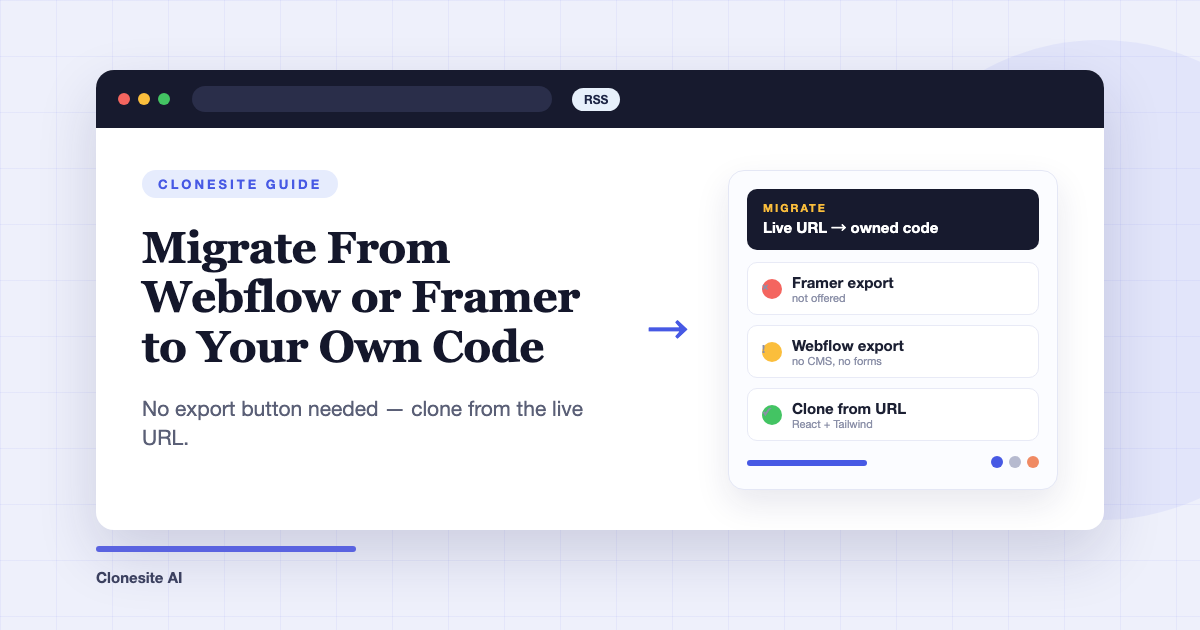
 How Do People Use Clonesite? 6 Ways SMBs Rebuild and Own Their WebsitesPeople use Clonesite to turn any live web page into editable React and Tailwind source. The most common uses are migrating off site builders like Webflow and Framer, rebuilding an outdated site from its live URL, launching from a proven layout, and full-site done-for-you rebuilds.
 How to Migrate From Webflow or Framer to Your Own CodeTo migrate a site off Webflow or Framer, clone each page from its live URL into editable React and Tailwind source, rehost it on a static host, and keep your URL structure so rankings carry over. You don't need the platform's export feature — Framer doesn't offer one, and Webflow's omits CMS content and working forms.