How Do People Use Clonesite? 6 Ways SMBs Rebuild and Own Their Websites
People use Clonesite to turn any live web page into editable React and Tailwind source. The most common uses are migrating off site builders like Webflow and Framer, rebuilding an outdated site from its live URL, launching from a proven layout, and full-site done-for-you rebuilds.
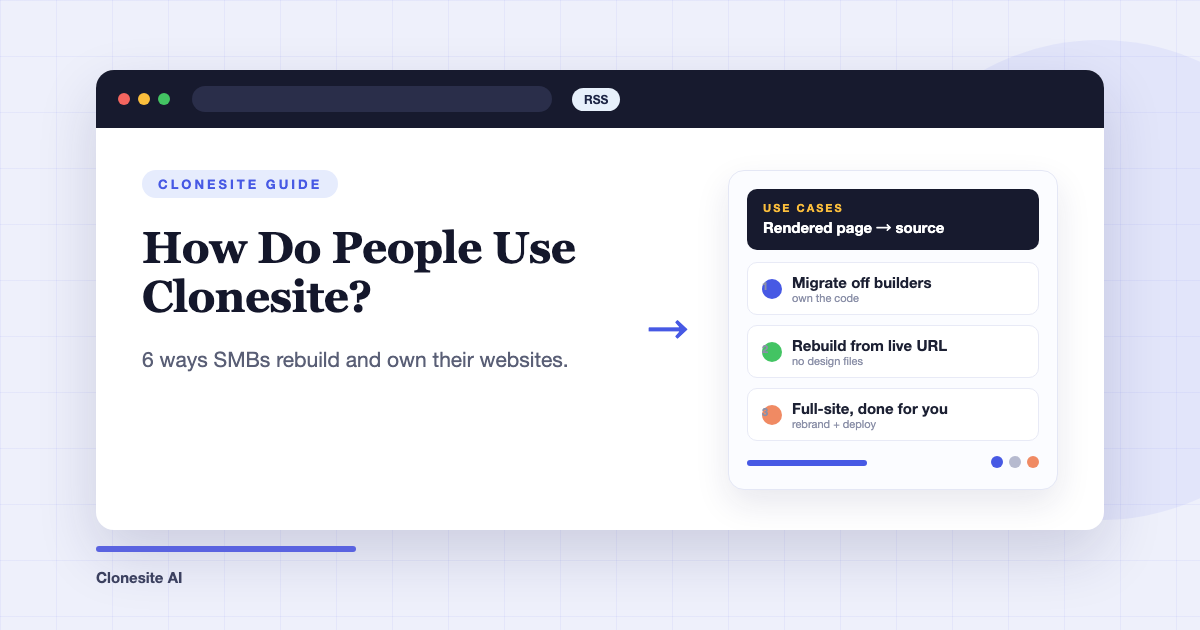
People use Clonesite to turn a live web page into editable React and Tailwind source code. In practice that one capability gets used in six recurring ways — and the heaviest users are small and mid-sized businesses moving their site off a hosted builder into code they own.
Here are the six patterns, starting with the most common.
1. Migrating off Webflow, Framer, or another site builder
The most common serious use is migration: an SMB pays a monthly stack of site plan, seats, and CMS limits on a builder, wants out, and discovers the export button doesn't deliver — Framer offers no code export at all, and Webflow's export drops CMS content and working forms. Clonesite sidesteps that by rebuilding each page from its live URL, so the platform's export policy stops mattering.
The profile is consistent: a business without an internal web team, maintaining its site through a builder subscription plus freelancers, that updates the site often and wants SEO growth the platform makes hard. After migrating, hosting drops to static-host pricing, edits stop being metered by seats, and the HTML that search and AI answer engines read is finally theirs to tune. The full walkthrough is in how to migrate from Webflow or Framer.
2. Rebuilding an outdated site with no design files
The second pattern is the company whose website outlived its source: the agency that built it is gone, the Figma files never existed, and nobody has touched the code in years. Because Clonesite works from the rendered page, the live site itself is the design file. Clone the current site, get clean React and Tailwind source, and modernize from there instead of starting a redesign from a blank page. Landing page redesign, before and after shows what that modernization step looks like.
3. Launching a new site from a proven layout
Founders and marketers clone a page whose structure demonstrably works — a competitor's pricing page, a SaaS landing page pattern — then replace every brand asset, claim, and line of copy with their own. The layout is scaffolding; the brand must be yours, which is also what keeps the practice legal — see is it legal to clone a website. Preview is free and starting a clone is $2, so testing a layout costs less than a stock template.
4. Making a cloned layout genuinely yours
A related pattern picks up after the clone: swapping type scale, color system, spacing, and imagery so the result stops reading as a copy. Because the output is editable source rather than a locked theme, this is ordinary React and Tailwind work — the moves are catalogued in design moves to make a clone your own.
5. Cloning through the API
Developers and agencies drive the same pipeline programmatically — submitting URLs and retrieving source as part of their own tooling, at agency scale rather than one page at a time. The setup is covered in clone websites with an API.
6. Handing the whole rebuild off
The last pattern is the SMB from pattern one that doesn't want to run the migration itself. Clonesite's full-site service clones every page, rebrands the result to your brand, and deploys it live — done for you, quoted individually. That's the path for teams with no developer on staff at all: contact sales or write to hello@clonesite.ai.
What ties the six together
Every pattern is the same trade: exchange a rendered page you can visit for source code you can own. Whether the goal is escaping builder pricing, reviving a site with no source, or shipping a proven layout under your own brand, the deliverable is identical — React and Tailwind you can host anywhere, edit with any developer or AI coding agent, and optimize for search and AI answers without a platform in the way.
FAQ
What do people use a website cloner for?+
The main uses are migrating a site off a hosted builder into code you own, rebuilding an outdated site from its live URL without design files, adapting a proven layout for a new business, and automating clones through an API. The common thread is turning a rendered page into editable source.
Who is Clonesite for?+
Mostly small and mid-sized businesses without an internal web team — companies maintaining their site on Webflow, Framer, or through freelancers — plus developers and agencies who want a live page as editable React and Tailwind source instead of rebuilding it by hand.
Can Clonesite migrate my whole site, not just one page?+
Yes. Single pages are self-serve — $39 for one page's source, $33 per page in the 3-pack. Full-site migrations are a done-for-you service with a custom quote — every page cloned, rebranded to your brand, and deployed live — arranged through contact sales.
Do I need design files or platform access to rebuild my site?+
No. Clonesite works from the public URL of the rendered page, so you don't need Figma files, platform exports, or even admin access to the old site. If a page is published and you can visit it in a browser, it can be rebuilt as editable source.
What does owning the code change in practice?+
Three things: hosting cost drops to static-host pricing instead of per-seat builder plans, any developer or AI coding agent can edit the site because it's standard React and Tailwind, and you gain full control of the HTML that search engines and AI answer engines read.
How fast is a clone ready?+
A clone usually takes about one to three hours from request to ready. Preview is free, starting a quality clone is $2 and refundable if the build fails, and downloading the editable source is a separate step you take after reviewing the preview.
Related guides
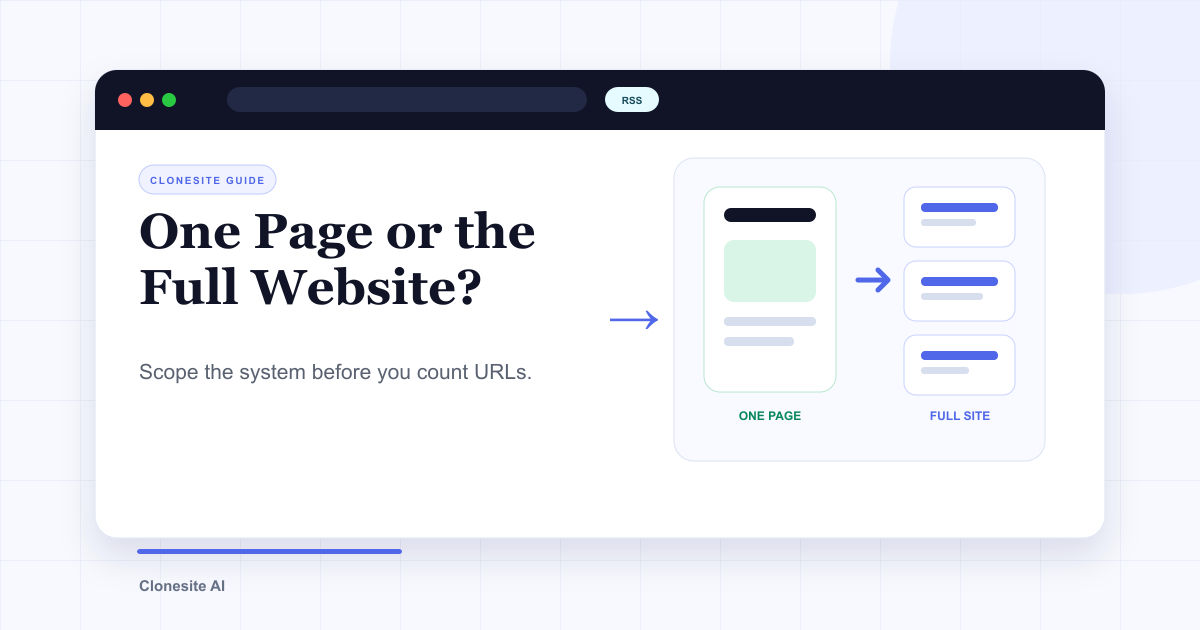 Clone One Web Page or the Full Website? Scope, Cost, and Launch ChecklistClone one page when the value is concentrated in a landing page or prototype. Rebuild the full website when navigation, repeated page types, SEO URLs, forms, and a coordinated launch are part of the outcome.
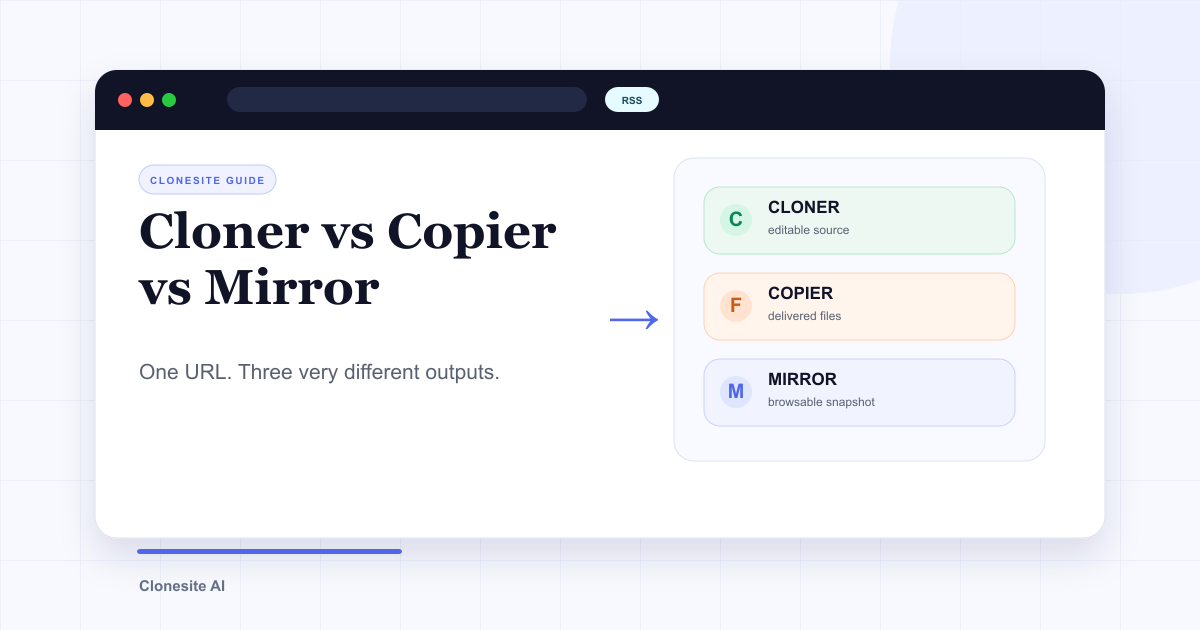 Website Cloner vs Website Copier vs Website Mirror: What Each One Actually SavesA website cloner rebuilds a public page as editable source, a copier downloads files the server sends, and a mirror preserves a browsable snapshot. Choose by what you need to edit, preserve, or publish afterward.
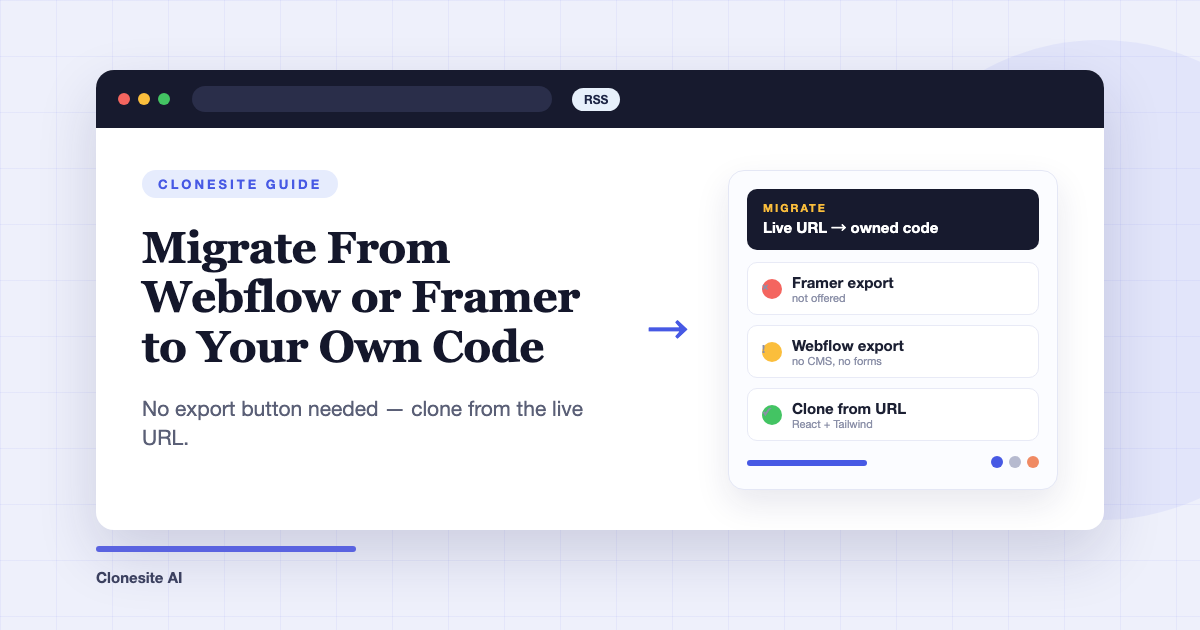 How to Migrate From Webflow or Framer to Your Own CodeTo migrate a site off Webflow or Framer, clone each page from its live URL into editable React and Tailwind source, rehost it on a static host, and keep your URL structure so rankings carry over. You don't need the platform's export feature — Framer doesn't offer one, and Webflow's omits CMS content and working forms.