How to Migrate From Webflow or Framer to Your Own Code
To migrate a site off Webflow or Framer, clone each page from its live URL into editable React and Tailwind source, rehost it on a static host, and keep your URL structure so rankings carry over. You don't need the platform's export feature — Framer doesn't offer one, and Webflow's omits CMS content and working forms.
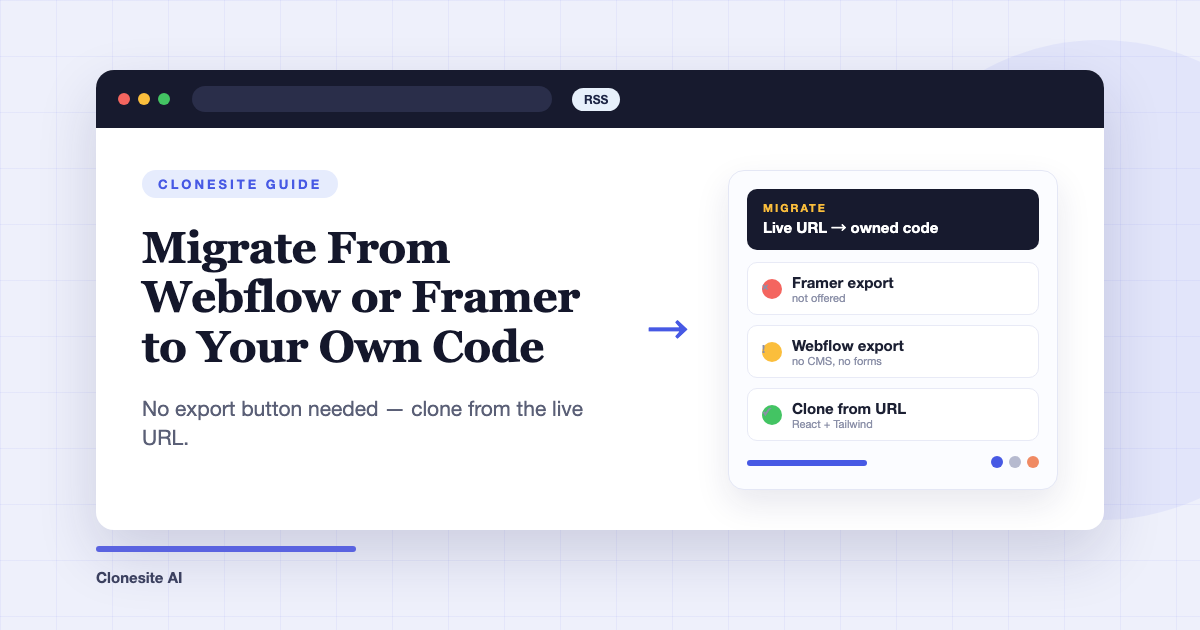
To migrate a website from Webflow or Framer, clone each page from its live URL into editable React and Tailwind source, deploy that code to a static host, and keep your URL structure so search rankings carry over. You do not need the platform's export button — Framer doesn't have one, and Webflow's export leaves out the parts most sites depend on.
This guide covers why the export route falls short, the URL-based alternative, a step-by-step checklist, and how to protect your SEO through the switch.
Why teams leave Webflow and Framer
Most migrations are driven by two compounding problems: unpredictable cost and a growth ceiling.
The cost problem is structural. Builder pricing stacks a site plan, workspace seats, CMS item limits, and bandwidth tiers, so the real annual spend is hard to predict and rises with every seat you add and every plan change the platform ships. Add a freelancer for the edits the builder can't do, and the total cost of ownership sits well above the sticker subscription.
The growth ceiling is quieter but costs more. On a hosted builder you don't control the HTML that search engines and AI answer engines read: semantic structure, structured data, canonical and hreflang tags, and internal-link markup are all mediated by the platform. CMS item limits cap programmatic SEO before it starts, and the builder's generated markup sets a floor on page weight you can't refactor away.
Can't you just export your code?
Not in any useful way — this is the trap that keeps sites on these platforms.
Framer has no code export. Framer's own help center states that it "does not offer HTML export for self-hosting" — published sites cannot be downloaded as static files or source code. What you built stays on Framer's servers.
Webflow's export is partial. Webflow documents that exported code excludes CMS content, e-commerce, user accounts, and localized pages — Collection lists render empty — and that forms and site search stop functioning on exported sites. Export is also gated to paid Workspace plans. What does export is machine-generated markup with generated class names and one large stylesheet, which is hard for a developer (or an AI coding agent) to maintain.
So the export button gives Framer users nothing and Webflow users a static shell of the pages that matter least.
Migrate from the live URL instead
The site you want to keep is already fully rendered at its public URLs — every CMS-bound page, localized page, and interaction included. A website cloner works from that rendered page, not from the platform's internals: paste a URL, and it reads the layout, spacing, type scale, responsive breakpoints, and components, then rebuilds the page as editable React and Tailwind source. How to clone a website walks through the mechanics.
This sidesteps the export problem entirely. It doesn't matter that Framer won't hand over files or that Webflow strips CMS pages from its export — if a page is published, it can be rebuilt as code you own.
Step-by-step migration checklist
- Inventory the site. List every published URL (your sitemap.xml has them), and note which pages are CMS-generated, which have forms, and any redirects already in place.
- Clone each page. Submit each URL — preview is free, and a quality clone starts at $2, refundable if the build fails. Each clone is ready in about one to three hours.
- Review previews, then download source. Check layout, breakpoints, and assets against the original before spending credits on the source download.
- Rewire the dynamic parts. Point forms at a form endpoint or your own API route, and decide whether CMS-style content becomes MDX files, a headless CMS, or plain components. This is the only genuinely technical step.
- Deploy to a static host. Cloudflare Pages, Vercel, or Netlify serve a site like this on free or near-free tiers — hosting stops being a line item that scales with seats or traffic tiers.
- Cut over DNS and verify. Point your domain at the new host, crawl the new site for broken links, and submit the sitemap in Search Console.
- Cancel the builder plan once you've confirmed traffic and rankings are stable — keep the old site up in parallel until then; nothing forces an instant switch.
How to keep your SEO during the migration
Preserve three things and rankings follow the content: URLs, on-page signals, and crawlability. Keep every URL path identical where possible and 301-redirect any that change. Carry over each page's title, meta description, heading hierarchy, and image alt text — a clone reproduces the rendered structure, but verify the head tags page by page. Regenerate the sitemap, keep canonical tags pointing at your own domain, and resubmit in Search Console so the swap is crawled quickly.
What you gain after the migration
Ownership converts the two original complaints into levers. Costs become transparent: source code you own, static hosting with published pricing, and edits done by anyone who can write React — no seats, no item limits, no plan tiers. And the SEO/AEO ceiling lifts: you control semantic HTML, schema.org structured data, hreflang, llms.txt, and internal-link architecture, and you can generate as many pages as your content strategy needs. AI answer engines cite pages they can parse cleanly; owning the markup is what makes that tunable.
When to hand the whole thing off
Cloning page by page suits a five-page marketing site. For a full site — every page, rebranded, deployed, with redirects handled — Clonesite offers a done-for-you full-site service with a custom quote: contact sales or write to hello@clonesite.ai. If you're still comparing approaches first, see how people use Clonesite for the common migration patterns.
FAQ
Can I export my code from Framer?+
No. Framer's help center states it does not offer HTML export for self-hosting — published sites cannot be downloaded as code. The practical way to move a Framer site is to rebuild it from its live, published URLs, which is what a website cloner does.
Does Webflow's code export include CMS content and forms?+
No. Webflow documents that CMS content, e-commerce, user accounts, and localized pages are not included in exported code, and forms and site search stop working. Export also requires a paid Workspace plan. Exports give you static markup of static pages only.
Will migrating off Webflow or Framer hurt my SEO?+
Not if you keep the same URL paths, titles, meta descriptions, and heading structure, and add 301 redirects for any URL that changes. Rankings attach to URLs and content, not to the platform. A faster, cleaner-markup rebuild often improves Core Web Vitals.
How long does a migration take?+
Each page clone takes about one to three hours from request to ready preview. A typical small-business site of five to fifteen pages can be cloned, reviewed, and redeployed within days — most of the calendar time goes to reviewing pages and wiring up forms, not to the clones themselves.
How much does it cost to migrate a site with Clonesite?+
Preview is free and starting a quality clone is $2, refundable if the build fails. Downloading one page's editable source is $39, or $33 per page in the 3-pack. Full-site migrations — every page, rebranded, deployed for you — are quoted individually via contact sales.
Do I need a developer to maintain the site after migrating?+
You need less ongoing help than on a builder, not more. The output is standard React and Tailwind, so any developer — or an AI coding agent like Claude Code or Cursor — can edit it. There are no seat fees, so occasional freelance edits replace a monthly subscription.
Related guides
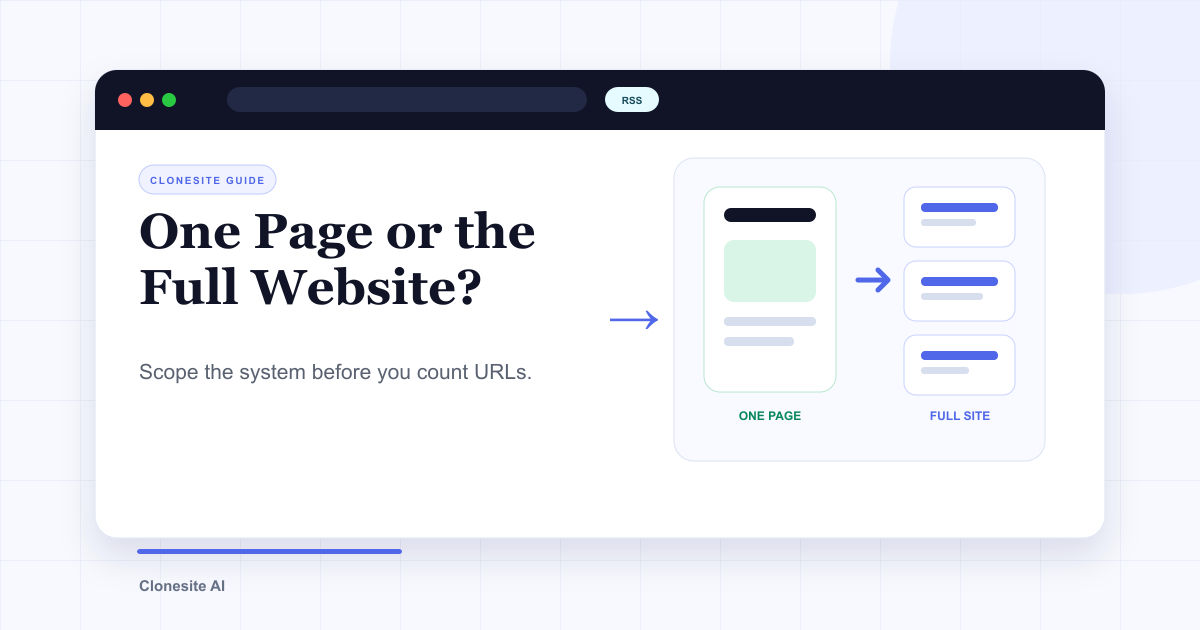 Clone One Web Page or the Full Website? Scope, Cost, and Launch ChecklistClone one page when the value is concentrated in a landing page or prototype. Rebuild the full website when navigation, repeated page types, SEO URLs, forms, and a coordinated launch are part of the outcome.
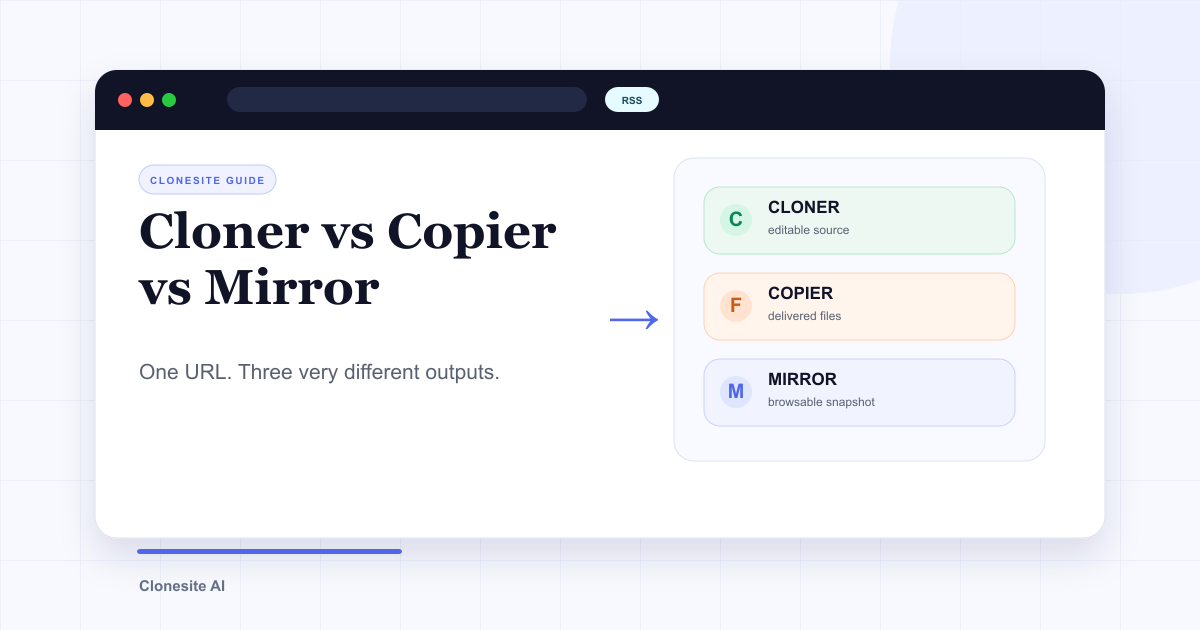 Website Cloner vs Website Copier vs Website Mirror: What Each One Actually SavesA website cloner rebuilds a public page as editable source, a copier downloads files the server sends, and a mirror preserves a browsable snapshot. Choose by what you need to edit, preserve, or publish afterward.
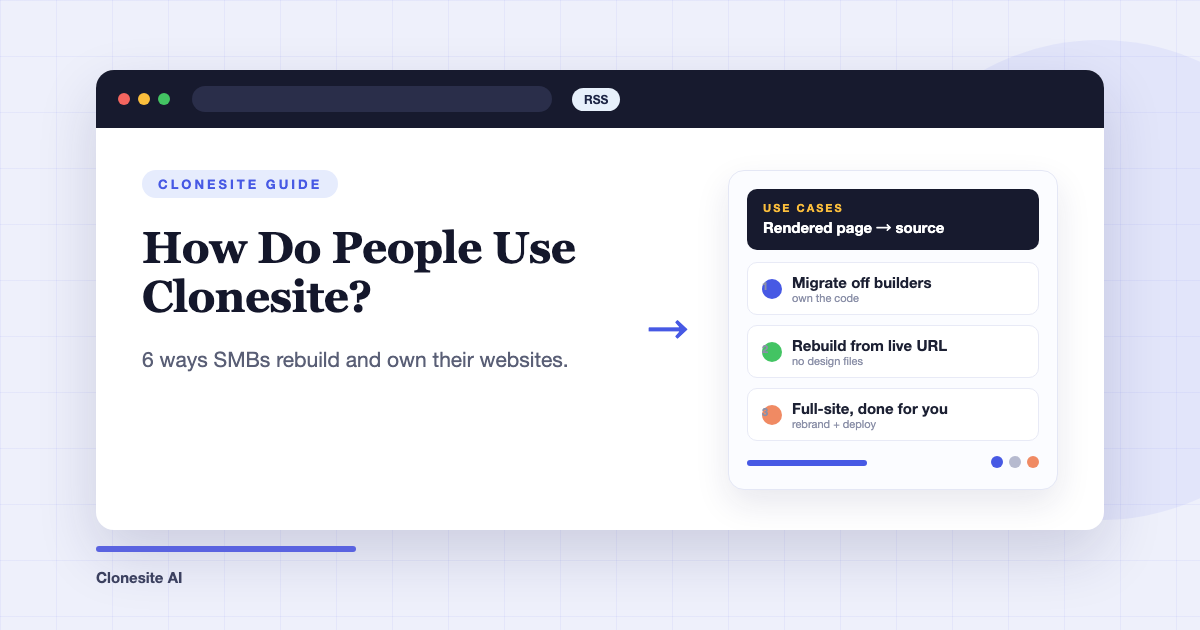 How Do People Use Clonesite? 6 Ways SMBs Rebuild and Own Their WebsitesPeople use Clonesite to turn any live web page into editable React and Tailwind source. The most common uses are migrating off site builders like Webflow and Framer, rebuilding an outdated site from its live URL, launching from a proven layout, and full-site done-for-you rebuilds.