URL Cloning vs Screenshot-to-Code vs Website Downloaders
URL cloning rebuilds a live page as editable source, screenshot-to-code infers a layout from pixels, and website downloaders save the files a server sends. The right input determines whether you get a maintainable scaffold, an approximation, or a snapshot.
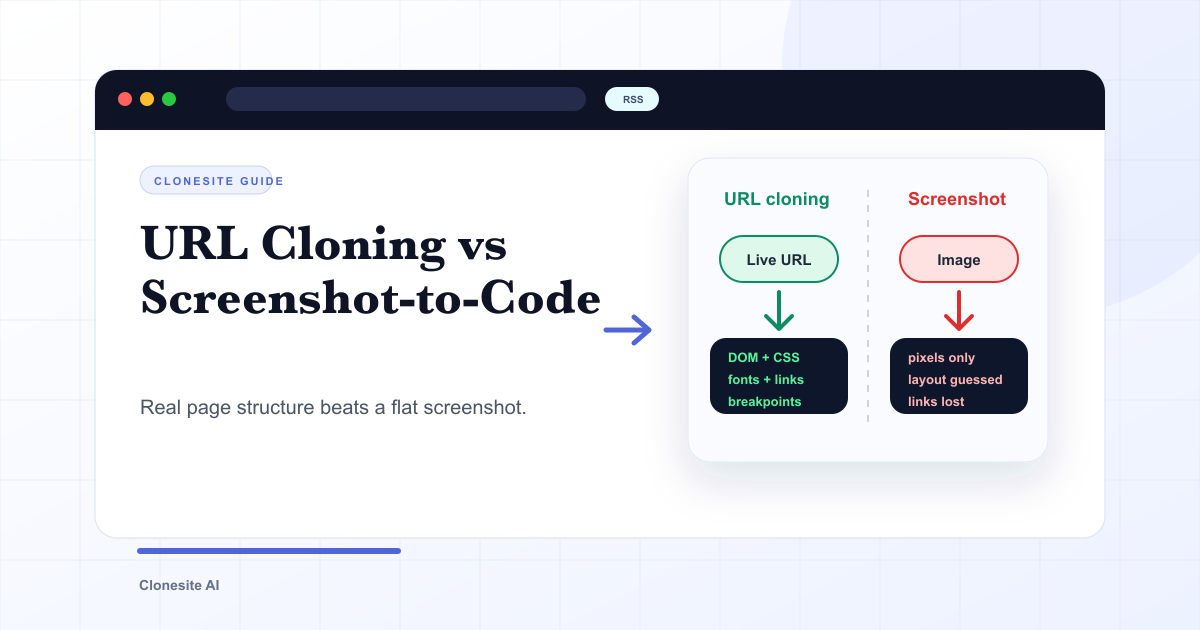
URL cloning, screenshot-to-code, and website downloaders can all begin with the same visual page, but they produce different things. URL cloning rebuilds a live page as editable source. Screenshot-to-code infers a layout from pixels. A downloader saves the public files the server sends. The right input and method determine whether you get a maintainable scaffold, an approximation, or a snapshot.
That gap is not academic. It shows up the moment you try to edit the result: a URL clone hands you real components you can adjust, while a screenshot clone hands you a best-effort approximation you often have to rebuild.
A downloaded copy is different again: it may preserve more original files than either generated approach, but those files are deployment output rather than the clean components, source structure, and private backend systems that created the page.
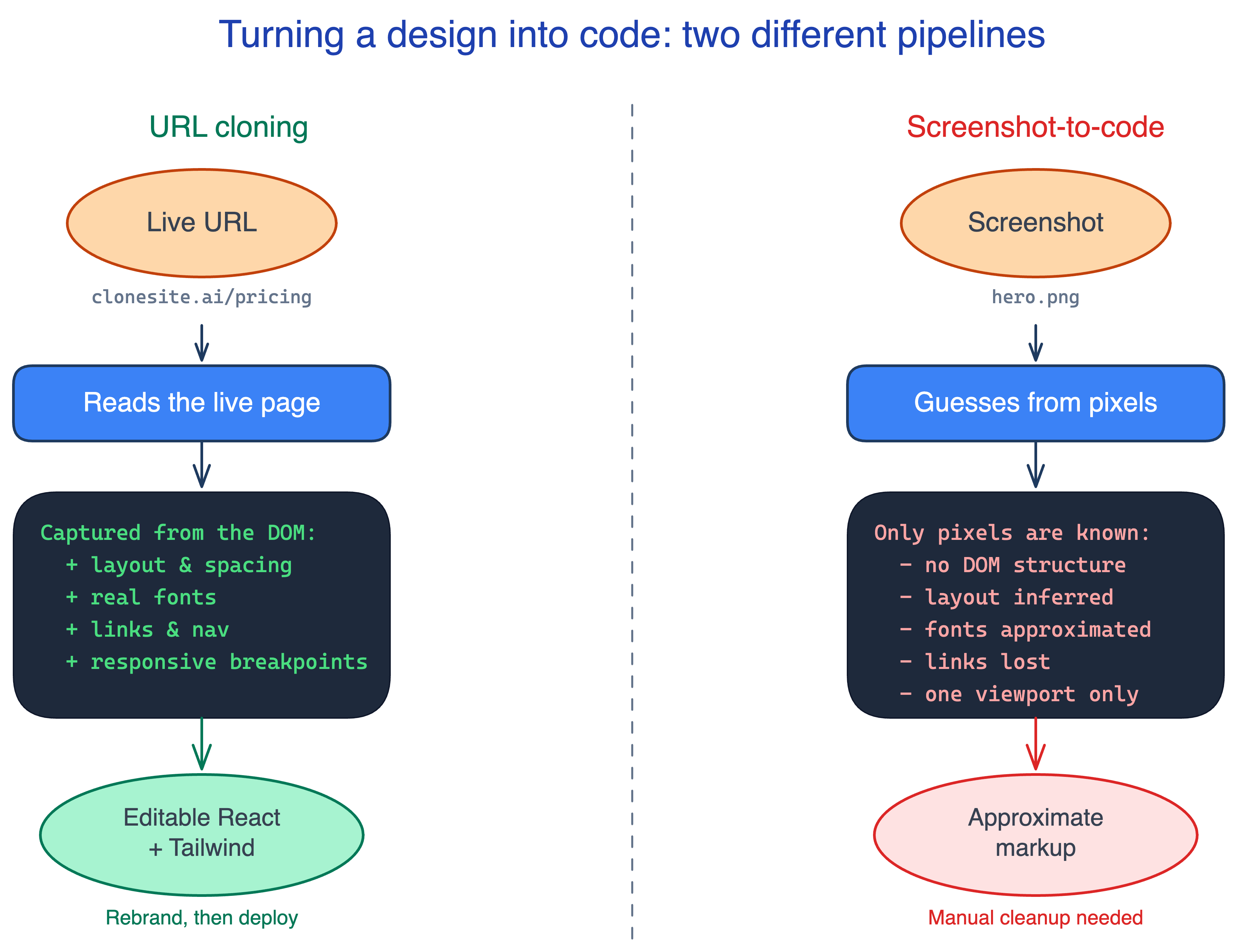
Why a URL carries more than a screenshot
A URL gives a cloner the live page; a screenshot gives it a photograph of the page. The live page carries everything a screenshot throws away:
- DOM structure — the real hierarchy of sections, headings, and components, not a flat grid of pixels.
- CSS and spacing — exact margins, padding, and the type scale, as authored, not measured back out of an image.
- Real fonts — the actual font families and weights, instead of a visual look-alike.
- Links and navigation — where every button and menu item points.
- Responsive behavior — how the layout reflows across mobile, tablet, and desktop breakpoints.
A screenshot is a single flat image of one moment, on one device, at one width. Everything above has to be re-invented from pixels. That is why a screenshot is fine for a static mockup and weak for a real, working page.
What screenshot-to-code gets wrong
Screenshot-to-code infers structure from an image, and inference drifts as designs get more complex. This is measurable, not just a talking point. In a 2024 study, Divide-and-Conquer: Generating UI Code from Screenshots, a direct screenshot-to-code prompt correctly reproduced only 40 of 1,699 visual elements in its motivating experiment. The failures grouped into three recurring types:
- Element omission — parts of the page simply go missing in the generated code.
- Element distortion — shapes, sizes, and colors come back wrong (a button recolored, a box resized).
- Element misarrangement — elements land in the wrong position or order relative to their neighbors.
Modern models are better than that baseline, and good tools add correction passes. But the failure modes are structural: when the only input is pixels, the model has to guess what the pixels mean, and complex or content-heavy pages give it more chances to guess wrong. Reading the real page removes the guess.
How Clonesite clones a website from a URL
Clonesite is URL-to-code: you give it a live web address, and it rebuilds the page as editable source rather than flattening it into an image. The flow is straightforward:
- Input is a URL, not an image. You paste the address of a public page. From there, the cloner has access to the page's real structure, not a screenshot of it.
- It reads the live page. It reconstructs the layout, spacing, type scale, links, and responsive behavior from the page as it actually renders — the components and rhythm that hold the page together.
- It outputs editable source. The result is React and Tailwind components you can preview in the browser, not a locked bundle or a flat export. For the end-to-end user workflow, see how to clone a website from a URL.
- You rebrand before publishing. Keep the layout and structure; replace the logo, copy, images, claims, and CTAs with your own.
Being URL-first is the whole point. Because the input is the live page, the output carries real structure instead of a reconstruction of a picture — which is exactly what makes the result editable instead of traceable.
What actually changes in the output
The input difference produces two very different deliverables:
| Dimension | URL cloning | Screenshot-to-code | Website downloader |
|---|---|---|---|
| Input | Live page at a URL | A single image | HTTP responses from public URLs |
| Layout | Rebuilt from rendered structure | Inferred from pixels | Preserved as delivered HTML and bundles |
| Fonts | Read from the live page | Visually approximated | Downloaded or externally referenced |
| Links / navigation | Reconstructed from the page | Lost | Preserved or rewritten for offline use |
| Responsive behavior | Rebuilt from live evidence | Usually one viewport | Whatever the deployed files contain |
| Output | Editable React + Tailwind | Approximate markup to clean up | Snapshot of deployed files |
The practical upshot: a URL clone is a scaffold you edit and ship; a screenshot clone is a starting sketch you often finish by hand; a download is a snapshot you preserve or inspect. None gives you the source site's private backend, and none gives you permission to republish its brand assets.
When a website downloader is the right tool
Use a downloader or mirror when preservation is the goal: an authorized offline archive, a record before your own migration, or a local copy for debugging public delivery. The saved HTML, bundles, and assets can show what the browser received, but they are rarely the source code a team wants to maintain.
Modern pages often depend on minified JavaScript, absolute CDN URLs, runtime data requests, licensed fonts, and third-party scripts. A downloader may save those references without recovering the components, build configuration, database, authentication, or CMS behind them. If you need a new, rebranded implementation, use a cloner; if you need a record, use a mirror.
For the full category breakdown, see website cloner vs website copier vs website mirror.
When screenshot-to-code is the right tool
Screenshot-to-code earns its place when there is no live URL to read. If your design only exists as a Figma frame, an image export, or a photo of a whiteboard, there is no page to point a URL cloner at, and inferring code from the image is the only option. In that case, expect to clean up layout and responsiveness afterward.
But if the design is already a live website, reading its URL beats guessing from a picture every time. The real structure is sitting there to be extracted; there is no reason to throw it away and reconstruct it from pixels. If you are choosing a tool for this, our guide to the best AI website cloner tools breaks the field down by input type.
Use the clone as a scaffold
Whichever path you take, the output is a starting point, not a finished page. Keep the layout patterns — they are common across the web and not protectable on their own — and replace the brand assets, copy, images, claims, and CTAs before you publish. For what is safe to reuse and what must be replaced, see is it legal to clone a website.
To see URL-to-code output on a real page, try the AI website cloner, browse worked examples in the clone examples hub, or, if you are building programmatically, use the website clone API. The bottom line: the input decides the output. Start from a URL and you get real structure to edit; start from a screenshot and you get a guess to fix.
FAQ
What is the difference between URL cloning and screenshot-to-code?+
URL cloning reads a live page's actual structure — its DOM, CSS, fonts, links, and responsive breakpoints — and rebuilds it as editable code. Screenshot-to-code starts from an image and infers structure from pixels, so it guesses at layout and loses fonts, links, and responsive behavior. URL cloning has real data to work from; screenshot-to-code has a picture.
Is Clonesite screenshot-to-code or URL-to-code?+
Clonesite is URL-to-code. You paste a live URL and it reads the real page — layout, spacing, type scale, links, and responsive behavior — then rebuilds it as editable React and Tailwind source. It does not flatten the page into a screenshot and guess; it works from the page's actual structure.
Why is a URL better than a screenshot for cloning a website?+
A URL gives a cloner the live page, so it can read the real DOM, exact CSS and spacing, actual font families, working links, and how the layout responds across viewports. A screenshot is a single flat image of one moment on one screen — it carries none of that structure, so anything built from it is an educated guess.
How accurate is screenshot-to-code?+
It depends on complexity, and it drifts as designs get richer. A 2024 study (Divide-and-Conquer, arXiv 2406.16386) found that a direct screenshot-to-code prompt correctly reproduced only 40 of 1,699 visual elements in its motivating test, with errors falling into element omission, distortion, and misarrangement. It is fine for simple static mockups, weaker on real, content-heavy pages.
When should I use screenshot-to-code instead?+
Use screenshot-to-code when no live URL exists — a design mockup, a Figma frame, or a photo of a sketch. If the design is already a live website, reading its URL beats guessing from an image every time, because the real structure is available to extract instead of infer.
What do I get when Clonesite clones a URL?+
You get editable React and Tailwind source — real components with the page's layout, spacing, type scale, and responsive breakpoints — that you can preview in the browser, rebrand, and deploy to Cloudflare, Vercel, or Netlify. It is source code to edit, not a screenshot to trace over.
Is downloading a website the same as cloning it?+
No. A downloader saves the public HTML, CSS, JavaScript bundles, and assets the server returns. URL cloning uses the rendered page as evidence and rebuilds it as structured source you can edit. One preserves deployment output; the other creates a maintainable scaffold.
When should I use a website downloader or mirror?+
Use a downloader or mirror when you are authorized to preserve a site for offline browsing, debugging, research, or archival purposes. Do not use it as a shortcut to a maintainable new product; deployed bundles and missing backend behavior make snapshots poor application source.
Related guides
 Clone One Web Page or the Full Website? Scope, Cost, and Launch ChecklistClone one page when the value is concentrated in a landing page or prototype. Rebuild the full website when navigation, repeated page types, SEO URLs, forms, and a coordinated launch are part of the outcome.
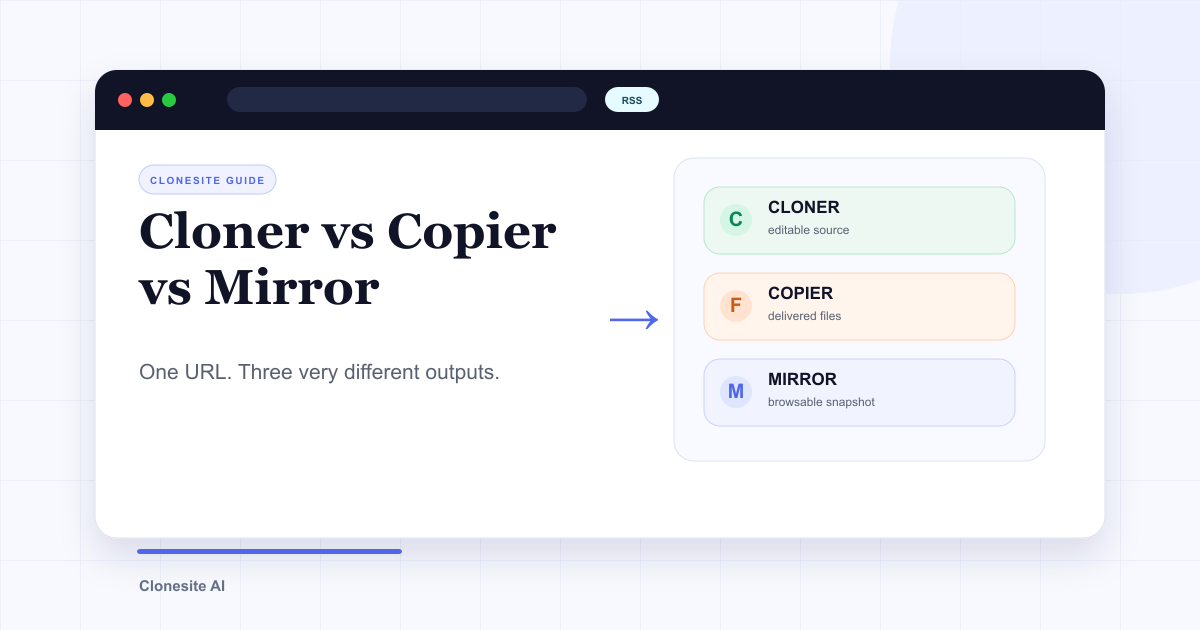 Website Cloner vs Website Copier vs Website Mirror: What Each One Actually SavesA website cloner rebuilds a public page as editable source, a copier downloads files the server sends, and a mirror preserves a browsable snapshot. Choose by what you need to edit, preserve, or publish afterward.
 How Do People Use Clonesite? 6 Ways SMBs Rebuild and Own Their WebsitesPeople use Clonesite to turn any live web page into editable React and Tailwind source. The most common uses are migrating off site builders like Webflow and Framer, rebuilding an outdated site from its live URL, launching from a proven layout, and full-site done-for-you rebuilds.