Best AI Website Cloner Tools in 2026
The best AI website cloner is the one whose input and output match your job — URL-to-code for reusing a real layout, screenshot-to-code for a static mockup, and prompt-to-site for building from scratch. Compare them by input type, editability, and export quality before you pick.
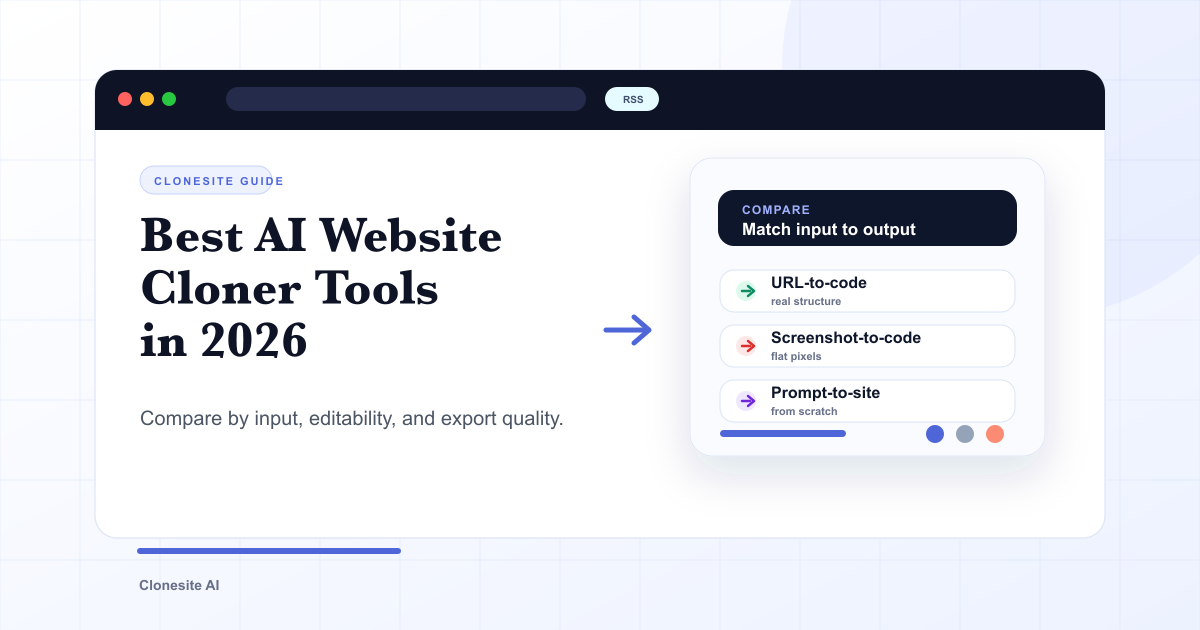
The best AI website cloner is the one whose input and output match your job. If you have a live URL and want code you can edit, use a URL-to-code cloner. If you only have an image, use a screenshot-to-code tool. If you have no reference at all, use a prompt-to-site builder. Pick by input type, editability, and export format — not by whichever tool claims to be "AI-powered."
Most roundups rank cloners as if they were interchangeable. They are not. A tool that turns a screenshot into HTML and a tool that reads a live page into React solve different problems, and the wrong category will waste more time than a weaker tool in the right one.
How to judge an AI website cloner
Judge any website cloner on five concrete dimensions before you compare brands:
- Input type — does it take a live URL, a screenshot, or a text prompt? This is the single biggest divider and it decides how much real information the tool has to work from.
- Editability of the output — do you get editable source code, or a flat export you can only look at? Editable source is what lets you rebrand and ship.
- Responsive fidelity — does it capture how the page behaves on mobile and desktop, or only one fixed viewport?
- Export format — React and Tailwind, plain HTML/CSS, a page builder's proprietary format, or a locked bundle? This determines where you can actually use the result.
- Rebrand workflow — how easily can you swap the logo, copy, colors, and images for your own?
A cloner that scores well on editability and rebranding beats one that produces a prettier but locked result, because a page you cannot edit is a page you cannot publish as your own.
The three categories of website cloner tools
Website cloner tools fall into three categories by input, and picking the category correctly matters more than picking the brand.
URL-to-code cloners
URL-to-code cloners take a live web address and rebuild the page as editable source. Because they read the real page — its DOM structure, CSS, fonts, links, and responsive behavior — the output carries the actual layout, not a guess. This is the category to use when you want to reuse a proven layout and then rebrand it. Clonesite is a URL-to-code cloner: paste a URL, get editable React and Tailwind components, edit them in a live preview, and export the source. For how that pipeline works in detail, see URL cloning vs screenshot-to-code.
Screenshot-to-code tools
Screenshot-to-code tools take an image and generate markup that approximates it. They are useful when a URL does not exist — a design mockup, a Figma frame, a photo of a whiteboard. The tradeoff is that a screenshot is pixels with no structure, so the tool has to infer layout, and responsive behavior and real fonts are lost. Choose this category only when you genuinely have no live page to point at.
Prompt-to-site builders
Prompt-to-site builders (often marketed as AI website builders) generate a new page from a text description with no reference page at all. They are the right tool when you want an original design and have nothing to clone. They are the wrong tool when you specifically want to reproduce a layout you already admire — there is no source page for them to read. For the full contrast, see AI website builder vs cloner below.
What the top-ranking website cloner tools have in common
Search "website cloner" and the first page is dominated by hosted tools and landing pages — UX Pilot, AIDesigner, Kloner, websitecloner.io, Same.new, Codetap, and Anima among them. They differ in detail, but the ones that actually help you ship share three traits:
- They produce editable output, not just a preview. A clone you can only view is a demo. A clone you can edit is a starting point.
- They target real code, not a proprietary lock-in. Output in React, Tailwind, or clean HTML/CSS travels; output trapped in one platform's format does not.
- They are honest about scope. Good tools describe cloning as a scaffold to rebrand, not as a one-click copy of someone else's finished site.
Use those three traits as your filter. A tool that fails any of them will slow you down no matter how polished the marketing is.
AI website builder vs AI website cloner
An AI website builder starts from nothing; an AI website cloner starts from a real page. That single difference decides which you want. A builder is right when you have no reference and want an original design generated from a prompt. A cloner is right when a page already exists whose layout, spacing, and structure you want to reuse as a scaffold. Many teams use both: a cloner to get a proven layout fast, then hand-editing to make it original. If you are weighing the broader category, our AI website cloner page explains where URL-based cloning fits.
How to choose the right cloner for your job
Match the tool to what you actually have and what you need to ship:
- You have a live URL and want to reuse the layout → a URL-to-code cloner that exports editable React and Tailwind. This is the most common real-world case — see how to clone a website for the full workflow.
- You only have an image or mockup → a screenshot-to-code tool, accepting that structure and responsiveness will need cleanup.
- You have no reference and want something original → a prompt-to-site builder.
- You are an agent or script, not a person → a cloner with an API. See our website clone API for the developer path.
Whatever you pick, the legal reality is the same: a clone is a scaffold. Keep the layout patterns, replace the logo, copy, images, claims, and CTAs with your own before publishing. See is it legal to clone a website for what is safe to reuse.
When a service is better than another tool
Adding more automation does not solve a migration whose missing piece is ownership. If the job includes a complete URL inventory, shared components, rebranding, forms, analytics, redirects, responsive QA, and deployment, compare the cost of finishing those steps yourself with a done-for-you service.
Use a tool when the page is the project. Use a service when the site and its launch are the project. The website cloning service vs AI website cloner guide breaks down scope, cost shape, timeline, and source ownership. If you are unsure how large the job is, start with one page vs the full website.
Where Clonesite fits
Clonesite is a URL-to-code cloner built for the most common case: you have a live page whose layout you want, and you need editable code you can rebrand and deploy. Paste a URL, get an editable preview usually within one to three hours, rebrand it, and export React and Tailwind source you can deploy to Cloudflare, Vercel, or Netlify. Preview is free; the paid build gate shows the current per-clone rate before checkout, and downloading the source costs credits. Current rates and packs are on the pricing page, and you can see real cloned examples in the clone examples hub.
If you are comparing Clonesite against a specific tool, our head-to-head pages — for example Clonesite vs UX Pilot — lay out where each is the better choice. And if you want to see the output before deciding, browse a worked example like the Stripe clone.
The honest summary: there is no universal "best" AI website cloner. There is the right category for your input, and within it, the tool that gives you editable, rebrandable source. Start from the job, not the brand.
FAQ
What is the best AI website cloner?+
There is no single best AI website cloner — the right one depends on your input and output. If you have a live URL and want editable code, choose a URL-to-code cloner. If you only have an image, a screenshot-to-code tool fits. If you have no reference at all, a prompt-to-site builder is the match. Compare by input type, editability, and export format before deciding.
What should I look for in a website cloner?+
Judge a website cloner on five things — what input it accepts (URL, screenshot, or prompt), whether the output is editable source or a flat export, whether it captures responsive breakpoints, what code it exports (React, Tailwind, HTML), and how it handles rebranding. Editable source that you can rebrand beats a pixel-perfect but locked result.
Is there a free website cloner?+
Most AI website cloners offer a free tier for previewing or a limited number of pages, then charge for source export or higher usage. Clonesite lets you preview a clone for free, shows the current paid build rate before checkout, and charges credits for editable source downloads. Always check whether "free" covers the source download, which is the part you usually need.
What is the difference between a website cloner and an AI website builder?+
A website cloner starts from an existing page and rebuilds its structure as code you can edit. An AI website builder starts from a blank canvas and a prompt, generating a new page with no source reference. Use a cloner when you want to reuse a proven layout; use a builder when you have no reference and want an original design.
Can an AI website cloner copy a site exactly?+
No tool clones a site perfectly, and you should be wary of any that promises it. A good cloner reproduces layout, spacing, type scale, and responsive behavior closely, but dynamic data, backend logic, and licensed assets do not transfer. Treat the output as an editable scaffold you rebrand, not a finished copy.
Which website cloner gives editable React and Tailwind code?+
URL-to-code cloners that target modern component frameworks export editable React and Tailwind source rather than flat HTML or a locked bundle. Clonesite rebuilds a page from its URL into editable React and Tailwind components you can preview, edit, rebrand, and deploy to Cloudflare, Vercel, or Netlify.
Is a website copier or mirror the same as an AI website cloner?+
No. A copier downloads public files and a mirror preserves a linked snapshot. An AI website cloner rebuilds the rendered page as editable source. Use a copier or mirror for authorized preservation; use a cloner when the next step is rebranding and publishing a new implementation.
Should I use a website cloning service instead of a tool?+
Use a service when the outcome includes a full multi-page site, rebranding, forms, analytics, redirects, deployment, or an owner for the complete migration. Use a self-serve cloner when you need one page or a small set of pages and can finish the work yourself.
Related guides
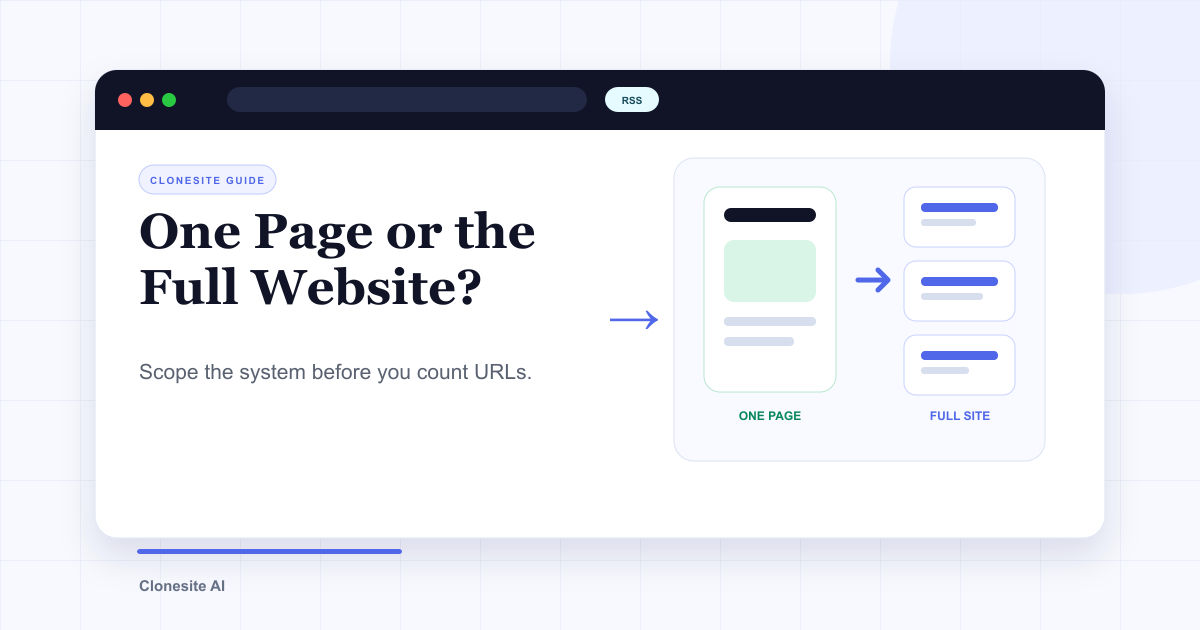 Clone One Web Page or the Full Website? Scope, Cost, and Launch ChecklistClone one page when the value is concentrated in a landing page or prototype. Rebuild the full website when navigation, repeated page types, SEO URLs, forms, and a coordinated launch are part of the outcome.
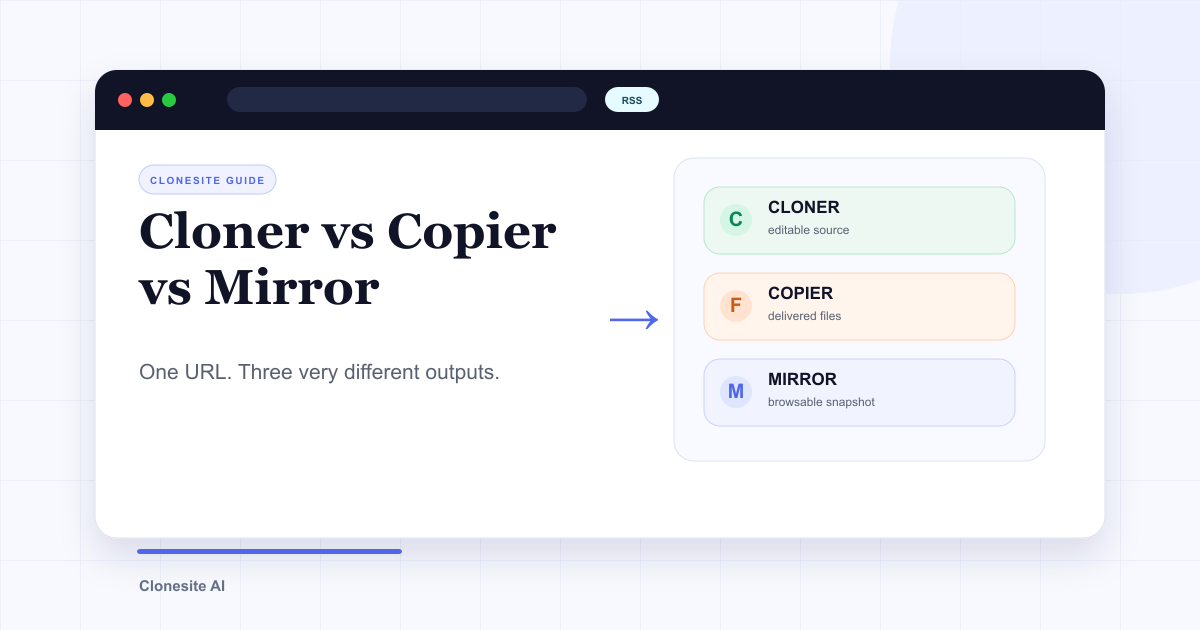 Website Cloner vs Website Copier vs Website Mirror: What Each One Actually SavesA website cloner rebuilds a public page as editable source, a copier downloads files the server sends, and a mirror preserves a browsable snapshot. Choose by what you need to edit, preserve, or publish afterward.
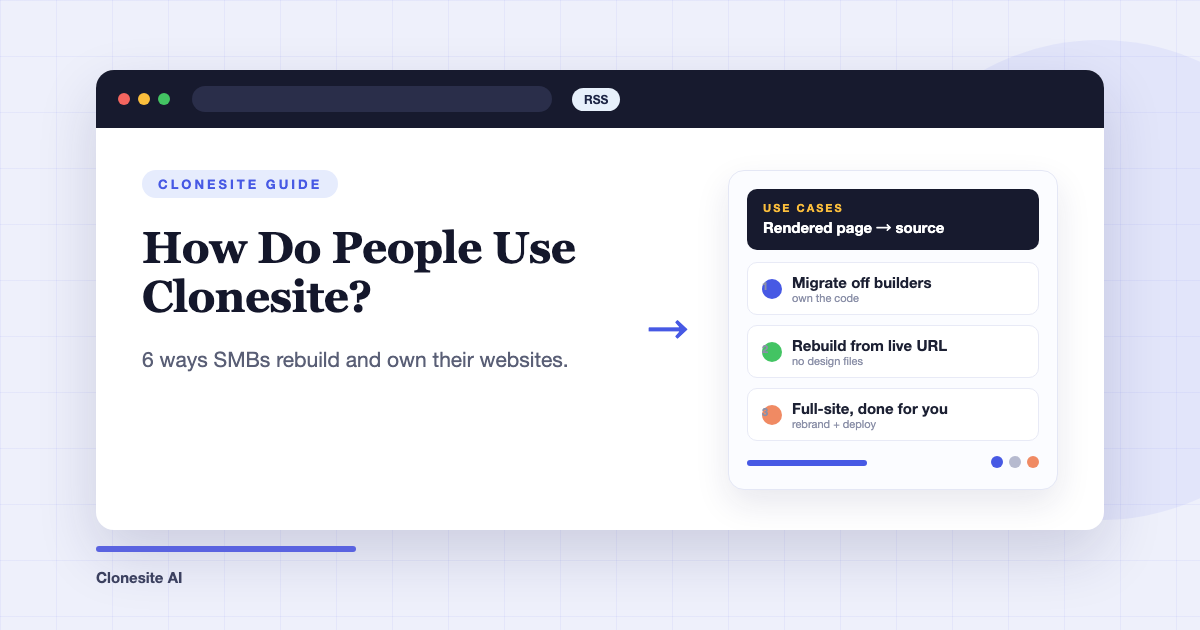 How Do People Use Clonesite? 6 Ways SMBs Rebuild and Own Their WebsitesPeople use Clonesite to turn any live web page into editable React and Tailwind source. The most common uses are migrating off site builders like Webflow and Framer, rebuilding an outdated site from its live URL, launching from a proven layout, and full-site done-for-you rebuilds.